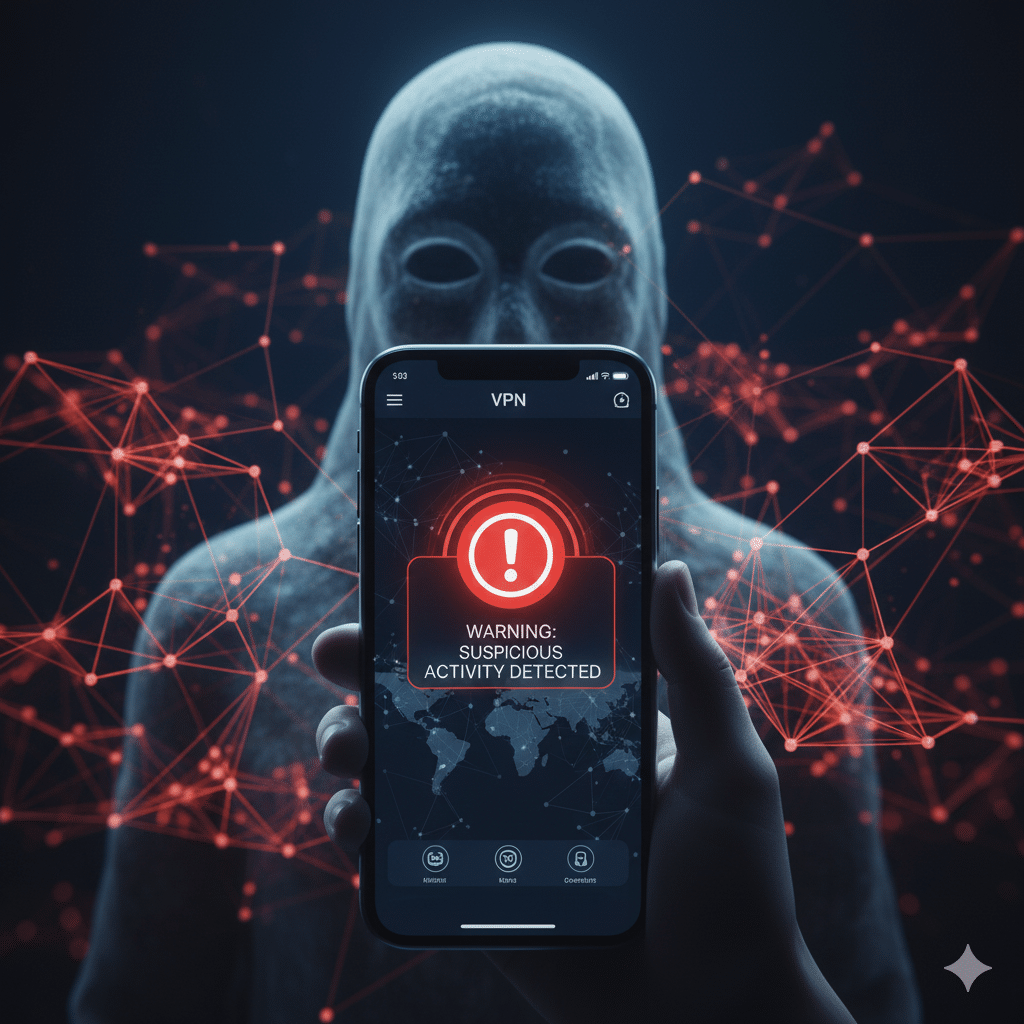

In a sobering alert this November 2025, Google’s Trust & Safety team issued a detailed fraud advisory warning users about a new and dangerous trend: malicious VPN apps masquerading as genuine privacy tools but secretly serving as malware delivery systems(Fake Malicious VPN Apps). Far from being harmless free utilities, these apps exploit people’s trust in VPNs to harvest sensitive information — from browsing history to financial credentials. As demand for privacy tools grows, so do the risks. Google’s latest warning is a wake-up call for anyone using or planning to install a VPN on their Android device.
The Big Problem: Fake VPNs as Malware
According to Google’s Fraud & Scams Advisory, threat actors are increasingly pushing bogus VPN apps and browser extensions. These apps impersonate well-known VPN brands or use slick marketing tactics — such as sexually suggestive ads or fear-based messaging tied to current events — to lure unsuspecting users.
Once installed, these apps don’t just offer “free protection”: they may hide info-stealers, remote access trojans (RATs), or banking malware, quietly siphoning off data like private messages, wallet credentials, and more. This isn’t just about shady data practices — these malicious VPNs represent a full-scale security threat.
Why This Is Particularly Dangerous
Trust Exploitation
VPNs are widely recognized as tools for privacy and security. Scammers are weaponizing that trust, creating apps that look legitimate and claiming they “protect” you — all while doing the opposite.
Aggressive Distribution Channels
Many of the fake apps use pushy distribution methods: popup ads, third-party websites, and cloned social media accounts.This means danger isn’t limited to shady APKs — even users trying to do the “right” thing by downloading from somewhere may be at risk.
Over-Permissions
Google specifically warns that real VPN apps should not request overly sensitive permissions. If a “VPN” app is asking for access to your contacts, photos, messages, or similar data, that’s a major red flag.
Sideloading Risks
Installing apps from outside the Google Play Store is especially risky. Google notes that sideloaded VPN apps are a common vector for malware disguised as “secure” tools.
What Google Is Doing to Protect Users
Google is not just sounding the alarm — it’s also encouraging users to take active steps to defend themselves.
Enable Google Play Protect: Google’s built-in security scans can help catch potentially harmful apps before they’re installed.
Watch for the Verified VPN Badge: On Google Play, look for apps that carry a “VPN” verification badge — Google only awards this badge to VPN apps that complete a Mobile Application Security Assessment (MASA) Level 2, have at least 10,000 installs, 250 reviews, and submit data-safety details, among other requirements.
Be Critical of Permissions: A legitimate VPN should rarely ask to access your messages, photos, or contacts. If it does, that’s a warning sign.
Avoid Unofficial Sources: Stick to the Google Play Store for trusted VPN apps. Avoid sideloading from unknown sites or pop-up ads.
Google also describes a pilot of enhanced fraud protection that analyzes and blocks risky installations, especially when users download apps via sideloading.
Expert Take
Cybersecurity experts are sounding the alarm too. As Daniel Card, a Fellow of the Chartered Institute for IT (BCS), told TechRadar, the danger is deeply ironic: “in the hunt for privacy, users can inadvertently download apps that perform the ultimate privacy invasion.” He notes that while many of us have gotten smarter about avoiding phishing and obvious scams, “VPN risks remain under-appreciated, especially when the app looks so legitimate.”
Meanwhile, security firms like Kaspersky have historically tracked surges in fake VPN apps — in fact, Kaspersky found that in Q3 2024, the number of users encountering malicious VPN-posing apps increased 2.5x versus the previous quarter.
Learn more than TELUS Launches Quantum-Safe VPN Service to Future-Proof Security
Conclusion — Stay Vigilant, Stay Safe
Google’s November 2025 advisory is more than just a warning — it’s a reminder that not all VPNs are trustworthy. While VPNs are powerful tools for preserving privacy, they’ve also become a vector for fraud and malware. The same tool meant to protect you could be used to compromise your device and data.
To stay safe:
Download only from Google Play and trusted sources.
Use Google Play Protect and enable enhanced fraud protection.
Uninstall any VPN apps that ask for unusual permissions.
Prefer apps that carry Google’s “Verified VPN” badge.