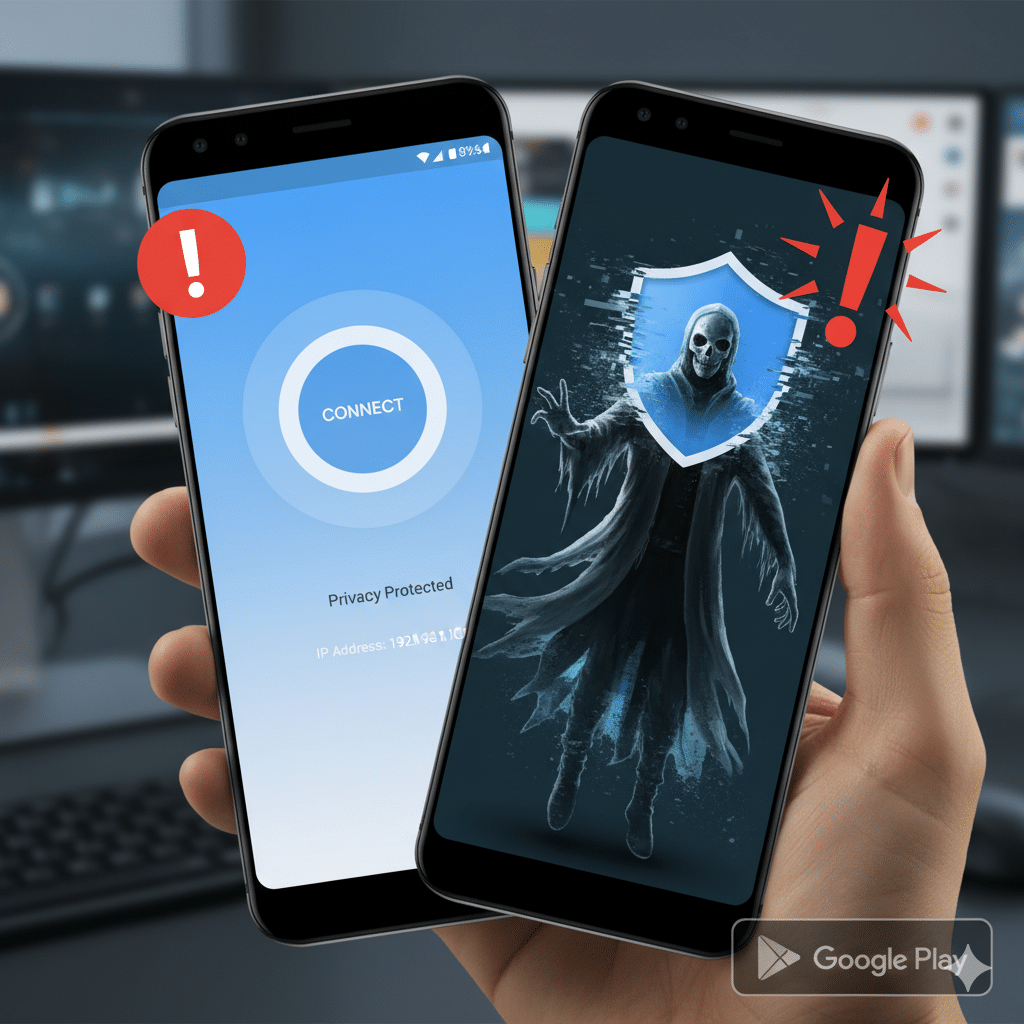

In November 2025, Google issued a stark warning through its latest Fraud & Scams Advisory: cybercriminals are increasingly distributing malicious apps disguised as trustworthy VPN services(Malicious VPN Apps). These impostor VPNs don’t just fail to protect — they actively compromise user security by delivering malware.
Why This Warning Matters
Virtual Private Networks (VPNs) are widely regarded as a strong layer of defense for online privacy — encrypting traffic, hiding IP addresses, and giving users more control over how and where their data flows. But when the VPN itself becomes malicious, the consequences are grave. Google’s alert reveals that threat actors are exploiting the high demand for VPNs by impersonating real VPN brands, making fake apps that look and feel legitimate, and luring users with seductive advertisements.
Once these rogue VPNs are installed, they can unleash a variety of malware, including info-stealers, banking trojans, and remote-access tools (RATs). These payloads don’t just compromise privacy — they can siphon financial credentials, browsing history, messages, and even cryptocurrencies.
How Attackers Are Luring Users In
Google’s advisory highlights several tactics used by malicious actors:
Impersonation of legitimate VPN brands: Fake apps often mimic real, well-known VPN providers to gain trust.
Aggressive, manipulative marketing: Threat actors use fear, urgency, or even sexually suggestive ads to entice downloads.
Download from non-official sources: Many of these apps propagate through sideloaded links, ads, or third-party stores — not just via Google Play.
Excessive permissions: Malicious VPNs may request unrelated permissions (e.g., contacts, camera, SMS), which legitimate VPNs wouldn’t usually need.
The Malware Inside: What These Fake VPNs Do
When users think they’re installing a privacy tool, they may inadvertently be unleashing a Trojan. Google reports that once installed, these fake VPNs can:
Run info-stealer modules to extract data such as browsing habits or credentials.
Deploy banking Trojans that monitor or hijack financial activity.
Install remote administration tools, giving attackers deep access to the device.
In some documented cases, malware like Playfulghost — a backdoor with capabilities similar to the Gh0st RAT — has been found hiding inside VPN apps. Once active, this malware can log keystrokes, take screenshots, record audio, and manage files. The irony: an app marketed to secure your data becomes the very tool exposing it.
How Google Is Responding — And What You Can Do
Google isn’t just sounding the alarm — it’s also providing practical guidance to stay safer:
Install only from trusted sources
Stick to the official Google Play Store when downloading VPN apps. Avoid sideloading VPNs from shady links or unverified websites.
Enable Google Play Protect
Google recommends turning on Play Protect, which helps scan for harmful apps.
Look for the “VPN Verified” badge
Google now provides a “Verified” badge for VPN apps that meet specific security and privacy criteria — including a Mobile Application Security Assessment (MASA) Level 2, minimum installation count, and independent security review.
Check app permissions carefully
A legitimate VPN doesn’t need access to your contacts, messages, or camera. If an app requests those, treat it as a red flag.
Be skeptical of “too good to be true”
Free, unlimited VPNs or heavily-promoted ones should be scrutinized. Ask yourself: who is paying for this “free” service?
Expert Insight & Wider Context
Cybersecurity veteran Daniel Card, a Fellow of BCS (Chartered Institute for IT), emphasized to TechRadar that the danger is rooted in trust:
“A tool meant to be a shield is, in fact, a weapon … behind the friendly interface, these apps are designed to betray the user.”
Meanwhile, the issue isn’t entirely new. Kaspersky reported already in 2024 that malicious VPN-posing apps surged globally — up to 2.5× more users encountered these threats compared to the previous quarter. This underscores that Google’s warning in 2025 is part of a broader, persistent trend.
Conclusion — Protecting Yourself from the VPN Trap
VPNs are powerful tools for protecting privacy — but they’re only as safe as the app delivering them. Google’s alert reveals a troubling reality: some threat actors mask malware under the guise of security, turning what should be a privacy shield into a vehicle for espionage and data theft.
To navigate this landscape safely:
Prioritize VPNs with verified badges.
Stick to official sources and avoid shady downloads.
Monitor app permissions and remain skeptical of “free unlimited” claims.
In the quest for privacy, vigilance is your best VPN. Don’t let a malicious app turn your protector into a predator.