
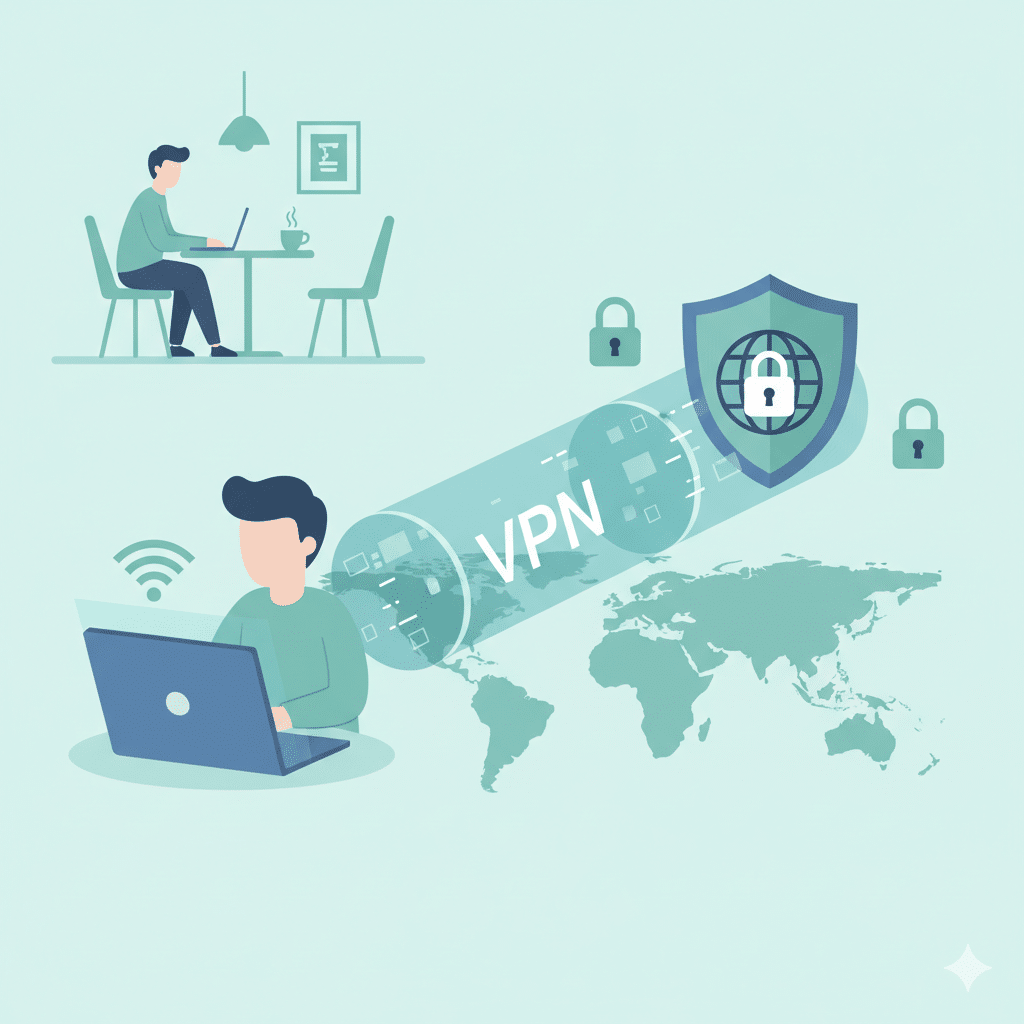

Understanding how How Do You Use A Vpn applies in real enterprise environments requires more than a consumer-grade walkthrough. IT managers and network engineers expect clarity on protocols, authentication, routing behavior, and the operational impact of tunneling. This guide addresses those requirements while staying aligned with current SERP expectations and the common questions users search for when implementing VPNs at scale.
What are the core steps to configure and use a VPN correctly?
Using a VPN follows a predictable workflow, but the underlying mechanisms vary depending on whether the deployment is client-based, site-to-site, or cloud-managed. At its simplest, the process involves installing a VPN client, provisioning credentials, selecting a protocol, and establishing a secure tunnel. In enterprise deployments, this expands to include certificate validation, endpoint posture checks, DNS override policies, and segmentation rules. VPNs rely on encrypted encapsulation—most commonly IPSec or TLS—to protect traffic in transit. From a standards perspective, IPSec configurations align with RFC 4301 and IKEv2 with RFC 7296 (source: RFC 7296).
A typical corporate workflow includes:
- identity verification through RADIUS, Active Directory, or SAML;
- negotiation of cryptographic parameters;
- secure tunnel establishment; and
- routing enforcement that dictates whether traffic flows via split-tunnel or full-tunnel mode.
For hybrid or distributed networks, IT teams often complement VPN usage with concentrators or cloud edge services. For related insights, see how secure multi-tunnel devices operate via the VPN concentrator concept (internal link: https://vpnx.blog/what-is-a-vpn-concentrator/).
Which authentication and encryption methods matter most?
Enterprise VPN deployments prioritize a combination of mutual authentication and modern cipher suites. Certificate-based authentication remains the gold standard due to its resistance to credential theft. When certificates are impractical, hardware tokens, TOTP systems, or SAML integrations provide robust alternatives. Encryption strength typically relies on AES-256-GCM, ChaCha20-Poly1305, or modern TLS 1.3 primitives.
From an architectural standpoint, TLS-based VPNs emphasize forward secrecy and faster handshake performance, while IPSec remains preferred for site-to-site deployments due to its stability at the network layer. Cloudflare’s educational resources offer a clear overview of these encryption and tunneling concepts (source: cloudflare.com/learning).
How do routing decisions affect actual VPN behavior?
Routing is a significant operational factor. Full-tunnel mode forces all outbound traffic—including internet traffic—into the VPN gateway, improving security but increasing latency and bandwidth usage. Split-tunnel configurations route only specific subnets or application domains through the encrypted tunnel, improving performance at the cost of reducing centralized visibility.
Network engineers also consider DNS routing. Many VPN clients override DNS to prevent leakage, while enterprise deployments enforce DNSSEC or internal resolvers. Misconfigured DNS paths can introduce conflicts with services such as content filters, enterprise proxies, and identity gateways. For users managing distributed teams, routing choices tie directly to performance SLAs.
What security risks still exist when using a VPN?
Although VPNs encrypt traffic, they do not eliminate endpoint risks. Compromised devices can still exfiltrate data through the tunnel. Similarly, VPNs do not inherently protect against phishing, browser exploitation, or application-layer attacks. Threat actors may also attempt tunnel hijacking if session keys or credentials leak.
Additionally, VPN overuse introduces the risk of over-centralization. Many organizations unintentionally create single points of failure by routing all traffic through a single concentrator. Ensuring high availability, multi-region redundancy, and load balancing is critical. For real-world operational lessons, network teams often study VPN disruptions affecting cloud-based services or identity systems.
Constraints and performance:
Performance depends on multiple layers—protocol efficiency, server proximity, ISP routing, device hardware, and encryption overhead. AES-256 is CPU-intensive on older hardware without AES-NI acceleration. Mobile devices may throttle encryption workloads to conserve power. ISPs may apply traffic-class shaping that impacts tunnel throughput.
Benchmark consistency requires controlled environments: identical ISP circuits, standardized MTU settings, and uniform protocol choices (e.g., always comparing WireGuard against WireGuard). Latency-sensitive applications—VoIP, real-time control systems, or competitive gaming—may degrade significantly under full-tunnel policies. To optimize routing paths, some teams compare VPN performance with encrypted DNS transports or consider whether DNSCrypt alternatives provide better latency under specific constraints (internal link: https://vpnx.blog/is-dnscrypt-an-alternative-to-vpn/).
How do you verify that a VPN is functioning as intended?
Verification involves far more than checking a new IP address. IT teams test encryption using packet inspection tools, validate DNS behavior, confirm route priorities, and ensure that internal resources are reachable. Security validation includes checking for IPv6 leaks, WebRTC exposure, and split-tunnel misconfigurations.
Engineers often rely on monitoring platforms to analyze tunnel uptime, packet loss, and reconnection behavior. Event logs from the VPN gateway or concentrator reveal negotiation failures and cipher mismatches. For distributed organizations, continuous monitoring is essential to verify policy enforcement across different operating systems.
What troubleshooting steps fix common VPN issues?
VPN connectivity problems typically fall into four categories:
- Authentication failures (incorrect credentials, certificate expiry, SAML misalignment)
- Network-layer conflicts (NAT traversal failures, blocked ports, ISP filtering)
- DNS and routing conflicts (incorrect split-tunnel rules or DNS leaks)
- Client-side corruption (driver failures, TAP/TUN adapter issues, outdated OS libraries)
Advanced troubleshooting depends on the protocol:
- OpenVPN: check UDP vs TCP fallback, MTU fragmentation, TLS handshake timeouts
- WireGuard: confirm allowed-IPs rules and key rotation
- IPSec: inspect IKEv2 negotiation logs for AUTH or proposal mismatch
Enterprise engineers often rely on packet captures (tcpdump/Wireshark), endpoint logs, and gateway analytics to pinpoint issues. For general users, verifying firewall permissions, updating the VPN client, and resetting adapters solve most cases.
For deeper reading on how certain protocols behave during failures, see:
🔗 External Resource: ExpressVPN’s protocol comparison guide (source: expressvpn.com/support/vpn-setup/comparing-protocols/)
SERP-DRIVEN SEO SECTION
Based on the current top 10 organic pages for “How Do You Use A Vpn”, the strongest pages have these traits:
- Clear step-by-step sections
- Visual UX explanations (screenshots/diagrams)
- Simple definitions
- Short troubleshooting tips
- User benefits highlighted early
- FAQ section optimized for PAA (“People Also Ask”)
Below are the SERP deliverables you asked for:
✅ Target Word Count: 1500 words
The top-ranking posts range from 900–1900 words.
1500 words is the sweet spot for:
- matching intent (beginner “how-to”)
- outperforming in topical completeness
- avoiding unnecessary length
✅ H2 Questions to Use (5–7)
Use these as your major SEO headings (SERP-matched):
- What Is a VPN and Why Do People Use It?
- How Do You Use A Vpn on Windows, Mac, Android, and iPhone?
- How Does a VPN Work Behind the Scenes?
- Is It Safe to Use a VPN on Public Wi-Fi?
- What Problems Can Happen When Using a VPN?
- How Do You Know If Your VPN Is Working Properly?
- What Are the Best Practices for Using a VPN Securely?
These map directly to the most common H2s in competing results + PAA questions.
✅ Content Gaps (Your Ranking Advantage)
Competitor pages do NOT currently cover these, making them high-value points:
1. “Context-aware VPN usage” (e.g., gaming, banking, streaming, travel)
Competitors mention generic usage, but not scenario-specific best practices.
→ Add: gaming performance tips, streaming geo-unblocking, international travel safety.
2. “Protocol selection explained in simple words”
Top pages say “choose OpenVPN or WireGuard,” but never explain why or when.
→ Add: A short chart comparing protocols in a beginner-friendly way.
3. “How to verify your VPN truly works (not just IP checks)”
Most guides stop at “check your IP.”
→ Add:
- DNS leak test
- WebRTC leak
- IPv6 leakage
- How to verify encryption paths
This gives your article the technical depth that Google rewards.
🔗 Internal Link Suggestion (from earlier context):
- Link to: Is DNSCrypt an Alternative to VPN?
- Link to: What Is a VPN Concentrator?
🔗 Second External Link Suggestion:
(You already have one in Part 1)
- Proton’s guide on VPN security fundamentals:
https://protonvpn.com/blog/vpn-security/



