
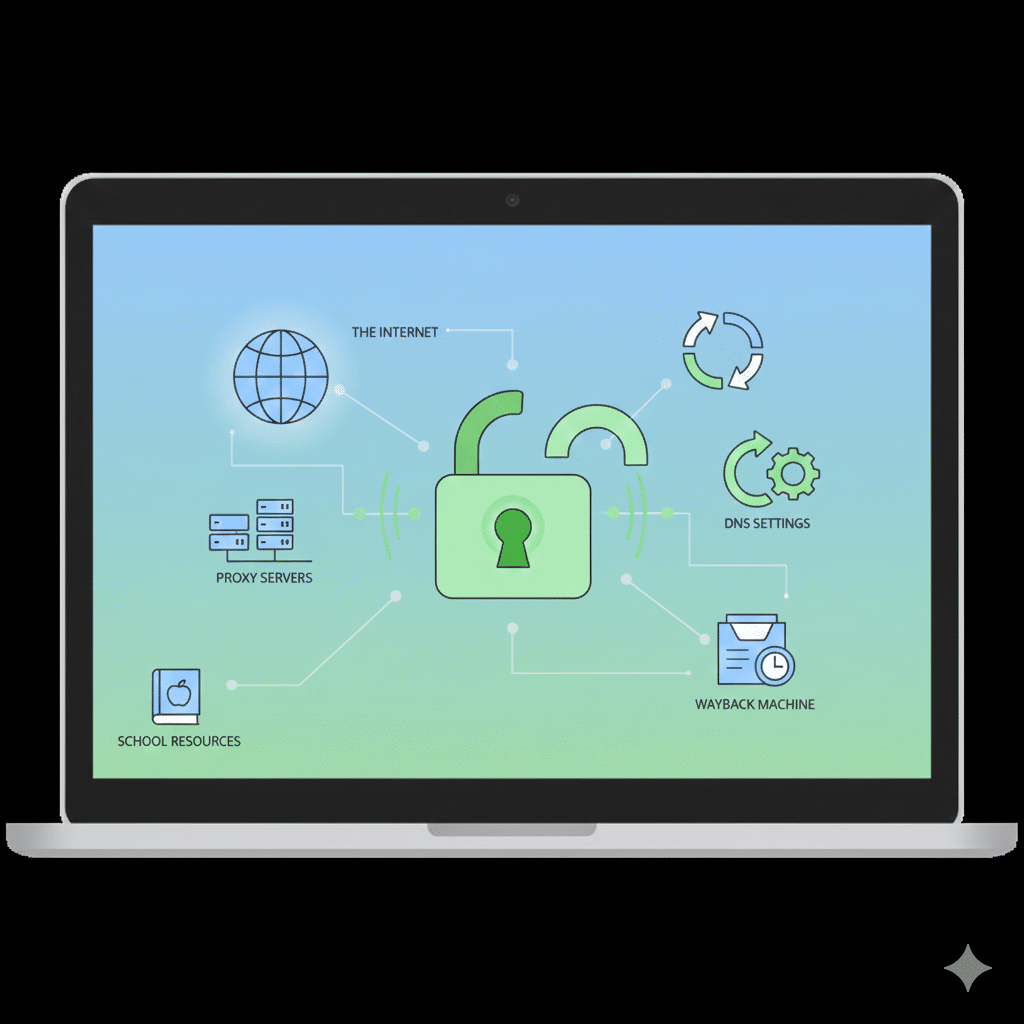

Accessing restricted websites on a school Chromebook without a VPN is a common challenge for IT managers and network engineers, particularly when managing networks for educational environments. Understanding the methods available to bypass filters can help professionals evaluate security implications and implement controlled access solutions. This guide provides a comprehensive analysis of practical, VPN-free approaches for unlocking web content, emphasizing security, reliability, and administrative constraints.
What Are the Best Ways to Use a Proxy Server on a School Chromebook?
A proxy server acts as an intermediary between the device and the destination website, effectively masking the original request. On a Chromebook, users can configure HTTP/HTTPS proxy settings via the network settings interface. This method allows access to websites blocked by URL filtering without encrypting traffic like a VPN. Network engineers should note that proxies often fail to bypass HTTPS-based filters and may introduce latency, depending on server location and load. When implementing proxy access, choose reputable providers and monitor connection logs to mitigate misuse and security risks (source: Cloudflare).
How Can You Change DNS Settings on a Chromebook to Bypass Blocks?
Changing Domain Name System (DNS) settings can circumvent some content restrictions, as filtering often occurs at the DNS resolution stage. Chromebooks allow manual DNS configuration under network settings, enabling alternative public DNS services such as Cloudflare (1.1.1.1) or Google Public DNS (8.8.8.8). While effective for non-encrypted HTTP traffic, advanced network administrators should be aware that DNS filtering bypass is increasingly blocked by DNS-over-HTTPS implementations (source: RFC 8484). Additionally, managed Chromebooks may enforce DNS policies, requiring administrative intervention to allow changes.
Can You Use Google Translate to Access Restricted Websites?
Google Translate can act as a lightweight content proxy. By entering a blocked URL and selecting a translation to any language, the service fetches and displays the content without triggering certain filtering mechanisms. Although simple, this method is limited: interactive or media-heavy sites may render incorrectly, and modern firewalls can detect translation-based access attempts. For professional environments, this approach is more suitable as a temporary troubleshooting tool rather than a long-term solution.
How to Access a Website via Its IP Address Instead of Its URL
Sometimes URL-based blocking can be bypassed by directly entering the website’s IP address in the browser. IT specialists can resolve domain names using command-line tools like ping or nslookup to retrieve the corresponding IP address. However, this technique is often limited because many modern websites use shared hosting and HTTPS certificates, which rely on domain validation. Direct IP access may not fully render the website or could trigger security warnings. It is recommended to combine this method with network diagnostics to verify accessibility (source: TechRadar).
How to View Blocked Pages Using the Wayback Machine or Google Cache
Archived content platforms like the Wayback Machine or Google Cache provide snapshots of blocked websites. Users can enter the desired URL in the archive interface to retrieve previous versions of the content. While this method avoids active filtering mechanisms, it is limited to static content and cannot support live interactions or dynamic web applications. Network engineers can leverage this method for educational or research content while maintaining compliance with administrative policies (source: Wikipedia).
Constraints and performance:
Bypassing filters without VPN introduces limitations. Performance depends on network topology, ISP restrictions, and administrative policies on the Chromebook. Proxy servers may introduce latency and inconsistent access, DNS changes can be overridden by enforced DoH policies, and IP-based access may fail due to certificate mismatches. Device firmware and browser security settings further influence reliability. Administrators must assess risk when allowing such bypass methods and consider logging or monitoring traffic to ensure compliance with institutional policies.
Is It Possible to Use Tor Browser on a Managed School Chromebook?
Installing Tor on a managed Chromebook is typically restricted by administrative privileges. Even if installation succeeds via Linux (Crostini) or a portable version, network filters may block relay traffic. Tor can anonymize requests and bypass advanced filters, but for IT teams, it introduces security and compliance concerns, as encrypted traffic cannot be monitored easily. For controlled environments, sandboxed testing or restricted network segments are advisable for evaluating Tor without compromising institutional policies (source: Kaspersky).
What Are the Risks and School Policies You Should Know Before Bypassing Filters?
Bypassing network restrictions without authorization may violate school policies or legal frameworks. IT managers should educate users on the risks, including exposure to malware, unmonitored content, and potential disciplinary actions. Security-conscious approaches involve sandboxed testing, whitelisting trusted proxy servers, or leveraging educational content networks. Implementing audit trails and monitoring allows safe exploration of bypass techniques while maintaining accountability (see how to unblock Instagram on school computer without VPN).
How Can IT Managers Implement Safe Proxy Access for Education?
For IT managers overseeing multiple Chromebooks, deploying a controlled proxy environment can provide access to otherwise restricted educational content. Using a centralized proxy server, administrators can whitelist specific websites while logging user activity. This balances accessibility with compliance. Modern proxies support HTTPS inspection, caching, and filtering, ensuring minimal performance degradation while maintaining security standards. Internal documentation and staff training are essential for proper deployment and troubleshooting.
Are URL Shorteners a Reliable Method to Bypass Restrictions?
URL shorteners can sometimes bypass simple URL-based filters by masking the original address. Services like Bitly or TinyURL generate a new shortened link that may evade basic filtering rules. However, advanced firewalls and content filtering systems increasingly detect redirect patterns, rendering this approach unreliable for persistent access. IT engineers should evaluate its effectiveness in testing environments before recommending broader adoption.
How to Combine Multiple Methods for Maximum Access
Maximizing access without a VPN often requires combining several techniques. For instance, using a proxy with alternative DNS settings can improve reliability, while Google Translate or cached versions can provide access to specific pages when real-time interaction is not required. Implementing these methods in a controlled manner reduces the risk of detection and ensures compliance with internal IT policies. Testing in different network conditions is critical to identify which combination works best in a managed environment.
How to Monitor and Audit Bypass Activity Safely
Monitoring and auditing network activity helps IT teams maintain control when allowing bypass methods. Tools that log proxy requests, DNS changes, and IP-level traffic provide visibility into user behavior and potential security threats. Enabling notifications for abnormal traffic patterns ensures timely intervention. Organizations should establish clear policies defining acceptable use, training staff on responsible access while documenting procedures to comply with regulatory and internal guidelines (source: Cloudflare).
Practical Implementation Tips for Managed Chromebooks
Managed Chromebooks often have administrative controls that prevent unauthorized modifications. To implement safe bypass methods:
- Use a supervised Chromebook account with approved extensions.
- Deploy centralized proxy servers or DNS-over-HTTPS configurations through the Google Admin Console.
- Educate users on proper access channels and content usage.
- Test each method in isolated environments before deploying to production networks.
These strategies provide controlled access while maintaining compliance and minimizing exposure to security risks (see how to unblock websites on school Chromebook 2025 without VPN).



