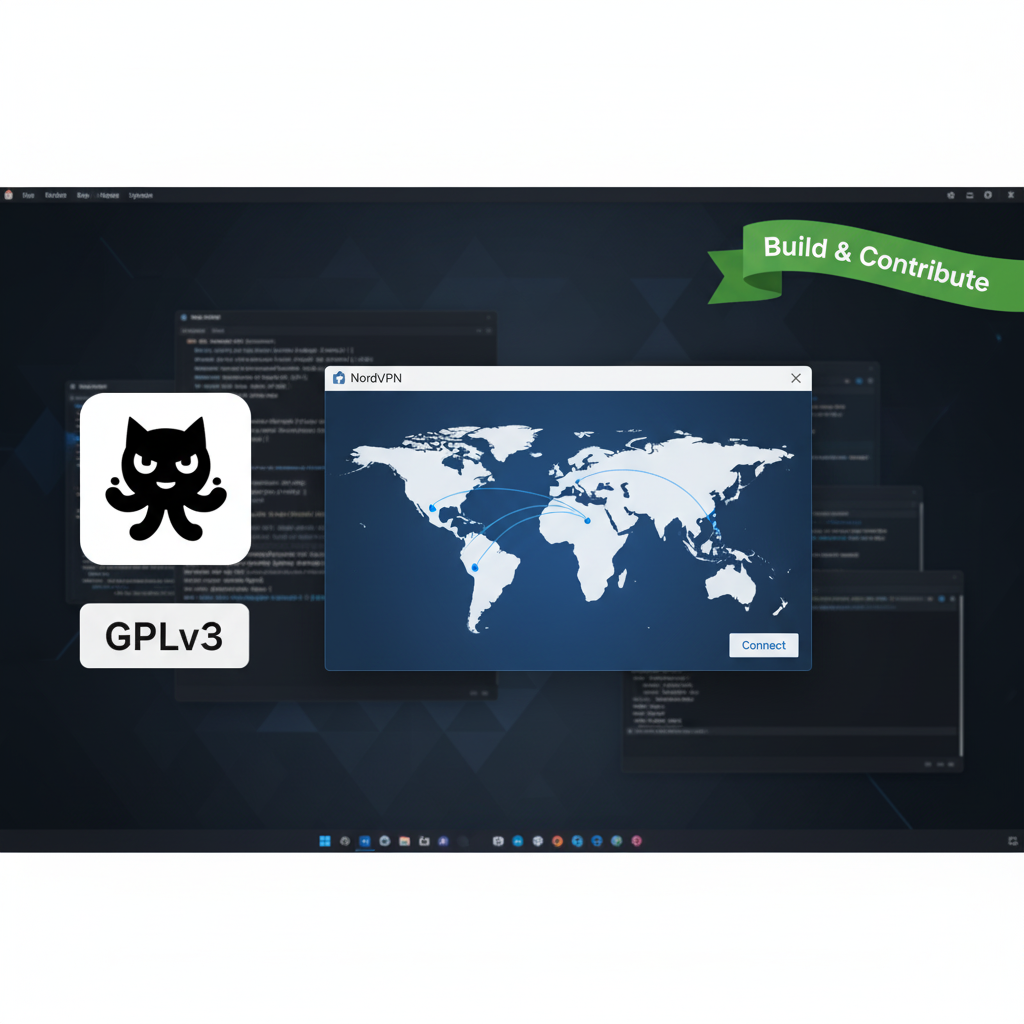

In a notable move for privacy tooling and developer transparency, NordVPN has open-sourced the graphical user interface (GUI) of its Linux client. The company published the GUI code on GitHub under an open license and updated its Snap package to include the GUI for easier, cross-distro installation. This change extends a pattern: Nord previously released its Linux CLI as open source, and now the full desktop front end is available for inspection, contribution, and community-driven improvements. The release aims to boost trust among Linux users, simplify installation across distributions, and invite the open-source community to help harden and enhance the client.
What changed — the facts in brief
NordVPN’s announcement explains two concrete steps: first, the Linux GUI source code is now public on GitHub with build instructions and contribution guidelines; second, the Snap package has been updated so the GUI is distributed and auto-updated via Snap for any distro with snapd. The company confirmed the GUI release follows the CLI’s earlier open-sourcing and emphasized that while the client code is open, core backend services (authentication and network infra) remain proprietary for security reasons. In short: the desktop front-end is now auditable and buildable by the community, but the VPN network itself is still controlled by Nord.
Why this matters (privacy, trust, and Linux culture)
Open-sourcing the GUI matters for three reasons. First, transparency: Linux users and security auditors can now review the client’s UI code to verify there are no privacy-eroding telemetry calls or hidden behaviors. Second, security hardening: community contributors frequently spot edge-case bugs and propose fixes faster than closed teams alone; making the GUI public increases the likelihood of quicker vulnerability discovery and patching. Third, usability and adoption: bundling the GUI in a Snap simplifies installation across many distributions, lowering friction for users who previously avoided command-line clients. NordVPN itself reported strong uptake after the GUI’s initial launch earlier in the year, and this open approach is positioned to accelerate adoption further.
SEO keyword usage & practical comparisons
For readers comparing options: “NordVPN Linux GUI” now joins other Linux-friendly VPNs that provide visible, auditable clients. The release places NordVPN in a group with services that have opened portions of their tooling (e.g., earlier open-source CLI releases and some competitors’ published clients). If your priority is transparency, an open-source VPN client gives you the ability to inspect how the app behaves; however, remember that an open client does not automatically mean the entire VPN infrastructure is open. For device-wide coverage or enterprise features, Nord’s paid, closed-back-end services still provide capabilities beyond what a GUI can show. Use the Linux GUI for ease and inspectability; pair it with a provider’s transparency reports and third-party audits when evaluating trust.
Technical highlights & what developers can do
The GitHub repository includes build instructions, contribution guidelines, and issue templates — designed to welcome bug reports and pull requests. The Snap packaging means maintainers can publish updates that reach users automatically, and contributors can test builds across distributions that support Snap. Developers interested in improving Linux desktop integration (tray icons, desktop notifications, distro theming) or accessibility (keyboard navigation, screen-reader labels) can submit patches. NordVPN indicated it may open additional features in the future (notably Meshnet), signaling a phased approach to community collaboration rather than an immediate full open-sourcing of every component.
Real-world considerations (performance, privacy, and limitations)
Open-sourcing the GUI increases visibility but doesn’t change runtime behavior of Nord’s VPN servers. Performance (throughput, latency) still depends on Nord’s network and protocols (e.g., NordLynx/WireGuard variants), which remain proprietary operational assets. Privacy protections tied to server logging policies, account authentication, and back-end telemetry still rely on Nord’s internal systems and policies — though the GUI’s transparency reduces suspicion about client-side telemetry. For users who require fully auditable end-to-end systems, combining open-source clients with providers that publish third-party audits and clear no-logs policies is best practice.
Learn more than Mozilla Tests Free Built-In VPN in Firefox Browser
Conclusion
NordVPN’s decision to open-source its Linux GUI is a meaningful step toward greater transparency and community engagement in the VPN space. It makes the client easier to install, audit, and improve, while signaling respect for Linux’s open-source culture. That said, the core VPN network and authentication services remain proprietary — so while the GUI is now auditable, trust still depends on a mix of visible client code, company policy, and third-party verification. For Linux users who value inspectability and convenience, this is a welcome development worth trying and, if desired, contributing to.
Sources (for verification & further reading)
NordVPN blog — “NordVPN on Linux goes open-source.” (NordVPN)
TechRadar coverage — “NordVPN just made its Linux GUI app open-source.” (TechRadar)
The Register — “NordVPN open-sources its Linux GUI client under GPLv3.” (The Register)
Tom’s Guide — “NordVPN open-sources its Linux app’s GUI and simplifies installation.” (Tom’s Guide)
OMG!Ubuntu — “NordVPN Has Open-Sourced its Linux App GUI.” (OMG! Ubuntu)