
As millions turn to virtual private networks for privacy and to bypass restrictions, Google has sounded a clear alarm: some VPN apps — particularly free or cloned ones — are acting as spyware, not shields. In its November 2025 Fraud & Scams advisory, Google flagged malicious VPN apps and extensions that can deliver info-stealers, banking trojans, and remote access tools, exposing browsing history, credentials, messages and crypto wallets. The warning follows independent research and news reports showing fake or vulnerable VPNs remain a serious pathway for attackers.
What Google actually said (and why it matters)
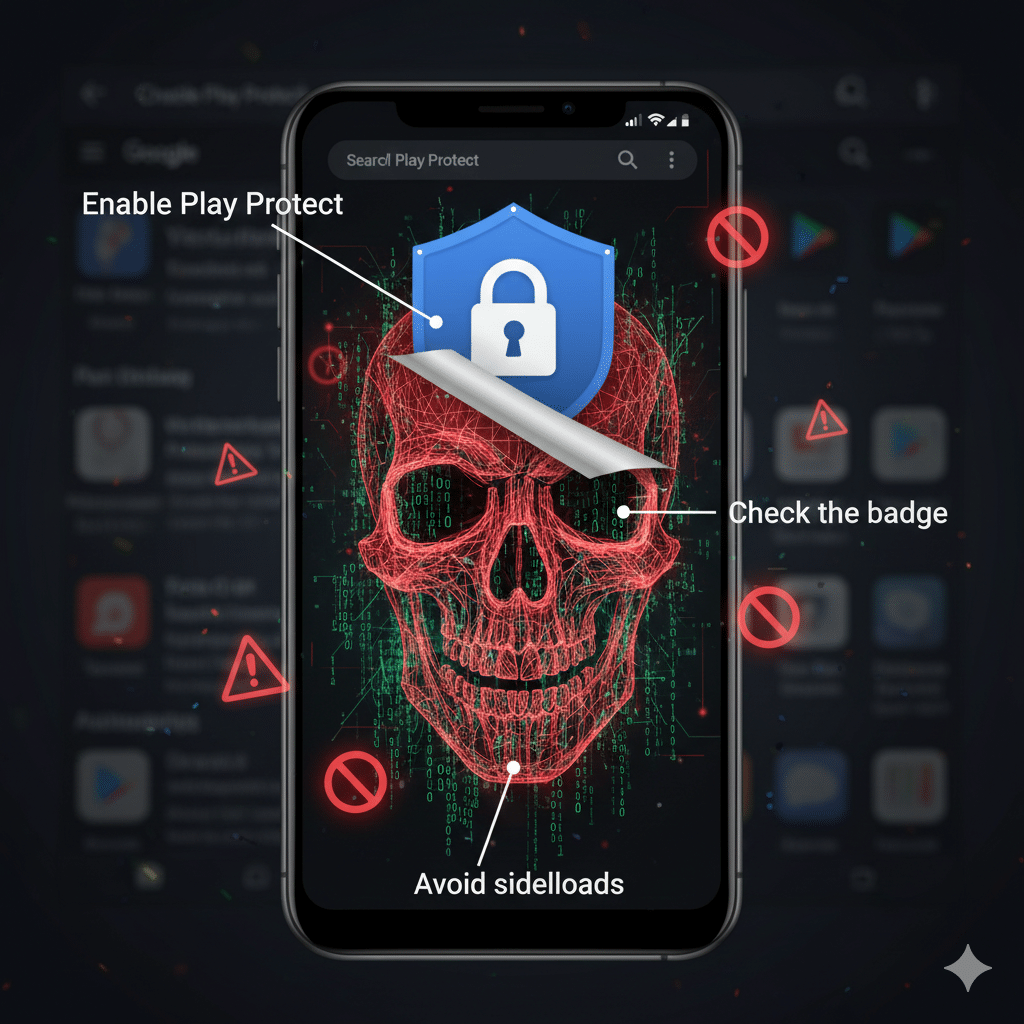
Google’s Trust & Safety team published an advisory outlining recent scam trends and specifically calling out malicious VPN apps and browser extensions that impersonate legitimate privacy tools. These apps often arrive via persuasive ads, cloned developer identities, or third-party websites and can run silently in the background once installed. Google recommends downloading only from official stores, looking for the Play Store VPN verification badge, and enabling Play Protect.
Why this matters: a VPN is supposed to protect your data — not harvest it. When scammers disguise data-stealing payloads as privacy apps, users are paradoxically surrendering sensitive information to attackers under the guise of protection. Numerous outlets (Forbes, TechRadar, Vice, Fox News, The Independent) reported on the advisory, underscoring the scale and credibility of the issue.
How malicious VPNs operate — common patterns
Researchers and incident reports show common techniques used by malicious VPNs:
Cloned or spoofed apps: Attackers copy icons, names, and store listings to mimic popular VPNs and trick casual searchers.
Excessive permissions: A VPN should not need access to contacts, SMS, or camera — yet some apps request those to harvest data.
Bundled malware / trojans: Once installed, the app can drop info-stealers, banking trojans, or remote access tools that exfiltrate data or lock devices.
Advertising and social engineering: Ads, sexualized or fear-based messaging, and fake reviews push downloads and mask malicious intent.
Independent studies have also flagged systemic problems: researchers found dozens of Android VPN apps with security flaws or suspicious ties to foreign entities, and reports estimate hundreds of malicious apps have reached official stores in past months. That data helps explain Google’s urgency.
Real numbers & risk signals
Zscaler estimated that 239 malicious Android apps made it onto Google Play in a past 12-month period, and other reports cited tens of millions of downloads for families of malicious apps. These figures illustrate attackers’ reach and the real download risk for casual users.
Google’s Play verification badge (MASA checks and review requirements) is an evolving signal that users can rely on — but it’s not a universal guarantee, so vigilance is still required.
Expert perspective (paraphrased)
Security analysts emphasize: “A VPN that asks for unrelated permissions or promises everything for free is suspicious.” Independent researchers note that some apps misrepresent ownership and include SDKs that may leak telemetry to third parties, undermining claimed “no-logs” promises. In short: trust, but verify — or better, avoid unverified free offers.
How to choose a safe VPN — practical checklist
Use official app stores and enable Play Protect. Avoid sideloading APKs. (blog.google)
Look for the VPN verification badge on Google Play (MASA-level criteria). Verified apps have passed additional security checks.
Check permissions — a VPN should not request access to SMS, contacts, or camera. Anything extra is a red flag.
Read the privacy policy and logging claims — reputable services publish independent audit results and location of company jurisdiction.
Prefer audited or open-source clients — audits and code transparency reduce trust assumptions.
Avoid sketchy “lifetime” or hyper-cheap offers — many malicious VPNs lure users with outrageous promises.
Comparison: free vs. paid VPNs (quick snapshot)
Free VPNs: often limited bandwidth, ads, and — crucially — questionable monetization. That business model can incentivize data collection or bundling with adware.
Paid VPNs: revenue model aligns with privacy; many reputable paid services publish audits and transparency reports. Still, check jurisdiction and logs policy.
The takeaway: paying for a reputable VPN reduces economic incentives for data harvesting but doesn’t replace due diligence.
Conclusion
Google’s advisory is an important, timely reminder: not every VPN app is on your side. As attackers weaponize privacy demand, users must be more discerning — checking badges, permissions, company transparency, and independent audits before trusting an app that claims to protect them. Use official stores, prefer audited or verified providers, and if an app asks for unrelated permissions or seems “too good to be true,” uninstall it and report it. Google’s warning should be read as both a caution and a call to better digital hygiene.
Sources & further reading (verify)
Google Trust & Safety — Fraud and Scams Advisory (Nov 6, 2025). (blog.google)
Forbes — “Google Issues Critical New VPN Threat Warning For Billions of Users.” (Forbes)
TechRadar — “Google issues security alert: Your VPN app could be spyware.” (TechRadar)
Vice — “Google Says That Free VPN You Downloaded Could Be …” (VICE)
The Verge — Google Play VPN verification badge explainer. (The Verge)
Malwarebytes / Citizen Lab reporting on insecure VPN apps and ties. (Malwarebytes)
Fox News / Independent coverage summarizing Google’s advisory. (Fox News)