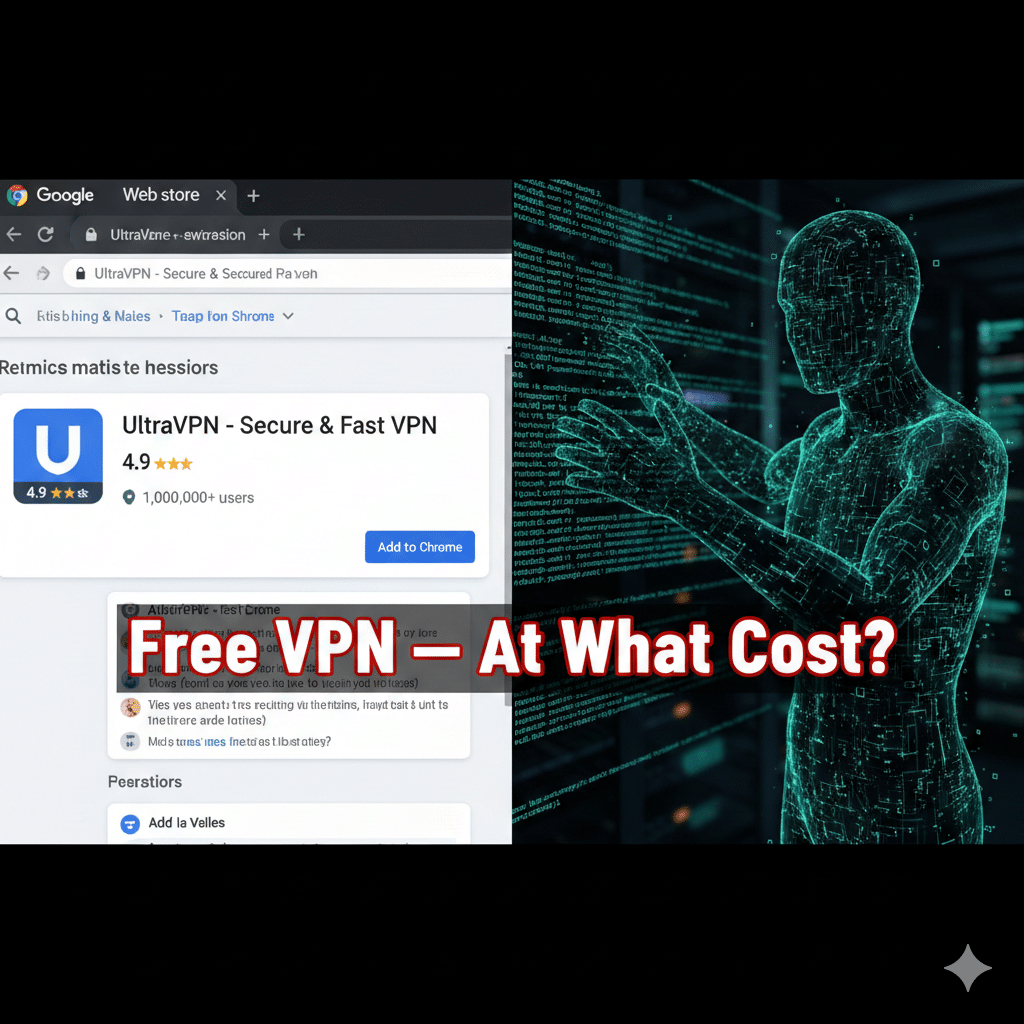

A seemingly innocent Chrome extension promising “free, unlimited VPN” functionality has returned to the Chrome Web Store — and security researchers say it’s more dangerous and evasive than before. The extension, which previously amassed millions of installs across earlier incarnations, resurfaces under new packaging and continues to manipulate proxy settings and exfiltrate browsing data (VPN Browser). If you use browser VPN extensions, now is the time to check what’s installed and reconsider whether a browser add-on truly protects your privacy.
What happened — quick facts
The extension marketed as “Free Unlimited VPN” was removed from the Chrome Web Store earlier in 2025 after researchers linked earlier versions to large-scale spying campaigns. It has now reappeared in a reworked form and already shows tens of thousands of new installs.
Past incarnations reached millions (reported figures include ~9 million combined installs across previous versions); the newly observed variant had over 31,000 installs in a short time after resurfacing.
How the malicious VPN extension works
Unlike legitimate VPN software that encrypts traffic at the network level, malicious VPN browser extensions commonly act as proxies inside the browser and can:
Fetch remote configuration files that alter behavior on the fly.
Change proxy settings to reroute or intercept HTTP/HTTPS requests.
Capture page content or screenshots, including sensitive pages such as banking or cloud storage.
Inject tracking or affiliate code, enabling persistent profiling or monetization of user data.
LayerX Security’s analysis shows these extensions often hide advanced evasion techniques to avoid detection and reinstatement barriers, making takedown cycles — remove, resurface, rebrand — a recurring problem.
Why browser VPN extensions are a different (and riskier) animal
Not all VPNs are created equal. A browser VPN extension typically only affects traffic inside the browser, not system-wide traffic; that limited scope is useful for convenience but makes extensions an easier vector for abuse:
Extensions can request broad permissions (read and change data on websites visited). That access is more than what many users expect from a “privacy tool.”
Free offerings rely on monetization strategies (ads, tracking, resale of telemetry) that directly conflict with privacy claims. Security analyses repeatedly find free VPN apps/extensions leaking data or acting as surveillance tools.
Real risks & measurable impact
Security firms and investigators have documented campaigns where malicious extensions recorded user activity or silently exfiltrated data to remote servers. In some cases, affected extensions captured screenshots of visited pages — including login pages and cloud storage — and uploaded them for analysis. The impact scales with install count: millions of installs → mass surveillance and credential exposure.
Practical steps to protect yourself (checklist)
Audit your extensions: Open chrome://extensions (or browser extensions page) and remove anything you don’t recognize.
Uninstall suspicious VPN extensions and restart your browser. If you used them for passwords or sensitive accounts, change passwords and enable MFA. (TechRadar)
Scan with reputable security tools (Malwarebytes, Kaspersky, etc.) and check for unusual network proxies.
Prefer trusted VPN clients over free browser add-ons for system-wide protection — paid or reputable open-source providers are less likely to monetize via data resale. (Examples referenced by researchers: Proton VPN, established vendors with transparent privacy policies.)
Expert perspective
Researchers at LayerX Security describe the campaign as persistent and adaptive: malicious authors repeatedly tweak metadata and delivery chains to re-enter official stores, relying on polished branding and fake positive reviews to gain trust. That lifecycle — publish, remove, rebrand, republish — is central to why these threats persist.
Conclusion
The reappearance of a malicious VPN browser extension on Chrome is an important reminder: installing a tool labeled “VPN” does not guarantee privacy or safety. Browser extensions have powerful permissions and, when abused, can turn into surveillance tools disguised as protection. The safest approach is to uninstall suspicious extensions, use well-vetted VPN clients for real encryption, and keep an eye on security advisories from researchers and vendors.