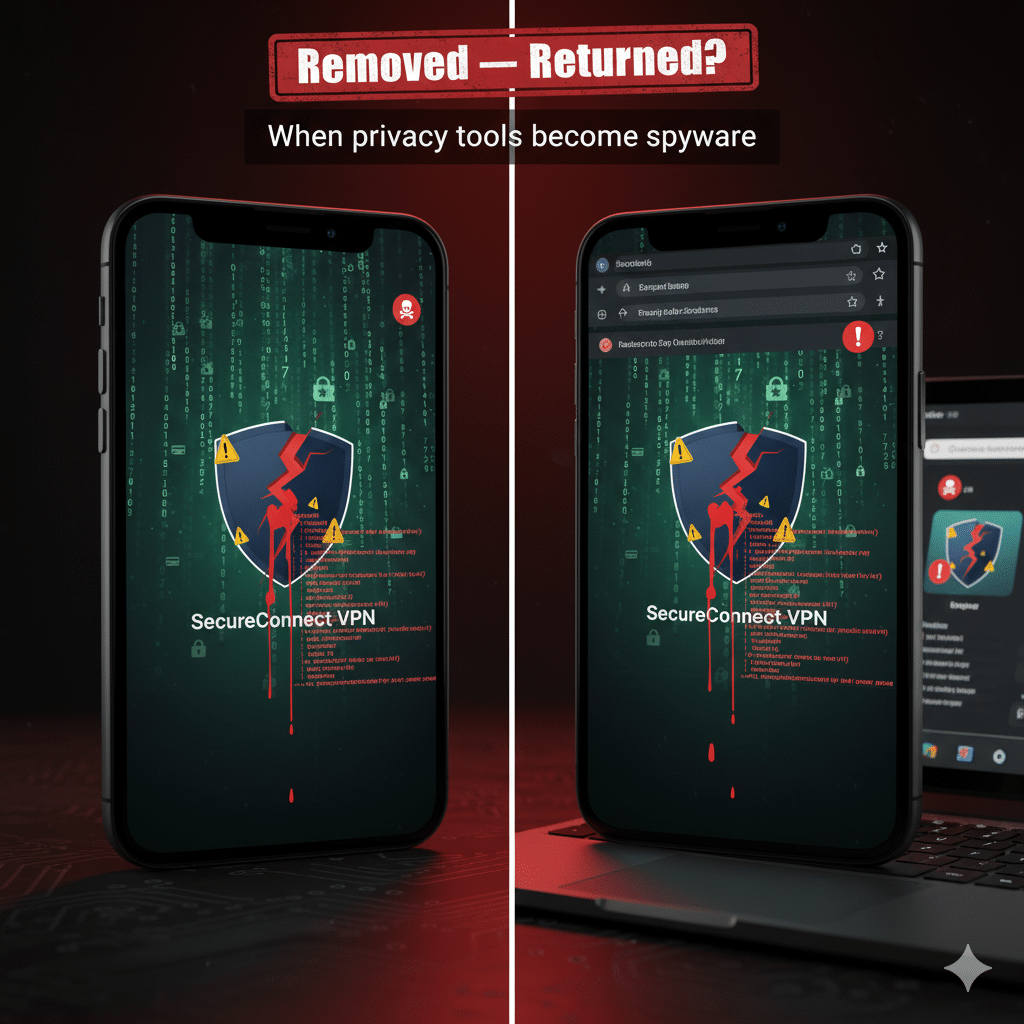

The VPN and browser-extension ecosystem is once again under the microscope after security researchers and vendors reported a wave of malicious apps and extensions masquerading as legitimate privacy tools (VPN ecosystem). These “spyware-disguised VPN apps” don’t protect you — they harvest credentials, session cookies, and sensitive data, and in some cases install banking trojans or remote-access payloads. Warnings from Google and a cluster of high-profile technical writeups show this is not an isolated problem: attackers are increasingly using trusted update channels, cloned brands, and sophisticated evasion to hit millions of users.
What’s resurfacing — and how it works
Researchers recently uncovered multiple threat campaigns that either turned formerly benign browser extensions malicious or reintroduced previously removed VPN/extension scams. One campaign — dubbed “ShadyPanda” by investigators — hijacked more than four million installs by pushing malicious update code through trusted extensions, enabling cookie theft, keylogging, and remote code execution. The technique is simple and effective: a seemingly legitimate extension receives an update that quietly flips on spyware functionality.
Separately, notorious fake VPN extensions such as “Free Unlimited VPN” have made a comeback on the Chrome Web Store after earlier removals; security teams warn newer variants are even more evasive and capable of intercepting and manipulating web traffic. These extensions often manipulate proxy settings or fetch remote configurations to load spying modules after installation, making detection harder.
On the mobile side, threat actors continue to disguise banking trojans and remote access tools as VPN or IPTV apps. Cleafy’s investigation into a malicious sideloaded app showed a dropper bundle that installs a banking Trojan named Klopatra, which abuses Android Accessibility APIs to steal banking credentials and execute fraudulent transactions. These payloads are increasingly modular and updated frequently to evade signature-based detection.
Scale and trends: why this is alarming now
Industry telemetry indicates the problem is large and growing. Kaspersky reported a notable increase in spyware and password-stealer detections in 2025, and other vendors have documented millions of attempted attacks masquerading as VPN apps over a rolling 12-month window. Between sophisticated extension-update attacks and malicious mobile dropper apps, users are being targeted across browsers and mobile platforms.
Why now? Several factors converge:
Attackers exploit user trust in privacy tools (the “trust paradox”) — people assume a VPN will protect them, not betray them.
Marketplace vetting remains imperfect; malicious actors use graduated updates or cloned listings to bypass initial checks.
Malware authors increasingly use modular payloads and legitimate code-protection toolchains (e.g., packers, native libs) to hamper analysis.
Real user impact: examples and damage
Session theft & account takeover: Malicious extensions have been shown to harvest session cookies and keystrokes, allowing account hijacking without password resets. The ShadyPanda campaign is a prime example.
Bank fraud & remote control: Mobile VPN-masquerading apps have dropped banking trojans (e.g., Klopatra), enabling attackers to read screens, intercept OTPs, and trigger fraudulent transfers.
Persistent surveillance: By manipulating proxy settings or loading remote configs, returned VPN extensions can maintain long-term access and pivot to more intrusive espionage over time.
These are not theoretical risks — they have real financial and privacy consequences for millions of users.
How to spot and mitigate spyware-disguised VPN apps
Practical steps users and admins should take now:
Audit installed browser extensions and mobile apps. Remove anything you don’t recognize or haven’t used in months; check vendor sites to confirm official listings.
Check permissions closely. Extensions or apps requesting accessibility, SMS, or broad system privileges are suspicious for VPN functionality.
Enable platform protections. Turn on Play Protect (Android), keep iOS/Android updated, and use browser extension safety settings. Google’s advisory emphasizes Play Protect and cautious installs.
Prefer audited, open-source, or well-known VPNs. Reputation, transparency, and independent audits reduce supply-chain risk.
For organizations: enforce extension whitelists, application control, and endpoint detection; block sideloaded APKs and unvetted VPN clients on corporate devices.
Expert takeaways
Security teams stress that this cycle will likely continue: as marketplaces improve defenses, attackers adapt with stealthier update mechanisms and new droppers. The consensus from multiple vendor reports: treat privacy tools with careful scrutiny, and assume any third-party code can be weaponized unless proven otherwise via audits and transparent provenance.
Conclusion
The resurgence of spyware-disguised VPN apps and malicious browser extensions is a stark reminder that the tools we use for privacy can be weaponized against us. From large extension-update campaigns to mobile banking trojans hidden in VPN shells, the ecosystem is under renewed scrutiny. Defend yourself by auditing installed software, relying on reputable providers, and following platform security guidance — and remember: a VPN icon is not a guarantee of safety.