
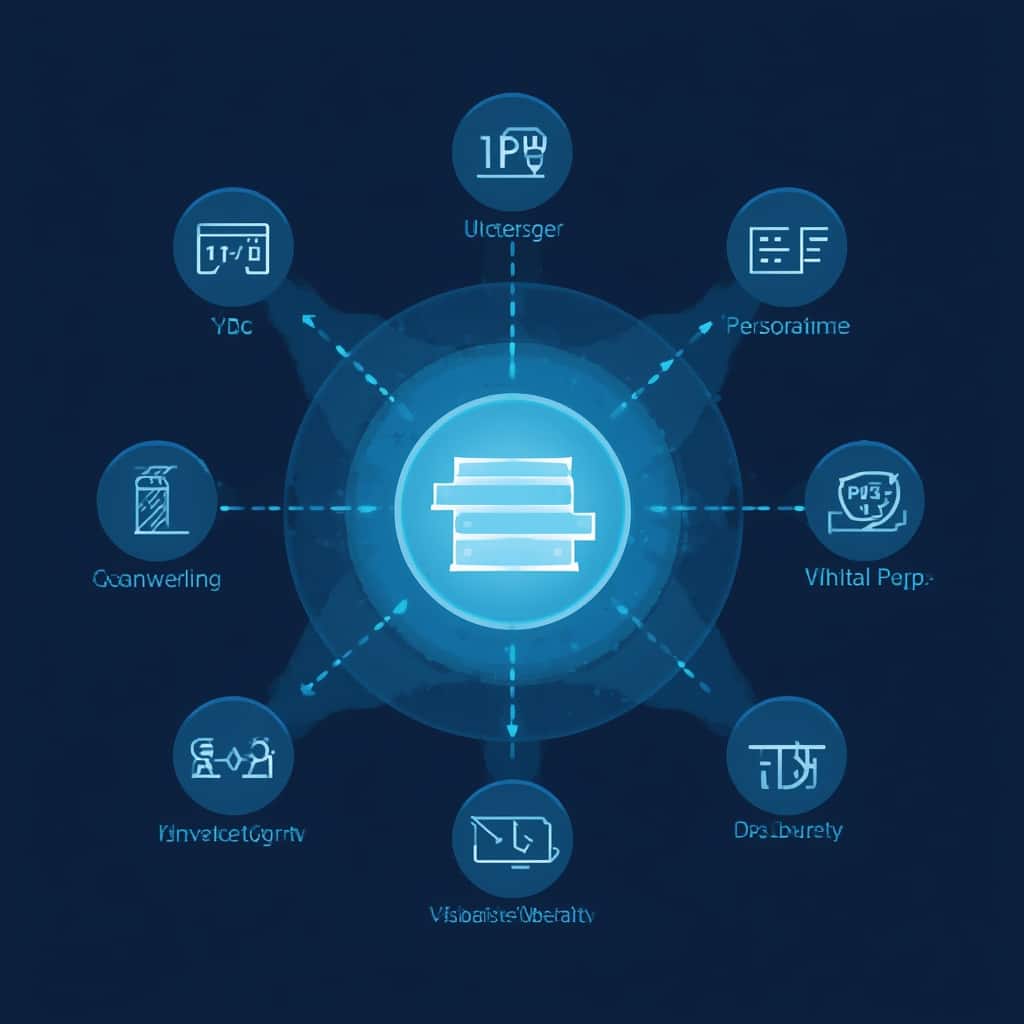

Introduction to VPN Servers
Virtual Private Network (VPN) servers are the backbone of online privacy and security. Understanding what are vpn servers is crucial for anyone wanting to protect their internet traffic, bypass geo-restrictions, or secure sensitive data. These remote servers encrypt your connection and route it through intermediary nodes, masking your IP address and online activities. For instance, when you connect to a VPN server in Germany, websites will see your traffic as originating from that country rather than your actual location.
Another critical factor in VPN performance is the distribution of vpn server locations. A provider with servers spread across 80+ countries offers greater flexibility than one limited to 20 locations. More server locations mean more options to:
- Avoid network congestion during peak hours
- Access region-specific content (like Netflix US or BBC iPlayer)
- Reduce latency for gaming or video calls
Beyond basic privacy, knowing what are vpn servers helps users optimize connections for specific needs. For example, a server physically closer to you typically offers faster speeds, while distant servers better protect against local surveillance. When evaluating providers, always check their vpn server locations map – services like NordVPN and ExpressVPN maintain 5,000+ servers globally for this purpose.
How VPN Servers Work: Step-by-Step
1. Choosing a VPN Provider
Before connecting to any server, select a VPN service based on:
- Server network size: Minimal—300 servers, Ideal—3,000+ servers
- Location diversity: Prioritize providers with servers in your target countries
- Protocols supported (WireGuard, OpenVPN, IKEv2)
Testing vpn server locations during free trials helps verify performance. For gaming, choose locations under 1,500 miles away—distance directly impacts ping times.
2. Installing VPN Software
After subscribing:
- Download the app for your device (Windows, iOS, Android, etc.)
- Log in with your credentials
- Adjust settings like kill switch or auto-connect
This software communicates with VPN servers to establish encrypted tunnels. If you encounter issues, troubleshooting guides like this Covenant Eyes VPN walkthrough can help resolve conflicts.
3. Connecting to a Server
Most apps display a server list or map interface:
- Automatic selection: App chooses the optimal server based on speed/location
- Manual selection: Pick specific countries or cities from the vpn server locations list
- Specialty servers: Dedicated IPs, P2P-optimized, or double VPN routes
According to Kaspersky’s VPN guide, connecting to nearby servers typically provides 10-15% faster speeds than distant ones.
4. Verifying Your Connection
Always confirm VPN functionality after connecting:
- Visit IPLeak.net to check for DNS/IP leaks
- Run speed tests (Ookla) to compare baseline vs. VPN speeds
- Test geo-restricted content access
If your actual location leaks, change servers or enable the VPN firewall (available in premium apps like ProtonVPN).
Pro Tips for Using VPN Servers
Optimizing Server Selection
- Speed-centric use (streaming/downloading): Choose servers under 300 miles away
- Privacy-centric use: Select jurisdictions with strong data privacy laws (Switzerland, Iceland)
- Bypassing censorship: Use obfuscated servers in restrictive regions like China or Iran
According to Microsoft Azure’s VPN documentation, network latency increases by ~1ms per 60 miles of distance—critical for real-time applications.
Managing Multiple Locations
Power users often maintain connections across several vpn server locations:
- Setup split tunneling (available in Surfshark, ExpressVPN): Route only select apps through the VPN
- Use browser extensions: Quickly switch locations without changing system-wide settings
- Bookmark frequently used servers: Most premium VPNs allow favoriting locations
- Proxy Servers: Faster but less secure—no encryption (suitable for basic geo-spoofing)
- Tor Browser: Maximum anonymity with slower speeds (ideal for whistleblowers)
- Smart DNS: Unblocks streaming sites without encryption (helpful for devices like Apple TV)
Alternative Privacy Methods
While understanding what are vpn servers is essential, other tools supplement or replace VPNs:
For school networks blocking VPNs, methods in our Chromebook bypass guide work without VPN involvement. Similarly, parents should know how VPNs circumvent parental controls.
Conclusion
Mastering what are vpn servers empowers users to balance speed, privacy, and accessibility effectively. Whether you’re streaming region-locked content via strategic vpn server locations (as detailed in our CapCut download guide) or securing sensitive transactions, server selection remains foundational. Always verify connection integrity post-setup and consider supplemental tools when VPNs alone can’t meet specialized needs.



