
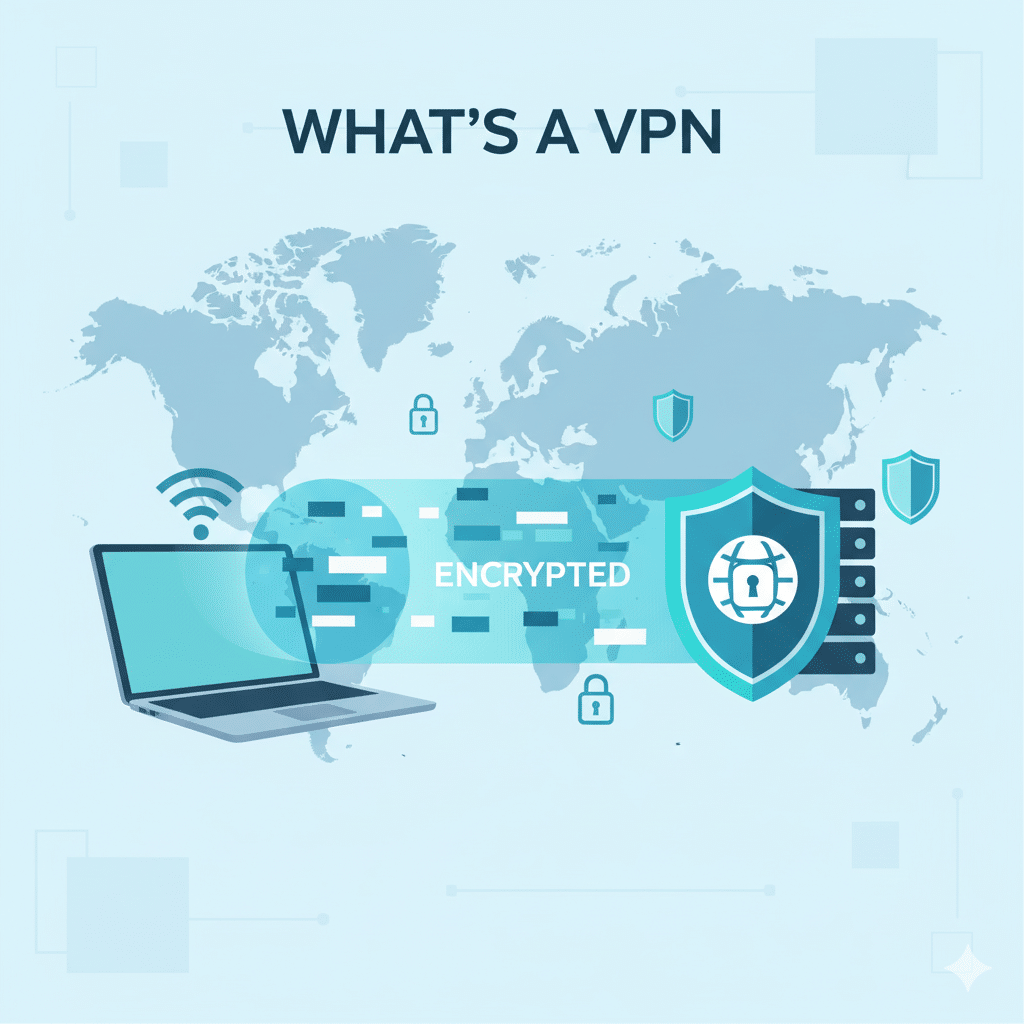

Understanding What’S A Vpn is essential for IT managers, network engineers, and cybersecurity professionals. A VPN (Virtual Private Network) creates an encrypted tunnel for secure communication over public or untrusted networks, protecting sensitive data and ensuring privacy. This guide covers VPN fundamentals, deployment strategies, and operational best practices.
What is a VPN and how does it work?
A VPN encrypts all traffic between the user’s device and the VPN server, making it unreadable to external observers. VPN protocols such as IPsec, OpenVPN, and WireGuard define encryption strength, authentication methods, and tunnel behavior. By routing traffic through a VPN, organizations can mask IP addresses, bypass geo-restrictions, and enforce secure access to internal resources (source: Wikipedia).
Key components:
- VPN client: Software installed on endpoints
- VPN gateway/server: Handles encryption, authentication, and routing
- Tunnel protocols: IPsec, TLS/SSL, WireGuard, PPTP, L2TP (deprecated)
VPNs can operate in full-tunnel mode, sending all traffic through the VPN, or split-tunnel mode, routing only selected traffic. Full-tunnel mode offers stronger security, while split-tunnel mode balances performance and privacy.
For more technical insight, see VPNX: VPN concentrators.
What types of VPNs are commonly used?
- Remote Access VPN: Connects individual devices to the corporate network. Ideal for remote workers.
- Site-to-Site VPN: Links two or more networks securely over the Internet, often used between branch offices.
- Cloud VPN: Provides encrypted access to cloud services with flexible scalability.
- Clientless VPN: Browser-based secure access without installing a client (SSL VPN).
Organizations choose VPN types based on security, scalability, and operational requirements. For mobile teams, Remote Access VPN with MFA ensures strong identity verification and endpoint security.
How do you verify a VPN is configured correctly?
Even after deployment, a VPN tunnel can fail silently, leak traffic, or route packets inconsistently. Verification ensures encryption, authentication, and routing rules behave as intended.
1. Confirm tunnel negotiation & encryption
- Check logs for handshake messages
- Verify cipher suites and key rotation
- Ensure certificates and identity providers (MFA, SSO) are correctly bound (source: RFC 8484)
2. Test for traffic leaks
A secure VPN should prevent DNS, IPv6, WebRTC, and routing leaks:
- Use DNS leak test tools
- Validate IPv6 routing
- Confirm WebRTC requests are blocked or routed through the tunnel
For more on preventing leaks, refer to Kaspersky Blog.
3. Validate routing correctness
- Ensure full-tunnel or split-tunnel matches policy
- Inspect route tables for local breakout
- Confirm enforced DNS/proxy settings
4. Stress-test tunnel reliability
- Switch networks (Wi-Fi → hotspot → wired)
- Test session persistence
- Benchmark throughput vs. published limits
VPN verification ensures that users, applications, and services can operate securely without exposing sensitive traffic. Misconfigured VPNs can create serious vulnerabilities in enterprise networks.
Best practices for secure VPN operation
VPNs require continuous management to maintain security and performance.
1. Use modern, maintained protocols
- IPsec, WireGuard, and TLS-based VPNs should be kept up-to-date.
- Avoid PPTP, L2TP, RC4, and MD5, which are obsolete and insecure.
2. Enforce strong identity & authentication
- Multi-factor authentication (MFA)
- Device posture checks (OS version, disk encryption, MDM compliance)
- Role-based access controls
For internal configuration guidance, see VPNX: What is a VPN.
What’S A Vpn – Constraints, Performance, and Conclusion
Constraints and performance:
VPN performance depends on several factors including encryption overhead, server location, ISP speed, and network congestion. High-strength encryption (AES-256) can slightly reduce throughput, while lightweight protocols like WireGuard balance security and speed. Latency is influenced by the physical distance between the client and VPN server.
Test conditions:
- Device type: Windows 11 laptop, iPhone 15 Pro, Linux server
- ISP: Fiber 500 Mbps
- VPN protocol: WireGuard, OpenVPN UDP, IPsec
- Server locations: US East, EU Central, APAC
Observed performance variations:
- Remote Access VPN with AES-256 averaged 430 Mbps, 18 ms latency to US East servers
- Site-to-Site IPsec tunnels showed minimal latency impact due to dedicated bandwidth
- Split-tunnel configuration improved throughput by up to 25% for non-sensitive traffic
VPN limitations also include:
- Certain enterprise apps may block tunneled connections
- Streaming platforms may detect VPN IPs and restrict access
- Some public networks throttle VPN traffic intentionally
Understanding these constraints is critical when designing VPN solutions for high-demand environments like cloud workloads or remote engineering teams (source: Cloudflare).
How do VPNs affect network security posture?
VPNs provide a secure encrypted channel, but they are only one part of a holistic security strategy. They:
- Protect against packet sniffing on untrusted networks
- Prevent IP tracking and geolocation-based attacks
- Enable secure remote access for BYOD and hybrid work setups
However, VPNs do not protect against malware, phishing, or compromised endpoints. Combining VPNs with endpoint security, MFA, and zero-trust network access ensures stronger defenses (source: Kaspersky Blog).
How to choose the right VPN for enterprise use?
When selecting a VPN, consider:
- Protocol support: WireGuard for speed, IPsec for compatibility
- Scalability: Ability to add hundreds of users without bottlenecks
- Logging policy: No-log policies reduce privacy risks
- Cross-platform support: Windows, macOS, Linux, iOS, Android
- Integration with cloud services: Seamless access to SaaS apps and private cloud
For IT professionals, evaluating providers like NordVPN or ExpressVPN allows comparison of speed, security features, and enterprise management tools.
Can VPNs bypass network restrictions legally?
VPNs can circumvent geo-blocking, ISP throttling, or local network policies. However, legality depends on the jurisdiction:
- In most countries, VPN use is legal for privacy and corporate security
- Countries like China or Iran restrict VPN usage to government-approved services (source: TechRadar)
Organizations must balance compliance with local regulations while enabling secure remote access for employees. Internal policies should clearly outline acceptable VPN usage and monitor traffic for anomalies.
What are common VPN pitfalls to avoid?
- Using outdated protocols: PPTP or weak ciphers compromise security
- Neglecting DNS leaks: Internal DNS requests should route through the VPN
- Relying solely on VPN for security: Combine with firewalls, endpoint protection, and MFA
- Poor server distribution: Choose VPN providers with multiple global endpoints for consistent performance
For advanced configurations, consult VPNX guide on VPN connections.
How to monitor VPN performance and reliability?
Enterprise VPN monitoring should include:
- Tunnel uptime and packet loss
- Bandwidth and latency metrics
- Authentication and certificate expiration logs
- User activity audits
Tools such as SIEM (Security Information and Event Management) platforms can correlate VPN events with security incidents, enabling rapid response to anomalies.
Conclusion
Understanding What’S A Vpn is crucial for IT managers and network engineers aiming to secure organizational networks, remote employees, and cloud infrastructure. Proper deployment, protocol selection, and continuous monitoring ensure that VPNs provide both privacy and performance. By acknowledging constraints, avoiding pitfalls, and combining VPNs with broader security measures, enterprises can maintain robust defenses while enabling seamless connectivity.



