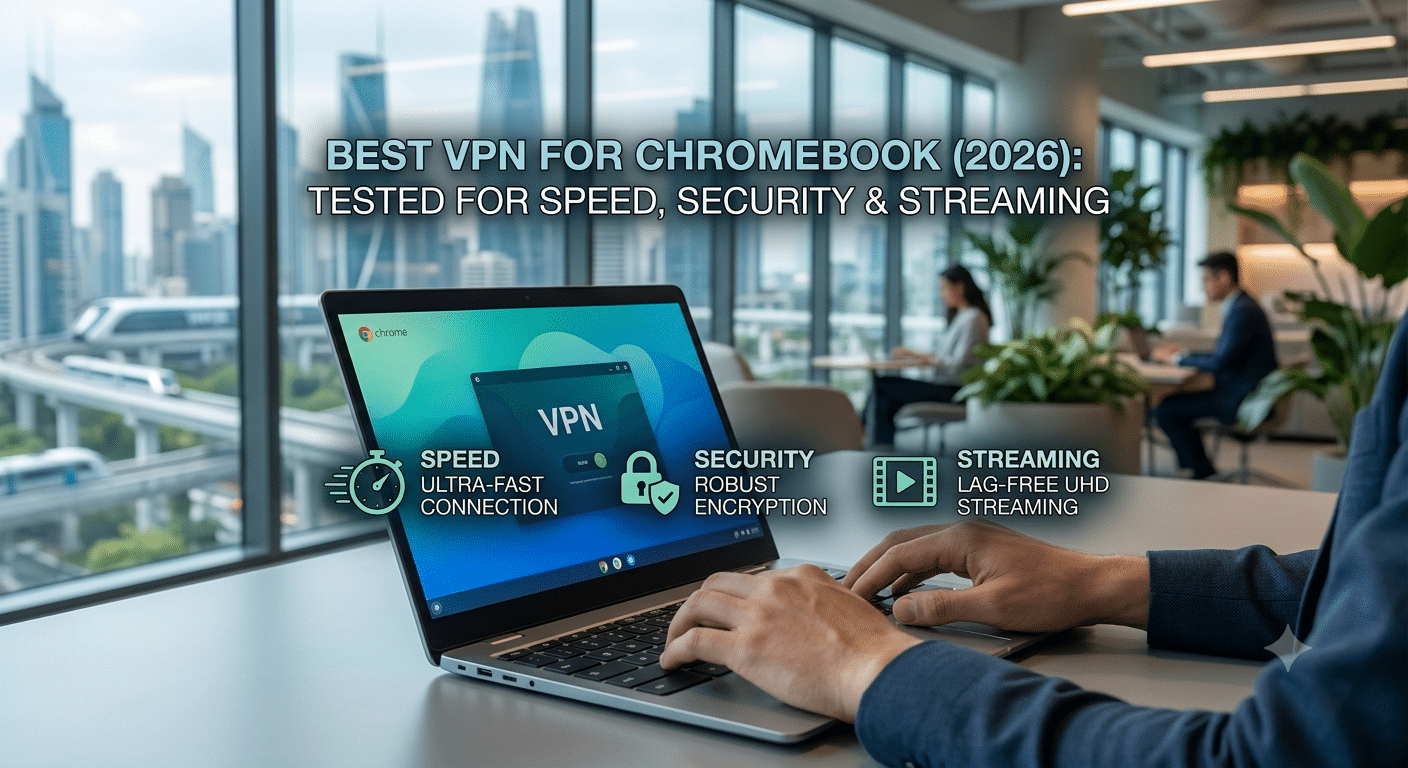

Finding the best vpn for chromebook isn’t just about choosing the fastest service. ChromeOS has evolved into a capable operating system, but the way it handles VPN apps, browser extensions, and Android compatibility differs from Windows and macOS. A VPN that performs well on a laptop may not deliver the same experience on a Chromebook.
In our evaluation, we focused on the factors that matter most to Chromebook users: connection speeds, ease of installation, streaming reliability, privacy protections, and ChromeOS compatibility. We also considered independent security audits, no-logs policies, and long-term value instead of marketing claims.
If you’re new to VPNs, the Electronic Frontier Foundation (EFF) offers excellent resources on digital privacy and online security.
What Is the Best VPN for Chromebook?
For most people, the best VPN for Chromebook combines four essentials:
- Fast WireGuard performance
- A trustworthy no-logs policy
- A polished Android app for ChromeOS
- Reliable access to streaming services and public Wi-Fi protection
Most premium VPN providers now offer Android apps through the Google Play Store, making setup straightforward. In many cases, installing the Android app provides better protection than relying solely on a browser extension, since it encrypts more of your device’s network traffic.
Free VPNs can work for light browsing, but they often impose data caps, fewer server locations, or slower speeds. If privacy or streaming is important, a paid service is usually the better long-term investment.
Why Do Chromebook Users Need a VPN?
Chromebooks are designed with strong built-in security, including verified boot and automatic updates. Those features help protect the operating system, but they don’t encrypt your internet traffic after it leaves your device.
A VPN creates an encrypted connection between your Chromebook and the VPN server. This helps reduce the risk of someone intercepting your data on public Wi-Fi networks, such as those in airports, hotels, or coffee shops.
A VPN can also help you:
- Protect personal information on public networks
- Reduce tracking by internet service providers
- Secure online banking sessions
- Access your home-region content while traveling
- Add an extra layer of privacy during everyday browsing
It’s important to remember that a VPN improves privacy but does not make you completely anonymous online. Safe browsing habits and strong passwords remain essential.
How We Evaluated Chromebook VPNs
Rather than focusing on advertising claims, we evaluated providers using practical criteria relevant to ChromeOS users.
Performance
Connection speed remains one of the biggest differentiators between VPNs. Modern WireGuard-based services generally deliver much better performance than older protocols while maintaining strong encryption.
ChromeOS Compatibility
Not every VPN offers the same Chromebook experience. We looked for providers with:
- Stable Android applications
- Regular ChromeOS updates
- Simple installation
- Reliable automatic reconnection
- Minimal battery impact
Privacy
We prioritized services that publicly document their privacy practices through independent audits or transparent no-logs policies.
Features we considered included:
- Kill Switch availability
- DNS leak protection
- Modern encryption standards
- Multi-factor authentication support
- RAM-only infrastructure where available
Streaming Reliability
Many Chromebook owners use their devices for streaming. We considered whether providers consistently supported popular streaming platforms while maintaining usable speeds.
Android App vs. Chrome Extension
One area that often causes confusion is the difference between installing a VPN app and installing a browser extension.
A Chrome extension usually protects only browser traffic. Other applications may continue using your normal internet connection.
An Android VPN app, by contrast, protects compatible network traffic across the device, making it the better choice for most Chromebook users.
If your Chromebook supports Android apps—and most modern models do—the Android application is generally the recommended option.
Advanced users with Linux-enabled Chromebooks may also choose native Linux VPN clients, but they require additional configuration and are unnecessary for most people.
What We’ll Cover Next
In the next section, we’ll compare the leading VPN providers for Chromebook based on real-world performance, streaming reliability, security features, pricing, and ease of use. We’ll also explain when paying for a VPN makes sense, when a reputable free option is sufficient, and how different providers perform across common Chromebook tasks.
Should You Use an Android App, Chrome Extension, or Linux VPN on Chromebook?
Choosing the right way to run a VPN on your Chromebook can make a noticeable difference in security, performance, and ease of use. While many providers offer multiple ways to connect, they aren’t all equally effective. For most users, the Android app delivers the best balance of protection and convenience, but there are situations where a browser extension or Linux client makes more sense.
Android VPN Apps: The Best Choice for Most Users
If your Chromebook supports the Google Play Store, installing the provider’s Android app is usually the simplest and most secure option.
A quality Android VPN app offers:
- Full-device network protection for compatible traffic
- Automatic reconnection after network changes
- Fast WireGuard support
- Easy server switching
- Kill Switch support (where supported by ChromeOS)
- Regular security updates
Installation typically takes only a few minutes. Once signed in, you can connect to a nearby server for the best speeds or choose another location if you need to access region-specific content while traveling.
For most home users, there’s little reason to configure a VPN manually when a well-designed app is available.
When Does a Chrome Extension Make Sense?
Chrome browser extensions are useful, but it’s important to understand their limitations.
Many VPN browser extensions function as secure browser proxies rather than full VPN connections. They protect browsing activity within Chrome but may not encrypt traffic from other apps or background services.
That doesn’t make extensions useless. They can be helpful if you primarily browse the web and want features such as:
- Quick location switching
- Browser-only protection
- Cookie and tracker blocking
- WebRTC leak prevention
- Lightweight resource usage
However, if you’re connecting to public Wi-Fi or handling sensitive information, a full VPN application provides broader protection.
Linux VPN Clients for Advanced Users
Some Chromebook owners enable Linux development features to run desktop applications. This also allows installation of certain Linux VPN clients.
Linux-based VPN software can provide:
- Advanced protocol configuration
- Manual DNS settings
- Custom routing rules
- Greater control over connection behavior
The trade-off is complexity. Linux clients require familiarity with terminal commands, package management, and network configuration. Unless you specifically need those capabilities, they’re unnecessary for everyday browsing or streaming.
Server Load Effects, Device Compatibility Limits, Account Restrictions, and Speed Throttling Scenarios
Server Load Effects
Even premium VPN services can slow down during periods of heavy demand. If a nearby server becomes congested, you may notice:
- Higher latency
- Reduced download speeds
- Buffering during video playback
- Longer connection times
Switching to another nearby server often resolves the issue within seconds.
Device Compatibility Limits
Although ChromeOS compatibility has improved significantly, not every Chromebook supports the same features.
Older models may have:
- Limited Android app support
- Reduced memory
- Older Wi-Fi hardware
- Slower processors
Modern Chromebooks with current ChromeOS versions generally provide a much smoother VPN experience, especially when using WireGuard.
Account and Plan Restrictions
VPN providers often limit the number of simultaneous device connections included with a subscription.
Typical limits range from five to ten devices, while some providers offer unlimited connections. If you plan to secure multiple laptops, phones, tablets, and smart TVs under one account, check the device allowance before subscribing.
Speed Throttling Scenarios
A VPN can’t always overcome internet slowdowns.
Performance may still decrease because of:
- Congested Wi-Fi networks
- ISP routing issues
- Long-distance server connections
- High-resolution streaming
- Large software downloads
Choosing the closest available server generally delivers the fastest results.
Common Chromebook VPN Problems
Most VPN issues are straightforward to resolve.
VPN Won’t Connect
Check that:
- ChromeOS is fully updated.
- The VPN app is running the latest version.
- Your internet connection works without the VPN.
- You’re trying a different server location.
Streaming Service Detects the VPN
Streaming platforms frequently update their VPN detection systems.
If access stops working:
- Connect to another server.
- Clear your browser cache.
- Restart the streaming app.
- Contact the VPN provider’s support team.
Reputable providers usually identify which servers currently work with major streaming services.
Battery Drains Faster
Encryption requires processing power, though modern protocols such as WireGuard are designed to minimize battery consumption.
If battery life becomes a concern:
- Disconnect the VPN when it’s unnecessary.
- Avoid connecting to distant servers.
- Keep background applications to a minimum.
What Comes Next
The final part brings everything together with practical buying advice, explains how to choose the right VPN for your specific needs, answers common questions, and summarizes which features matter most for Chromebook users. It also includes clear recommendations for streaming, privacy, travel, and everyday browsing.
How Do You Choose the Right VPN for Your Chromebook?
The best VPN depends on how you use your Chromebook. While every reputable provider should encrypt your connection and protect your privacy, some excel at streaming, others prioritize security, and a few offer the best value for families with multiple devices.
Instead of focusing on the largest server network or the lowest price, consider the features that match your daily needs.
For Streaming
If you regularly watch Netflix, Hulu, Disney+, Max, or BBC iPlayer, look for a VPN that consistently works with streaming services and delivers stable, high-speed connections.
Key features include:
- Fast WireGuard performance
- Frequent IP address rotation
- Large server network
- Reliable HD and 4K streaming support
- Minimal buffering during peak hours
For Privacy
Privacy-focused users should prioritize transparency over marketing claims.
Look for providers that offer:
- Independently audited no-logs policies
- Modern encryption standards
- DNS leak protection
- RAM-only server infrastructure (where available)
- Multi-factor authentication for account security
These features help reduce the amount of information retained about your online activity and strengthen your overall security.
For Public Wi-Fi
If you often work from coffee shops, airports, hotels, or libraries, a VPN becomes especially valuable.
Public wireless networks can expose users to risks such as unsecured connections or malicious hotspots. A trusted VPN encrypts your internet traffic, making it significantly more difficult for others on the same network to intercept your data.
For Travel
Travelers often encounter region restrictions or unfamiliar networks.
A VPN can help you:
- Secure connections on hotel Wi-Fi
- Access services available in your home region (subject to local laws and service terms)
- Reduce exposure on public networks while traveling
Always comply with the laws and regulations of the country you’re visiting, as VPN use is restricted in some jurisdictions.
Are Free VPNs Worth Using?
Free VPNs aren’t automatically unsafe, but they usually come with trade-offs.
Common limitations include:
- Monthly data caps
- Fewer server locations
- Lower speeds
- Limited streaming support
- Smaller device allowances
Some reputable free plans are suitable for occasional browsing or testing a service before upgrading. However, if you stream frequently, travel often, or rely on a VPN every day, a paid plan generally offers a better experience through faster speeds, broader server coverage, and additional security features.
Frequently Asked Questions
What is the best VPN for Chromebook?
The best choice combines excellent ChromeOS compatibility, fast performance, a verified no-logs policy, and an easy-to-use Android app. The right provider for you depends on whether your priority is privacy, streaming, travel, or everyday browsing.
Can I install a VPN directly on a Chromebook?
Yes. Most modern Chromebooks support Android VPN apps through the Google Play Store. Advanced users can also configure VPN connections manually or use Linux clients on supported devices.
Will a VPN slow down my Chromebook?
Every VPN introduces some performance overhead because your traffic is encrypted. High-quality providers using efficient protocols such as WireGuard generally minimize the impact, especially when connected to a nearby server.
Is a browser extension enough?
Usually not. Browser extensions often protect only browser traffic, while a full VPN app provides broader protection for compatible device traffic.
Final Thoughts
Choosing the best vpn for chromebook is less about finding the service with the longest feature list and more about selecting one that fits your needs. A reliable VPN should be easy to install, maintain strong privacy standards, deliver consistent speeds, and work smoothly with ChromeOS.
If you mainly browse the web at home, almost any reputable premium VPN will provide a solid experience. If you stream frequently, travel often, or regularly connect to public Wi-Fi, investing in a well-tested provider with fast WireGuard performance, transparent privacy practices, and dependable customer support is likely to be worthwhile.
Before subscribing, take advantage of free trials or money-back guarantees when available. Testing a VPN on your own Chromebook is the best way to confirm that it meets your expectations for speed, usability, and compatibility.