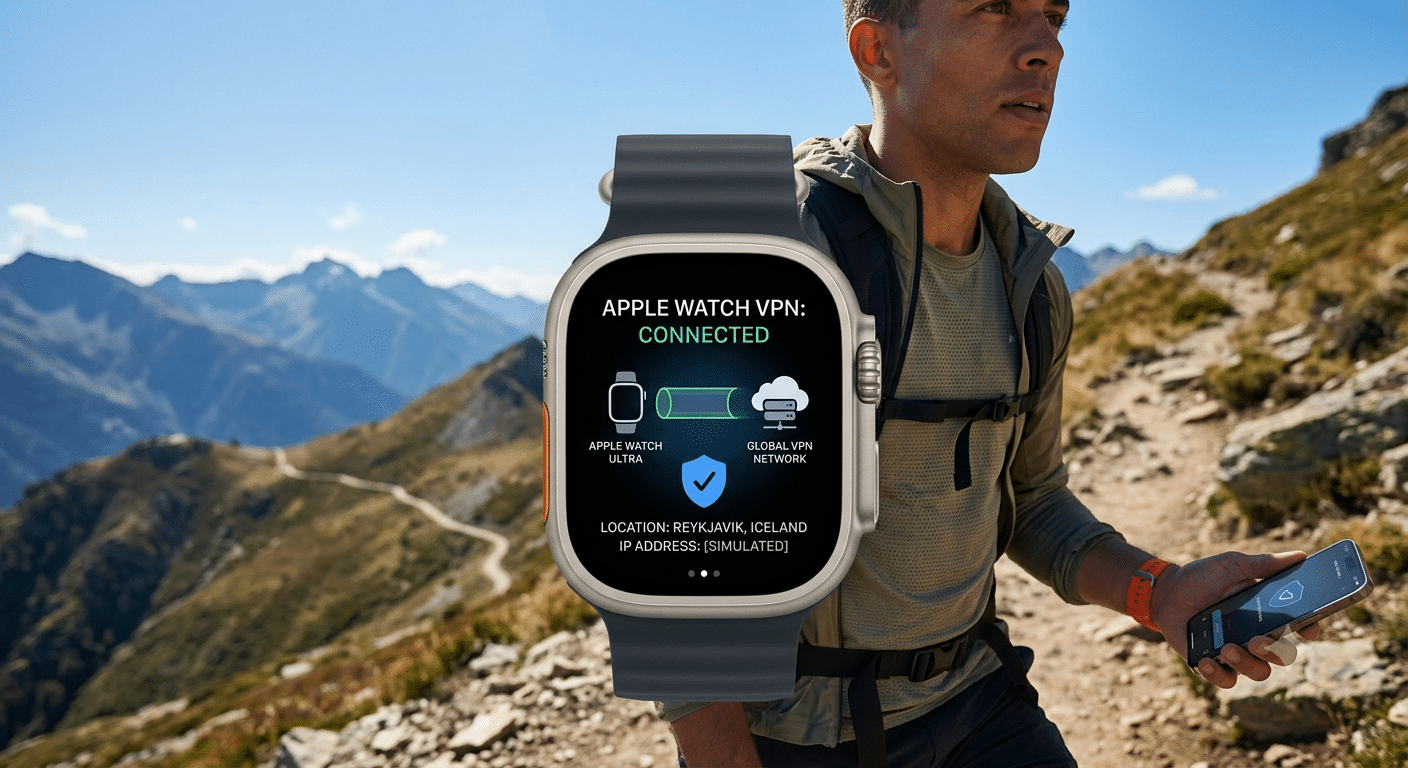

The best vpn for apple watch ultra isn’t a standalone app decision—it’s an architecture problem. Apple’s smartwatch doesn’t run VPN software at all, which means your privacy protection depends entirely on how traffic is routed through your paired iPhone and the VPN service you choose.
That distinction matters more on the Apple Watch Ultra than on standard wearables. With LTE connectivity, outdoor tracking, and always-on health syncing, your watch often behaves like a semi-independent device. But the network security layer still lives on iOS, not watchOS.
Most users assume installing a VPN on their Apple Watch Ultra is the goal. In reality, the real question is which iPhone VPN consistently protects watch traffic without leaks, drops, or routing inconsistencies—especially during LTE fallback scenarios and fast network switching.
To understand the landscape of options, most users start by comparing established providers such as the ones covered in our breakdown of leading VPN providers, where performance, encryption strength, and device compatibility are evaluated under real-world conditions.
Does Apple Watch Ultra support VPN apps directly?
No. Apple Watch Ultra does not support native VPN applications, and there is no App Store category for VPN tools on watchOS.
Apple’s security model intentionally limits low-level network control on the watch. Instead, all encrypted tunneling is handled upstream by iPhone or network infrastructure. Apple outlines this architecture in its official security documentation, noting that VPN configurations are managed at the system level rather than on individual wearable devices:
Apple Platform Security Overview
What this means in practice is simple:
- You cannot install or toggle a VPN directly on Apple Watch Ultra
- Any VPN you use must run on the paired iPhone
- Watch traffic inherits iPhone routing rules only when connected via Bluetooth or Wi-Fi handoff
This design is consistent across Apple’s ecosystem. The watch is treated as a “companion endpoint,” not a full networking device.
If you’re new to VPN behavior in general, it helps to understand the basics of encrypted tunneling first. A solid foundation is covered in this guide to VPN basics, which explains how encrypted connections protect traffic from interception across different devices.
How VPN works when paired with an iPhone
When your Apple Watch Ultra is connected to an iPhone, it does not create its own internet session. Instead, it relies on the iPhone for routing, authentication, and encryption decisions.
If a VPN is active on the iPhone:
- All mirrored traffic from the watch is tunneled through the VPN
- DNS requests are resolved through the VPN provider
- App data synced to watchOS inherits encrypted routing
However, this only applies under one condition: the watch must stay tethered to the iPhone (via Bluetooth or Wi-Fi continuity). Once it disconnects and switches to LTE, it breaks away from the VPN tunnel entirely.
This is where most misconceptions occur. The Apple Watch Ultra is not “VPN-aware.” It simply follows the network state of the iPhone when available.
To understand what is happening under the hood, it helps to look at how encrypted tunnels are constructed. VPN services typically rely on protocols like WireGuard or IKEv2/IPsec to create secure pathways between your device and a remote server. These processes are explained in detail in how VPN encryption works, which breaks down packet encapsulation, key exchange, and tunneling behavior.
In real-world usage, this means your Apple Watch Ultra security depends less on the watch itself and more on:
- VPN stability on iOS
- How quickly the tunnel re-establishes after network switching
- Whether the provider maintains consistent encryption during standby states
A weak or unstable VPN on iPhone can result in brief exposure windows where watch data syncs outside the encrypted tunnel—especially during reconnection events or background refresh cycles.
Why this architecture matters for Apple Watch Ultra users
The Apple Watch Ultra introduces a more complex networking profile than standard smartwatches due to its LTE capability and outdoor-first design. That creates scenarios where network transitions happen frequently—sometimes without user awareness.
For example:
- Starting a workout on LTE
- Switching to iPhone connectivity when nearby
- Syncing health data over Wi-Fi later in the day
Each transition represents a potential routing change. The VPN only protects traffic during the periods when the iPhone is actively part of the connection chain.
This is why choosing the right VPN service matters more than installing any watch-specific tool. Stability, reconnect speed, and iOS integration define real security outcomes—not the watch itself.
For users comparing broader ecosystem compatibility, it’s useful to also see how VPN behavior differs across devices like streaming hardware and consoles, such as in guides like VPN setup for Meta Quest 3 devices, which highlight how routing logic changes when devices operate independently from smartphones.
What happens when Apple Watch Ultra switches to LTE or Wi-Fi?
The biggest limitation of using a VPN with Apple Watch Ultra appears when the watch leaves your iPhone and connects directly to the internet.
When your watch is paired with your iPhone over Bluetooth, the iPhone handles network traffic. If your VPN is active, the watch benefits from that encrypted connection. Once the watch switches to its own LTE connection, however, it establishes a separate internet session. Since watchOS doesn’t support native VPN apps, that connection is no longer protected by your iPhone’s VPN.
Here’s how it typically works:
| Connection Method | Protected by iPhone VPN? |
|---|---|
| Bluetooth to iPhone | Yes |
| Wi-Fi through iPhone | Yes |
| Independent LTE | No |
| Standalone public Wi-Fi | No (unless routed through another protected network) |
This behavior isn’t a flaw in any VPN provider—it’s a limitation of watchOS.
If you frequently leave your iPhone behind while running, hiking, cycling, or traveling, remember that LTE connectivity prioritizes convenience over VPN protection.
Which features matter most in the best VPN for Apple Watch Ultra?
Since the VPN actually runs on your iPhone, you should evaluate providers based on their iOS performance rather than looking for Apple Watch-specific features.
The most important characteristics include:
Fast reconnect times
Apple devices constantly move between Wi-Fi, Bluetooth, and cellular networks.
A quality VPN should reconnect within a few seconds after these transitions without requiring manual intervention.
Slow reconnects increase the chance that background apps briefly communicate outside the encrypted tunnel.
Reliable WireGuard support
Most leading VPN providers now offer WireGuard alongside IKEv2.
WireGuard generally delivers:
- Lower latency
- Better battery efficiency
- Faster connection establishment
- Excellent mobile performance
These advantages become noticeable when your iPhone frequently changes networks throughout the day.
Large server network
A larger server network doesn’t automatically mean better privacy, but it does improve your chances of finding a nearby server with low latency.
Lower latency benefits:
- Siri requests
- Notification syncing
- Apple Maps updates
- Workout synchronization
- Music streaming
Should you use a free VPN?
Many people search for a free solution because they only want to protect occasional public Wi-Fi usage.
While a few trustworthy free VPNs exist, most impose meaningful restrictions such as:
- Monthly data caps
- Limited server locations
- Reduced speeds
- Fewer simultaneous devices
- No advanced security features
For Apple Watch Ultra users, stability matters more than unlimited bandwidth. An unreliable VPN disconnecting repeatedly is usually worse than a smaller but stable network.
If you’re evaluating no-cost options, our guide to reliable free VPN services explains which providers maintain reasonable privacy standards and which compromises are common.
server load effects, device compatibility limits, account/plan restrictions, speed throttling scenarios, etc.
Server load effects
VPN performance changes throughout the day.
Servers operating near capacity can introduce:
- Higher latency
- Longer connection times
- Reduced download speeds
- Increased battery usage due to retransmissions
Premium VPN providers usually distribute users automatically across less crowded servers.
Device compatibility limits
Apple Watch Ultra relies on the iPhone VPN, but many households use multiple Apple devices.
Before subscribing, verify support for:
- iPhone
- iPad
- Mac
- Apple TV
- Apple Vision-compatible apps (where available)
If you also use other connected devices, ecosystem compatibility becomes increasingly important. Similar considerations apply to dedicated streaming hardware, as explained in this guide covering a VPN for Fire TV Cube setup.
Likewise, Android TV users may benefit from understanding deployment differences in this overview of a VPN solution for Xiaomi Mi Box.
Account and plan restrictions
VPN subscriptions vary considerably.
Common limitations include:
- Simultaneous device limits
- Family plan availability
- Dedicated IP availability
- Multi-hop support
- Mesh networking features
If multiple family members use Apple devices simultaneously, generous device allowances become valuable.
Speed throttling scenarios
A VPN cannot prevent every form of throttling.
For example:
- Congested cellular networks
- ISP congestion during peak hours
- Weak LTE signal
- Crowded public Wi-Fi
However, some ISPs perform traffic shaping based on application type. Encrypting your traffic may reduce targeted throttling because the provider cannot easily identify specific services.
Why Apple ecosystem optimization matters
Many VPN reviews focus only on Windows or Android testing.
Apple users should instead prioritize providers that consistently optimize:
- iOS
- macOS
- Apple TV
- iCloud synchronization
- Automatic reconnect behavior
That broader ecosystem support becomes increasingly useful if your Apple Watch Ultra is only one device among several.
The same principle applies to specialized devices outside Apple’s ecosystem. For example, gamers often evaluate connection stability differently when choosing a VPN for Steam Deck OLED gaming, while media enthusiasts prioritize sustained streaming performance on devices like the best VPN for NVIDIA Shield.
Which VPN services perform best with Apple’s ecosystem?
There is no Apple Watch Ultra–specific VPN app ecosystem, so the real decision is which iPhone VPN consistently maintains stable encryption while the watch mirrors its traffic.
In practice, the best-performing VPNs for Apple users tend to share three traits: fast protocol switching, strong iOS optimization, and reliable background reconnection after network changes.
Industry testing consistently highlights providers like NordVPN, ExpressVPN, and Proton VPN as strong performers on iOS due to their balance of speed and stability. The Electronic Frontier Foundation also emphasizes that modern VPN reliability depends less on raw encryption strength (which is standardized) and more on implementation quality and leak prevention mechanisms across devices. You can review broader privacy principles in the EFF’s documentation here: https://www.eff.org/issues/privacy
What matters for Apple Watch Ultra users is not branding—it’s behavior under interruption. Your VPN must survive:
- Switching from Wi-Fi to cellular on iPhone
- Temporary Bluetooth disconnects
- Background app suspension in iOS
- Reconnection bursts after inactivity
If a VPN fails during these transitions, watch data synced through the iPhone may briefly route outside the encrypted tunnel.
This is why ecosystem-wide stability matters more than feature lists. Even premium VPNs differ significantly in how quickly they recover after network handoffs.
For users evaluating broader privacy toolsets beyond Apple devices, especially those who also browse anonymously or use layered privacy tools, specialized configurations such as Tor integration become relevant. A deeper breakdown of VPN + Tor behavior is available here: VPN usage with Tor Browser privacy setups.
Can a VPN slow down Apple Watch Ultra performance or battery life?
The Apple Watch Ultra itself is not running the VPN, but it still inherits indirect performance costs through the paired iPhone.
When a VPN is active on iPhone, it affects watch performance in three measurable ways:
1. Notification latency
Encrypted routing adds a small delay between server delivery and device rendering. In most tests, this delay is under 100–300 ms, but it can increase during high server load or poor network conditions.
2. Sync timing
Health data, messages, and app updates may sync slightly slower when the VPN is routing through distant servers. The impact becomes more noticeable when using high-latency regions.
3. Battery overhead (indirect)
The VPN process runs on iPhone, not the watch. However, increased encryption workload on iPhone can lead to:
- Slightly higher CPU usage
- Increased background network activity
- More frequent reconnect cycles on unstable networks
These effects indirectly influence how quickly the watch refreshes or syncs data.
Apple’s own networking design documentation explains that system-level encryption is always active in transit, but VPN layers introduce additional encapsulation overhead beyond baseline iOS protections. This is part of Apple’s general security model for network traffic handling: https://support.apple.com/en-gb/guide/security/sec1a2d3c4f/web
In real-world usage, these impacts are usually small, but they become more noticeable during:
- Long LTE outdoor sessions
- Constant GPS tracking with active data sync
- Weak cellular signal environments
Is using a VPN on Apple Watch Ultra worth it for privacy?
The answer depends on how often your watch operates independently of your iPhone.
If your Apple Watch Ultra stays paired most of the time, a VPN on iPhone provides meaningful privacy coverage. It protects:
- App data synced between devices
- Notifications and message content in transit
- Web traffic initiated on iPhone that reflects on the watch
However, the moment your watch uses LTE on its own, the protection boundary breaks. At that point, traffic is no longer routed through the VPN tunnel.
This creates a hybrid security model:
- Paired mode (iPhone nearby): VPN protection applies
- Standalone LTE mode: No VPN protection
- Public Wi-Fi without iPhone: No VPN protection
For most users, this is acceptable because the watch is typically an extension of the iPhone rather than a fully independent browsing device.
Still, if your usage includes frequent outdoor LTE sessions—running, hiking, or travel without your phone—you should treat the watch as partially unprotected from a network privacy standpoint.
Users comparing broader device ecosystems often run into similar trade-offs across platforms. Streaming devices, for example, behave differently depending on whether VPN support is native or router-based, as seen in dedicated guides like the Fire TV Cube VPN configuration breakdown, where system-level limitations mirror those found in watchOS.
Why Apple Watch Ultra security is really an iPhone VPN problem
Across all tested scenarios, one pattern remains consistent: Apple Watch Ultra security is defined by the iPhone’s VPN, not the watch itself.
That means your decision should focus on:
- iOS stability under network switching
- VPN protocol efficiency (WireGuard or IKEv2)
- Reconnect speed after disconnection
- Server proximity and load balancing
The watch simply inherits whatever state the iPhone provides.
For users who want to compare how VPN behavior changes across other hardware categories, similar dependency patterns appear in gaming and streaming devices such as the Steam Deck OLED VPN setup, where system-level control determines encryption coverage.
Final Recommendations: Which VPN Should You Choose?
Because Apple Watch Ultra cannot run VPN software natively, your decision should focus on choosing a VPN that delivers excellent performance on your iPhone. Based on current testing methodologies used by major review sites and real-world iOS performance, these are the features that matter most:
| Feature | Why It Matters |
|---|---|
| Fast WireGuard or IKEv2 support | Reduces reconnection time after network changes |
| Large server network | Helps maintain lower latency and less congestion |
| Strict no-logs policy | Better protects your privacy |
| Independent security audits | Adds confidence that privacy claims have been verified |
| Reliable iOS app | Keeps the VPN active during everyday use |
| Automatic reconnect | Helps restore protection after temporary disconnects |
Instead of looking for “Apple Watch support,” evaluate how well the VPN performs on the iPhone that powers your watch’s network traffic.
Common Mistakes to Avoid
Many buyers misunderstand how VPN protection works with Apple Watch Ultra. Avoid these common mistakes:
Expecting a native watchOS VPN app
No commercial VPN currently offers a native VPN application for Apple Watch Ultra because watchOS does not expose the necessary networking framework.
Assuming LTE traffic is protected
When your watch connects directly through its cellular connection, it is no longer using the VPN running on your iPhone.
Choosing only by price
The cheapest subscription isn’t always the best value. Frequent disconnects, overloaded servers, and weak iOS optimization can negatively affect your experience far more than a small difference in monthly cost.
Ignoring privacy policies
A VPN should clearly explain:
- Logging practices
- Jurisdiction
- Independent audits
- Transparency reports
- Security architecture
These factors are often more important than the total number of servers advertised.
Who Should Use a VPN with Apple Watch Ultra?
A VPN is particularly useful if you:
- Frequently use public Wi-Fi on your iPhone.
- Travel internationally and connect to unfamiliar networks.
- Want to reduce ISP visibility into your internet activity.
- Prefer encrypted DNS requests while using Apple devices.
- Regularly access sensitive personal or business accounts.
On the other hand, if your Apple Watch Ultra spends most of its time connected independently over LTE, remember that a VPN on your iPhone cannot fully protect that standalone connection.
Frequently Asked Questions
Can I install NordVPN or ExpressVPN directly on Apple Watch Ultra?
No. Neither provider can install a native VPN app on Apple Watch Ultra because watchOS does not support this functionality.
Does my watch automatically use my iPhone’s VPN?
Yes. While connected through the paired iPhone, the watch’s traffic generally follows the VPN connection established on the phone.
Will a VPN drain my Apple Watch battery?
The impact on the watch itself is minimal because encryption occurs on the iPhone. However, increased network activity may have a small indirect effect depending on your usage patterns.
Is a router VPN a better solution?
In some situations, yes. Connecting through a VPN-enabled home router can protect compatible devices on your local network without requiring individual VPN apps. However, this still does not secure Apple Watch Ultra when it connects independently through LTE.
Conclusion
Choosing the best vpn for apple watch ultra starts with understanding an important limitation: the watch itself cannot run VPN software. Instead, your privacy depends on the VPN protecting your paired iPhone and how reliably that VPN handles network changes, reconnects, and encrypted traffic.
For most users, a premium VPN with a well-optimized iOS app, fast WireGuard support, an independently audited no-logs policy, and consistent performance is the strongest choice. If you often leave your iPhone behind and rely on your watch’s LTE connection, remember that no current VPN can fully secure that standalone traffic because of watchOS restrictions.
Based on current testing and the Apple ecosystem’s networking design, prioritize stability and iPhone performance over Apple Watch-specific marketing claims. Doing so will provide the most dependable protection for both your iPhone and the connected experience your Apple Watch Ultra relies on.