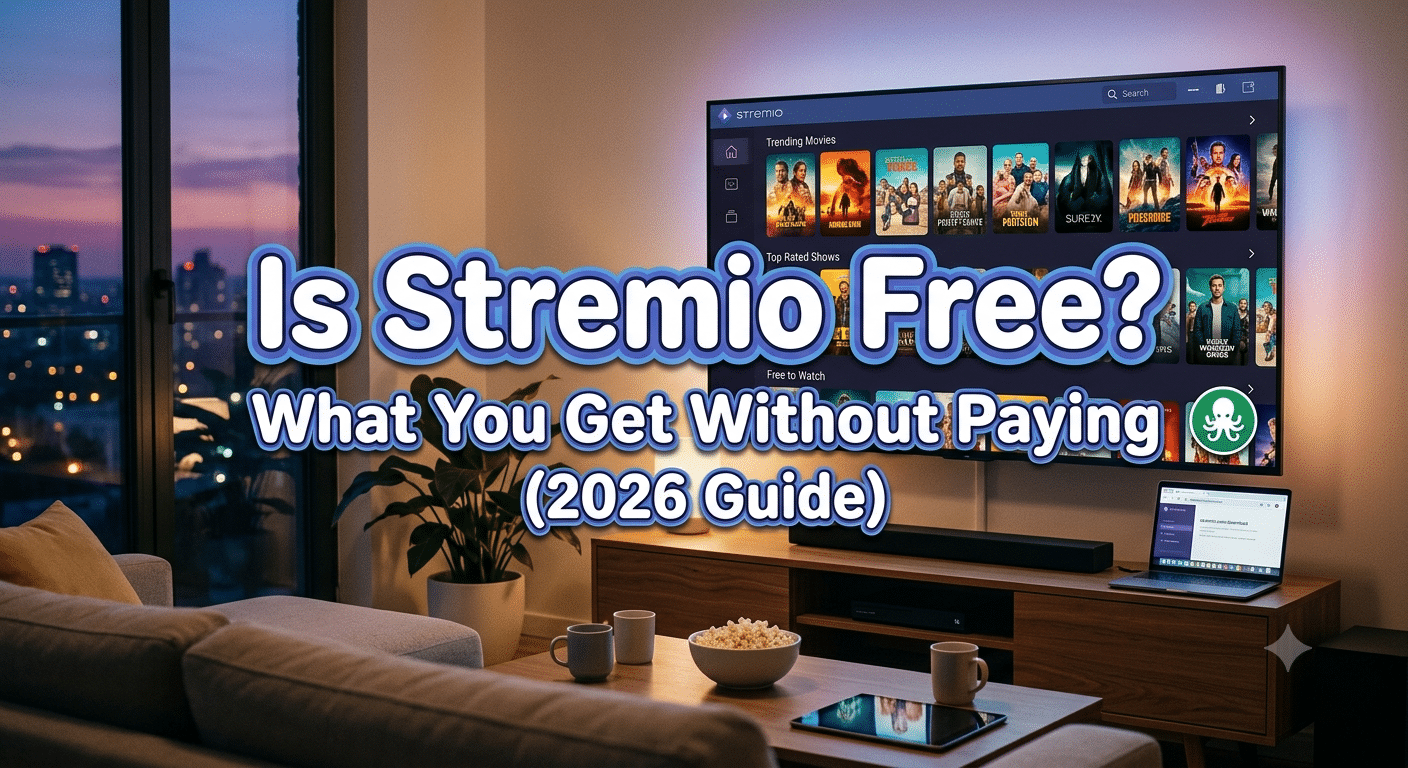

If you’re wondering Is Stremio free, the short answer is yes. You can download the official Stremio application, create an account, and start using its core features without paying anything. There are no mandatory subscription fees, no premium version that unlocks essential functionality, and no time-limited trial.
Where many new users become confused is that Stremio can connect to third-party services, some of which charge their own subscription fees. That distinction is important. Stremio itself is free, but the content sources you choose to use may not be.
This guide explains exactly what you get for free, when you might encounter paid services, and whether spending money on optional integrations makes sense for your needs.
What Does “Free” Actually Mean in Stremio?
Stremio is best described as a media center rather than a streaming service. Unlike platforms that own and host their own movie and TV libraries, Stremio organizes content from multiple sources through add-ons.
That means downloading the app doesn’t automatically give you access to every movie or television show available online. Instead, Stremio acts as a central hub where compatible add-ons can provide links to content from different providers.
The free version includes the features most users expect:
- Downloading and installing the application
- Creating a free account
- Synchronizing your library across devices
- Discovering movies and TV shows
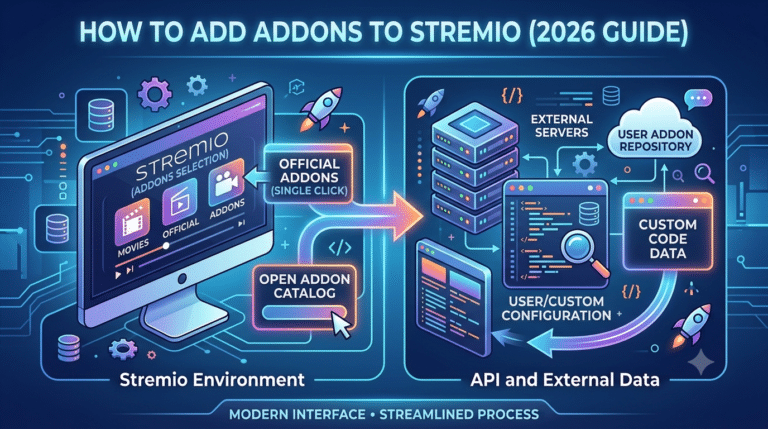
- Installing official add-ons
- Tracking your watch history
- Receiving recommendations based on your viewing habits
You don’t need to enter payment information to access these core functions.
Does Stremio Charge a Monthly Subscription?
No.
Unlike many streaming platforms, Stremio does not sell monthly or annual subscriptions for its own software. Once installed, you can continue using the application without recurring charges.
However, some add-ons connect to premium streaming platforms that require their own subscriptions. For example, if an add-on links to a service you already pay for, you’ll still need an active subscription with that provider to watch its content.
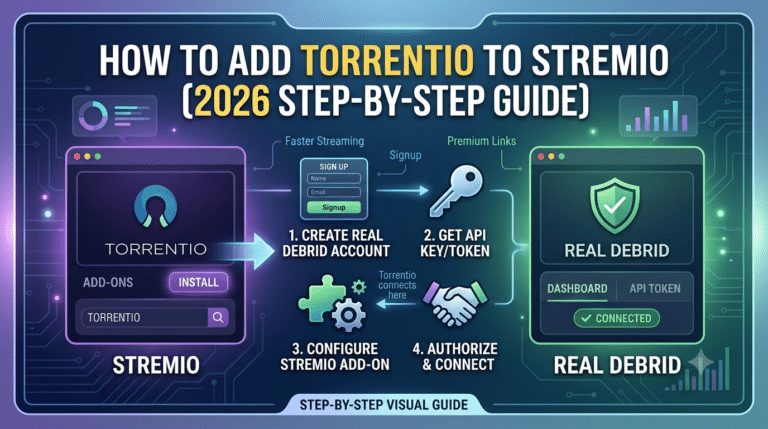
Other users choose to subscribe to optional caching services for improved streaming performance. Those subscriptions are separate purchases and are not payments made to Stremio itself.
Understanding this difference helps avoid one of the biggest misconceptions surrounding the platform.
What Features Are Included for Free?
For most beginners, the free version offers everything needed to explore the platform.
You can search for movies, organize personal watchlists, receive notifications for new episodes, and install official add-ons without paying.
Another advantage is cross-device synchronization. After signing in, your library and preferences follow you between supported devices, making it easy to switch from a desktop computer to a television or another compatible platform.
The application also receives software updates at no cost, helping improve stability, compatibility, and security over time.
In practical terms, most of the software experience remains available regardless of whether you ever spend money on optional services.
Why Do Some People Think Stremio Isn’t Free?
The confusion usually comes from discussions about third-party add-ons.
Many online guides mention services that can improve playback reliability, unlock additional streaming sources, or reduce buffering. Because these services often require separate subscriptions, some readers mistakenly assume Stremio itself is a paid application.
That’s not how the platform works.
Think of Stremio as the operating system and optional services as accessories. Buying an accessory may improve your experience, but the core application remains free.
This distinction becomes especially important when comparing Stremio with traditional streaming subscriptions that charge every month simply to access the platform.
Is the Free Version Enough for Most Users?
For many people, yes.
If your goal is to organize your entertainment library, discover new shows, install official add-ons, and manage everything from a single interface, the free version covers those needs well.
Advanced users sometimes choose additional services because they want more consistent playback, broader compatibility with certain add-ons, or improved streaming quality. Those upgrades focus on convenience rather than unlocking the application’s basic functionality.
Whether they’re worthwhile depends entirely on your viewing habits, internet connection, and the services you already subscribe to.
In the next part, we’ll look at the optional paid services commonly associated with Stremio, explain why some users subscribe to them, and help you decide whether they’re necessary for your own setup.
Why Do Some Stremio Users Choose Paid Services?
Although Stremio itself is free, you’ll often see experienced users discussing paid services alongside the app. That can make it seem as though Stremio requires a subscription. In reality, these are optional services that some people use to improve their overall streaming experience—not to unlock the app itself.
The most commonly mentioned paid options fall into three categories: premium streaming subscriptions, caching services, and VPNs. Each serves a different purpose.
Premium Streaming Services
Some official Stremio add-ons connect to legitimate streaming platforms that require their own subscriptions. If you already pay for a service that offers movies or TV shows, you may be able to access that content through Stremio’s unified interface instead of switching between multiple apps.
In this case, you’re paying the streaming provider—not Stremio.
Caching Services
Many advanced users subscribe to a caching service to improve playback reliability. These services can provide faster access to supported content sources, reduce buffering, and offer more consistent streaming quality, particularly for high-bitrate or 4K video.
Whether a caching service is worthwhile depends on your internet connection, the add-ons you use, and how often you stream. Casual users may never notice a significant difference, while frequent viewers with demanding playback requirements may appreciate the added consistency.
Why Some Users Also Use a VPN
A VPN isn’t a requirement for using Stremio, but many privacy-conscious users choose one to help protect their internet traffic from being easily observed on public networks or by their internet service provider.
A VPN encrypts your connection between your device and the VPN server, helping reduce exposure to network monitoring and making it more difficult for third parties to associate your online activity with your public IP address. However, a VPN does not make online activity anonymous, nor does it change the legal status of the content you access.
If you’re new to the technology, learning the basics of how VPNs work can help you decide whether one fits your privacy needs before choosing a provider.
When the Free Version Is Enough
For many people, paying for additional services simply isn’t necessary.
If you mainly want to organize your watchlist, discover new titles, and use official add-ons connected to services you already subscribe to, the free version of Stremio is often sufficient. You’ll still receive software updates, synchronize your library across supported devices, and benefit from the same core interface as every other user.
Optional paid services become more relevant only if you have specific goals, such as improving playback consistency, consolidating existing streaming subscriptions, or strengthening your online privacy.
How to Decide Whether to Spend Money
Before paying for any third-party service, ask yourself a few practical questions:
- Do you regularly experience buffering or playback interruptions?
- Do you already subscribe to streaming platforms that integrate with your setup?
- Are you primarily concerned about online privacy while using public or shared networks?
- Will the added features provide value that matches the subscription cost?
If the answer to most of these questions is “no,” you may find that the free Stremio experience already meets your needs.
The key takeaway is simple: Stremio does not place its core features behind a paywall. Any additional costs come from optional third-party services that you choose to use. Understanding that distinction helps you make informed decisions and avoid paying for features you may never need.
Server Load Effects, Device Compatibility Limits, and Account Restrictions
Whether you use Stremio for free or pair it with optional third-party services, your experience depends on more than your internet speed. Factors such as server availability, device capabilities, and account limitations can all affect streaming performance.
How Server Load Can Affect Streaming
Not every interruption is caused by your home network. During periods of high demand, the servers used by streaming providers or content sources may become congested. When that happens, you might notice:
- Longer loading times
- Lower video quality
- Buffering during playback
- Temporary playback failures
If these issues appear only during peak viewing hours, server load may be the cause rather than a problem with Stremio itself.
Restarting the app, trying a different source, or waiting until demand decreases can often resolve temporary issues.
Device Compatibility Matters
One of Stremio’s strengths is its support for multiple operating systems, but not every device offers the same experience.
Desktop computers generally provide the broadest feature set and easiest add-on management. Streaming devices and smart TVs may have different installation methods or interface limitations, while mobile devices can vary depending on the operating system.
Before installing Stremio on a new device, verify that an official version is available and that your hardware meets the recommended requirements.
Older devices with limited processing power or memory may struggle with high-resolution playback, even if your internet connection is fast enough.
Understanding Account Synchronization
Creating a free account allows you to synchronize your library, watch history, and installed add-ons across compatible devices.
For example, if you add a movie to your library on your laptop, it can also appear when you sign in on another supported device. This cloud synchronization is included with the free account and does not require a paid subscription.
However, synchronization depends on successfully signing into the same account across each device.
Internet Speed Recommendations
While Stremio itself doesn’t publish strict bandwidth requirements for every streaming scenario, these general guidelines are useful:
| Video Quality | Recommended Download Speed |
|---|---|
| SD (480p) | 3–5 Mbps |
| HD (720p–1080p) | 5–10 Mbps |
| 4K UHD | 25 Mbps or higher |
These figures assume a stable connection. If multiple people are using the same network simultaneously, higher bandwidth may be necessary.
Common Playback Problems
If playback isn’t working as expected, check the basics before assuming the application is at fault.
A simple troubleshooting process includes:
- Confirm your internet connection is stable.
- Install the latest version of Stremio.
- Verify that your selected add-on is functioning correctly.
- Try another available source.
- Restart the application and your device.
Many playback issues are temporary and can be resolved without changing your setup.
Is Paying for Optional Services Necessary?
For many users, the answer remains no.
The free version of Stremio delivers its core functionality without charging a subscription fee. Optional paid services may improve certain aspects of the experience for specific users, but they are not required to install the application, build a library, or use its primary features.
If you’re just getting started, it’s often best to spend some time using the free version before deciding whether any optional service provides enough value for your viewing habits. That approach lets you evaluate your own experience rather than paying for features you may never need.
Final Verdict: Is Stremio Free?
Yes—Stremio is free to download and use. You can install the application, create an account, organize your media library, discover movies and TV shows, and synchronize your data across supported devices without paying a subscription fee.
The confusion arises because Stremio works with a variety of add-ons and third-party services. Some of those services require separate subscriptions, but those costs are independent of Stremio itself. Paying for an optional service does not unlock the application’s core features—it simply changes the content sources or improves certain aspects of the streaming experience.
For most new users, the free version is enough to explore what the platform offers. If you primarily want a single interface for tracking what you watch and accessing supported content sources, you can use Stremio without spending money.
As your needs change, you can decide whether optional services are worth the additional cost. Frequent streamers may value features such as improved playback reliability or access to content from subscriptions they already have, while casual users may never feel the need to upgrade.
Before adding any third-party service, consider these points:
- Make sure the service solves a problem you actually have.
- Use official software downloads and trusted add-ons whenever possible.
- Keep the application updated to benefit from the latest security and stability improvements.
- Understand that optional paid services have their own pricing, policies, and terms of use.
Key Takeaways
- Stremio does not charge a monthly subscription.
- The official application is free to install and use.
- Core features are available without payment.
- Some third-party services associated with Stremio charge separate fees.
- Whether you need those services depends on your viewing habits and personal preferences.
Ultimately, the answer to “Is Stremio free?” is straightforward: yes. The software itself costs nothing, and you can enjoy its primary features without a subscription. Optional paid integrations are exactly that—optional. For most beginners, it’s a good idea to start with the free experience and only consider additional services if they offer clear benefits for your particular setup.
Frequently Asked Questions
Is Stremio completely free?
Yes. The official Stremio application is free to download and use. Optional third-party services may charge their own fees, but they are not required to access the app’s core functionality.
Does Stremio have a premium version?
No. Stremio does not offer a premium tier that unlocks additional features within the application itself.
Can I use Stremio on multiple devices?
Yes. By signing in with the same account, you can synchronize your library and preferences across supported devices.
Do I need to pay to receive updates?
No. Software updates for the official application are provided without an additional charge.
Should every Stremio user pay for optional services?
Not necessarily. Many users find that the free version meets their needs. Optional services are best viewed as enhancements rather than requirements.
Final Recommendation
If you’re considering trying Stremio for the first time, start with the free version. Explore its interface, test the features you plan to use, and determine whether it already meets your expectations. Only after gaining experience with the platform should you evaluate whether any optional third-party services provide enough additional value to justify their cost.