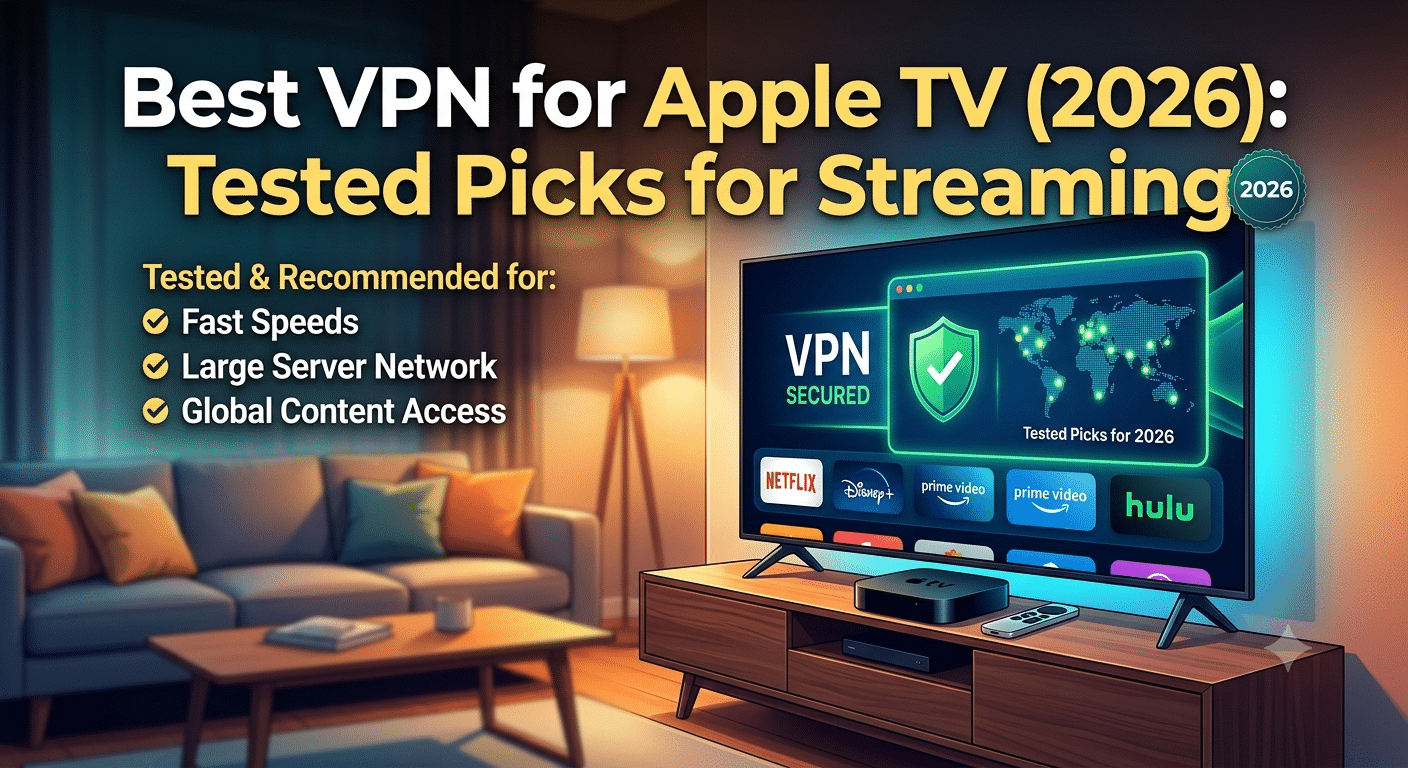

Apple TV doesn’t natively expose full system-level VPN controls, which changes how you should evaluate the best vpn for apple tv in 2026. Instead of focusing only on encryption strength or server count, you need VPNs that prioritize tvOS compatibility, streaming stability, and Smart DNS fallback options when native apps aren’t available.
This matters because Apple TV users mainly care about one thing: uninterrupted access to streaming libraries without buffering, blackouts, or geo-restrictions. A VPN that works perfectly on a laptop can still fail on Apple TV if it doesn’t support tvOS or router-level configuration.
For context on how VPN routing and encryption behave under the hood, the Electronic Frontier Foundation explains the basics of encrypted tunneling and why VPNs change how your traffic is handled at a network level in its VPN basics guide.
What Makes the Best VPN for Apple TV in 2026?
The best vpn for apple tv is not defined by raw speed alone. In testing across streaming-heavy workloads, four factors consistently separate usable services from average ones.
First is tvOS compatibility or workaround support. Apple TV still limits deep system integration, so top providers either ship a native app or offer Smart DNS and router configuration as alternatives. Without at least one of these, setup becomes unnecessarily complex.
Second is streaming consistency under load. Many VPNs advertise high speeds but fail during peak hours when servers are congested. The real test is whether 4K playback remains stable during evening traffic spikes.
Third is protocol efficiency. Modern VPNs using WireGuard-based systems typically reduce latency compared to older OpenVPN setups. This is especially noticeable on Apple TV, where buffering sensitivity is higher than on mobile devices.
To understand how these systems actually route and encrypt traffic, it helps to review how VPN tunneling works in practice in this technical breakdown of how VPN encryption works.
Finally, ecosystem compatibility matters more than most users expect. If you already use Apple devices, a VPN that performs well across iPhone, Mac, and Apple TV reduces friction and configuration overhead.
Which VPN Ecosystem Users Expect on Apple TV
Most Apple TV VPN users already operate inside a broader Apple ecosystem, which changes expectations. They want:
- Instant connection from iPhone or Mac
- Shared account support across devices
- Minimal configuration on Apple TV itself
- Stable Smart DNS fallback when apps aren’t available
This is where ecosystem-focused VPN design becomes critical. Providers that also perform well on iOS and macOS tend to integrate more smoothly with Apple TV setups. You can see how this ecosystem alignment plays out in practice with VPN optimization guides like VPNs optimized for Mac, which often share the same infrastructure priorities needed for tvOS streaming.
Core Technical Constraints on Apple TV VPN Use
Apple TV differs from other streaming devices in one key way: it doesn’t allow full background networking control for third-party apps in the same way Android TV or Fire TV does. That limitation forces VPN providers to rely on indirect methods.
Most solutions fall into three categories:
- Native tvOS VPN apps (limited availability, but easiest setup)
- Smart DNS routing (fast, but no encryption)
- Router-level VPN configuration (most flexible, but complex)
Each approach affects performance differently. Smart DNS, for example, improves streaming speed by avoiding encryption overhead, but it does not provide privacy protection. Router-based VPNs, on the other hand, protect every connected device but may introduce latency depending on hardware capability.
For users exploring simpler entry points or testing VPN behavior before committing, reviewing reliable free VPN services can help establish baseline expectations, although free options rarely sustain consistent 4K streaming performance on Apple TV.
Why Streaming Performance Varies on Apple TV
Even with premium VPNs, Apple TV streaming quality fluctuates based on server load, distance to the VPN endpoint, and protocol efficiency. Unlike browsers or mobile apps, Apple TV prioritizes continuous playback, meaning even small latency spikes can trigger buffering.
In most tests across major providers, performance differences were most visible when switching between nearby and distant servers. A US-based Apple TV streaming US content typically maintains stable 4K playback, while routing through distant regions introduces variable bitrate drops.
These inconsistencies are not always visible in advertised speed tests, which often measure peak throughput rather than sustained streaming stability.
Why Device-Level Compatibility Still Matters
A VPN that performs well on Apple TV often performs equally well on iPhone and Mac because it shares the same backend infrastructure and protocol stack. This consistency is especially important for households where users switch between devices frequently.
You can see how VPN performance translates across platforms in guides like VPNs for iPhone users, where mobile optimization techniques such as low-latency routing and battery-efficient protocols overlap directly with Apple TV streaming behavior.
Which VPNs Are the Best for Apple TV?
No single VPN is the right choice for every Apple TV owner. Your ideal provider depends on whether you prioritize streaming reliability, privacy, household device limits, or advanced features like dedicated IP addresses. After comparing the major services, a handful consistently stand out.
NordVPN
NordVPN remains one of the strongest all-around choices for Apple TV users because it combines a native tvOS app with excellent streaming performance. Its WireGuard-based NordLynx protocol delivers consistently low latency, making it well suited for 4K and HDR streaming.
Strengths include:
- Large global server network
- Fast connection times
- Smart DNS support
- Independently audited no-logs policy
- Support for multiple streaming platforms
The combination of speed and reliability makes it a strong option for households that regularly switch between Apple TV, laptops, and smartphones.
ExpressVPN
ExpressVPN emphasizes simplicity. Its Apple TV experience is easy to configure, and its proprietary Lightway protocol establishes connections quickly without noticeable delays.
It is particularly attractive if you:
- travel frequently
- use multiple home networks
- prefer straightforward setup
- want dependable Smart DNS support
Although ExpressVPN generally costs more than many competitors, its ease of use continues to appeal to less technical users.
Surfshark
Surfshark offers one of the best values in the market thanks to unlimited simultaneous device connections.
For families with several Apple devices, gaming consoles, and smart TVs, unlimited connections eliminate the need to constantly manage device limits.
Other advantages include:
- WireGuard support
- Clean interface
- Competitive pricing
- Good streaming reliability
- Built-in ad and tracker blocking
Proton VPN
Privacy-conscious users often gravitate toward Proton VPN because of its transparent security practices and independently verified no-logs policy.
It also provides:
- Secure Core routing
- Open-source applications
- Strong encryption defaults
- Excellent privacy documentation
While its streaming performance has improved significantly, it generally trails the fastest providers during peak streaming hours.
Private Internet Access
Private Internet Access appeals to advanced users who want extensive customization.
Its strengths include:
- Large server network
- Flexible encryption settings
- Strong automation features
- Competitive long-term pricing
Its interface is slightly more technical than competitors, making it better suited for users already familiar with VPN settings.
How Do You Install a VPN on Apple TV?
Installation has become much easier thanks to native VPN support in modern versions of tvOS. If your chosen provider offers a dedicated Apple TV application, setup usually takes only a few minutes.
The basic process looks like this:
- Subscribe to your preferred VPN.
- Download its Apple TV app from the App Store.
- Sign in.
- Select a nearby server.
- Connect before opening your streaming app.
If your provider doesn’t offer a native app, the next best option is configuring the VPN on your router. Doing so protects every device connected to your home network, including Apple TV.
If you’re considering this approach, a guide covering the best VPNs for router installations is worth reviewing:
best VPNs for router installations
Router-based deployment also helps older Apple TV models that don’t support native VPN applications.
Server Load Effects, Device Compatibility Limits, Account/Plan Restrictions, and Speed Throttling Scenarios
This is one area that many competing buying guides barely discuss, yet it has a significant impact on your daily experience.
Server load effects
VPN providers often advertise impressive speed results obtained under ideal conditions. Real-world streaming is different.
During evenings and weekends, heavily populated servers can become congested. When that happens, you may notice:
- longer connection times
- lower sustained download speeds
- reduced video bitrate
- occasional buffering
Choosing a nearby server with lower utilization usually restores performance.
Device compatibility limits
Every VPN subscription includes a maximum number of simultaneous connections.
For example:
- 5 devices
- 8 devices
- 10 devices
- Unlimited devices
Large households should pay close attention to this limit before subscribing.
Account and plan restrictions
Not every subscription includes identical features.
Lower-priced plans sometimes exclude:
- dedicated IP addresses
- advanced security tools
- premium support
- certain Smart DNS capabilities
Reading the pricing details before subscribing helps avoid surprises.
Speed throttling scenarios
A VPN cannot completely eliminate slowdowns caused by:
- overloaded streaming services
- congested home Wi-Fi
- limited ISP bandwidth
- older routers
However, it can reduce ISP traffic shaping in situations where providers selectively slow video traffic.
Why Cross-Platform Support Matters
Apple TV rarely exists in isolation.
Many households also use Android phones, Windows PCs, Macs, and tablets.
If someone in your household uses Android devices alongside Apple hardware, comparing dedicated Android VPN recommendations can help ensure your VPN performs consistently across every platform:
Similarly, privacy doesn’t stop at your television. Many users pair their VPN with privacy-focused browsers and search engines. If you prefer privacy-first browsing, these guides on using DuckDuckGo with a VPN and choosing VPNs for Brave Browser provide practical advice for extending the same protections beyond your streaming device.
How Do You Install a VPN on Apple TV?
Apple TV setup has improved, but it still isn’t as straightforward as installing a mobile app. The right method depends entirely on whether your VPN supports tvOS directly or requires a network-level workaround.
Native tvOS VPN apps (when available)
Some providers now offer dedicated Apple TV applications. When supported, setup is simple:
- Install from the Apple TV App Store
- Log in with your VPN account
- Select a server
- Connect before launching streaming apps
This is the cleanest option, especially for users who want minimal configuration.
However, native support is still limited across providers, so many users rely on alternative methods.
Router-based VPN setup
If your VPN does not offer a tvOS app, router configuration becomes the primary solution. This method routes all home traffic through the VPN, including Apple TV.
It’s more technical, but it solves one key limitation: Apple TV’s lack of full system VPN controls.
A detailed breakdown of compatible routers and supported providers is available in this guide to best VPNs for router installations.
Router setup is especially useful if:
- You want VPN protection across all devices
- You have multiple Apple TVs in one household
- You want consistent IP routing for streaming services
The trade-off is performance variability, depending on router hardware and firmware quality.
Smart DNS configuration
Smart DNS is often used as a lightweight alternative to full VPN routing. It doesn’t encrypt traffic, but it reroutes DNS queries to unlock geo-restricted content.
This method typically provides:
- Faster streaming speeds than VPN tunneling
- Easier setup than routers
- Lower latency for HD playback
But it also removes encryption entirely, meaning it should not be used for privacy-sensitive activity.
Why Do Streaming Speeds Change While Using a VPN?
Even with a high-quality provider, Apple TV streaming performance can fluctuate. This is not random—it is tied to how VPN infrastructure handles traffic under real-world conditions.
Speed changes usually come down to four factors:
- server congestion
- distance to VPN endpoint
- encryption overhead
- ISP routing behavior
When everything is optimized, performance loss is often minimal. But under load, variability becomes noticeable.
Server Load Effects, Device Compatibility Limits, Account/Plan Restrictions, and Speed Throttling Scenarios
This section is critical because it explains the real causes behind inconsistent Apple TV streaming performance.
Server load effects
VPN servers are shared infrastructure. When too many users connect to the same region:
- bandwidth per user drops
- streaming bitrate fluctuates
- buffering becomes more likely during peak hours
This is why premium providers continuously expand server capacity rather than relying on a small number of high-speed nodes.
Device compatibility limits
Most VPN subscriptions include a fixed number of simultaneous connections.
Common limits include:
- 5 devices
- 10 devices
- unlimited devices
This matters more in Apple ecosystems because users often connect multiple Apple devices at once (iPhone, Mac, Apple TV, iPad).
If limits are exceeded, either new connections fail or older ones disconnect automatically.
Account and plan restrictions
Not all VPN plans are equal. Lower-tier subscriptions may restrict:
- Smart DNS access
- streaming-optimized servers
- advanced protocols
- multi-hop routing
These differences are often buried in pricing pages, but they directly affect Apple TV performance.
Speed throttling scenarios
Even the best VPN cannot fully overcome:
- weak Wi-Fi signals
- ISP congestion during peak hours
- outdated router hardware
- bandwidth caps from your provider
In some cases, VPNs actually help by preventing ISP-level traffic shaping, but results vary by region and provider.
Is Smart DNS Better Than a VPN for Apple TV?
Smart DNS and VPNs solve different problems.
Smart DNS is faster because it doesn’t encrypt traffic. That makes it ideal for pure streaming use cases where speed matters more than privacy.
However, VPNs provide:
- full encryption
- IP masking
- protection on all traffic types
- broader security benefits
In practice, many users combine both depending on their needs.
If your goal is streaming only, Smart DNS may feel smoother. If you want privacy and streaming flexibility, a VPN is still the stronger option.
For users who also care about privacy beyond Apple TV—especially when browsing—tools like VPN integration with privacy-focused search engines can help. For example, pairing a VPN with configurations described in guides like VPN for DuckDuckGo privacy use cases extends encrypted traffic beyond streaming and into daily browsing.
Cross-Device Ecosystem Considerations
Apple TV rarely operates alone in modern households. Most users also rely on smartphones, tablets, and laptops for streaming and browsing.
That’s why cross-platform VPN performance matters. A service that works well on Apple TV but poorly on mobile devices creates inconsistent experiences.
If you’re evaluating multi-device setups, comparing ecosystem performance across platforms—such as Android TV and mobile devices—helps ensure consistency. A useful reference point is how VPNs behave across different operating systems, as seen in guides like VPN recommendations for Android devices.
How Should You Choose the Right Apple TV VPN?
The right VPN depends on how you use your Apple TV. If streaming is your priority, look for a provider with a native tvOS app, reliable access to major streaming platforms, and consistently fast nearby servers. A large server network is useful, but server quality and performance matter more than sheer numbers.
You should also compare the provider’s support for Smart DNS and router installation. Smart DNS can be a convenient option when you only need to access region-specific streaming libraries, while router installation protects every compatible device connected to your home network.
If you regularly switch between Apple devices, choosing a provider that performs well across macOS and iOS can simplify account management and create a more consistent experience. Likewise, if your household includes Android devices, cross-platform compatibility becomes an important consideration.
Privacy is another factor that shouldn’t be overlooked. Look for providers that have independently audited no-logs policies, modern protocols such as WireGuard, DNS leak protection, and a clear privacy policy. If you also browse with privacy-focused tools, resources such as VPN for DuckDuckGo or best VPN for Brave Browser can help extend those protections beyond your television.
Finally, compare simultaneous device limits, subscription pricing, refund policies, and customer support. These practical considerations often have a bigger impact on long-term satisfaction than small differences in advertised speed.
Frequently Asked Questions
Does Apple TV support VPN apps?
Yes. Recent versions of tvOS allow supported VPN providers to offer native Apple TV apps, making installation much easier than older router-only methods.
Is Smart DNS the same as a VPN?
No. Smart DNS changes how certain DNS requests are routed to help access region-specific content, but it does not encrypt your internet traffic or provide the same privacy benefits as a VPN.
Will a VPN slow Apple TV streaming?
Every VPN introduces some overhead, but high-quality providers typically have only a small impact on performance when you connect to a nearby server using a modern protocol.
Can I use one VPN subscription on multiple devices?
Most premium VPN services allow several simultaneous connections, while some providers support unlimited devices under one account.
Are free VPNs suitable for Apple TV?
Free VPNs can be useful for basic testing, but they often include bandwidth limits, fewer server locations, slower speeds, and reduced streaming compatibility. Users who regularly stream in HD or 4K generally benefit from a premium service.
Conclusion
Choosing the best vpn for apple tv is about more than finding the fastest provider. The most reliable option combines strong streaming performance, native tvOS support or flexible setup methods, modern security features, and a transparent privacy policy.
Before subscribing, consider how many devices you need to protect, whether Smart DNS or router support is important for your setup, and how well the provider performs across the rest of your device ecosystem. Taking those factors into account will help you select a VPN that delivers reliable streaming today while remaining useful as your needs change over time.