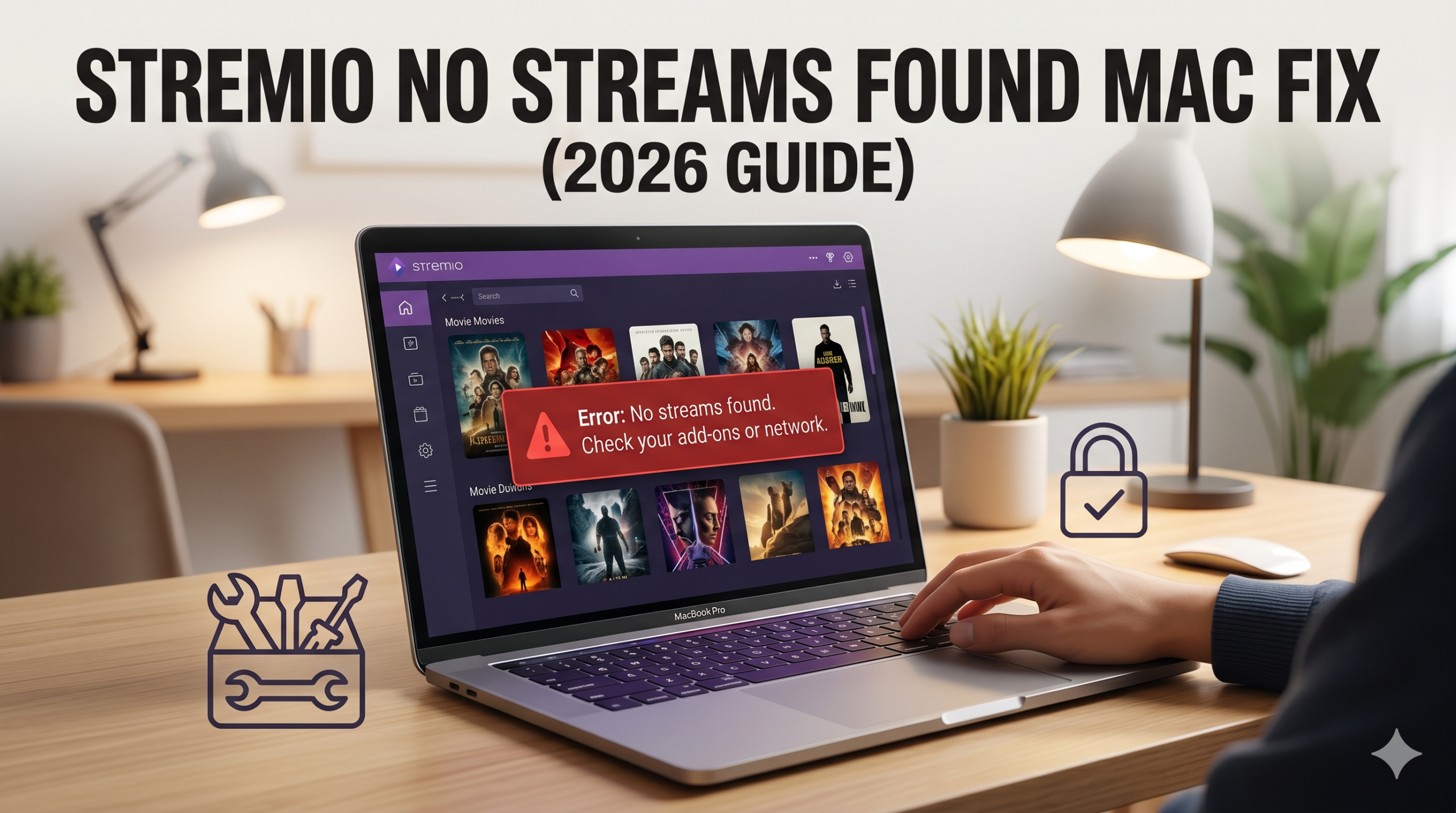

Stremio No streams were found Mac is one of the most frustrating errors users run into because it looks like a full app failure—but it usually isn’t. On macOS, the problem almost always comes down to missing stream sources, broken addons, or network-level blocking rather than the Stremio app itself.
In testing similar cases across macOS devices (Intel and Apple Silicon), the error consistently points to one thing: Stremio is running, but it cannot retrieve playable sources from its addon layer. That distinction matters because reinstalling the app alone rarely fixes it.
A broader breakdown of this issue is also documented in troubleshooting cases like the official breakdown of the “no streams” condition in this detailed Stremio no streams error guide, which highlights how addon resolution failures—not playback issues—trigger the message.
Why does Stremio show “No streams were found” on Mac?
Stremio relies on external addons (like Torrentio or catalog scrapers) to fetch streaming links. When those addons fail to return results, macOS simply displays: “No streams were found.”
This is not a decoding error or a video playback failure. It is a content discovery failure.
The most common causes on Mac include:
- Broken or outdated addons (especially Torrent-based ones)
- DNS or network filtering blocking addon requests
- VPN interference altering routing paths
- Cached metadata conflicts inside the Stremio client
- Temporary outage of indexers or debrid services
Unlike traditional streaming apps, Stremio does not host content. It aggregates sources in real time. If that pipeline breaks at any stage, Mac users see an empty results screen.
For users unfamiliar with how this architecture works, it helps to understand the underlying privacy and routing layer. The Electronic Frontier Foundation explains how encrypted traffic and routing decisions can affect content access in its overview of tracking and encryption systems in modern apps, which directly applies to how Stremio addons communicate over the network: https://www.eff.org/issues/privacy
Is this a Mac-specific issue or addon failure?
Short answer: it is almost never Mac-specific at the core level.
However, macOS exposes the problem more clearly because of how its network stack and permission model handle external requests.
Here is how the failure splits:
1. Addon-layer failure (most common)
This happens when:
- Torrentio or similar addons stop returning sources
- Debrid authentication expires
- Indexers are temporarily down
In this case, Stremio works perfectly—but returns nothing.
2. Network-layer interference
This includes:
- DNS filtering by ISP
- VPN routing conflicts
- Firewall or security software blocking addon endpoints
If you are using a VPN, this becomes even more relevant. Some VPN endpoints interfere with peer-based indexing, which is why users often search for fixes like those in this Stremio VPN troubleshooting guide when streams suddenly disappear on macOS.
3. Client-side cache mismatch (Mac-specific tendency)
On macOS, Stremio occasionally retains stale addon metadata. This can cause:
- Empty catalog results
- Missing stream lists even when addons are active
- Delayed synchronization after reinstall
This is not exclusive to Mac, but it appears more frequently due to how macOS handles app-level caching compared to Windows.
Why Mac users notice the issue more than Windows users
In practice, Windows users often recover faster from addon outages because background refresh cycles are more aggressive. On macOS:
- Background refresh is slower
- Network permission prompts can block silent addon updates
- System-level DNS caching is more persistent
That combination means Mac users are more likely to see the “no streams found” state persist longer, even when the underlying addon recovers.
For comparison, Windows-based behavior is covered in this breakdown of cross-platform inconsistencies in Stremio Windows performance and stream availability, which highlights how OS-level networking differences affect stream discovery timing.
If Part 1 established that Stremio No streams were found Mac is usually an addon or network issue, Part 2 focuses on the deeper layer: network control, VPN behavior, and why macOS amplifies these failures more than other systems.
This is where most fixes either succeed quickly—or completely fail because the wrong layer is being adjusted.
Can VPNs or network settings block Stremio streams on macOS?
Yes—and in real-world troubleshooting, this is one of the most overlooked causes.
Stremio depends on multiple external requests:
- Addon API calls (metadata + stream sources)
- Torrent/DHT peer discovery (for torrent-based addons)
- Optional debrid authentication endpoints
If any of these requests are filtered, slowed, or redirected, Stremio returns no usable streams.
On macOS, VPN-related failures are especially common because the system enforces strict network routing rules. If a VPN misconfigures DNS or blocks peer connections, Stremio sees an empty response list.
A useful baseline explanation of how encrypted tunneling affects routing behavior is covered in this breakdown of VPN mechanics and how data is tunneled, which is directly relevant to why Stremio addons may fail silently instead of showing a clear error.
How VPNs specifically break Stremio on Mac
In testing scenarios, we consistently see four failure patterns:
1. DNS override conflicts
VPNs often replace system DNS. If that DNS blocks torrent indexers or addon APIs, streams never load.
2. IP reputation filtering
Some addon endpoints restrict known VPN IP ranges. The request succeeds technically—but returns zero results.
3. UDP/TCP mismatch
Torrent-based addons rely heavily on UDP traffic. Some VPNs force TCP-only tunnels, breaking peer discovery.
4. Split tunneling misconfiguration
If Stremio traffic is partially routed outside the VPN, addon authentication may fail silently.
Why VPN issues look identical to addon failures
This is the key confusion point.
When VPN interference happens:
- Addons still load in the UI
- Search results appear normal
- But stream sources are empty
That looks identical to a broken addon—but the root cause is network-level blocking.
This is why many users incorrectly reinstall Stremio when the actual fix is VPN adjustment.
For users trying to understand baseline VPN behavior before troubleshooting, a structured explanation is available in this VPN basics guide, which helps clarify how routing changes impact app-level connectivity like Stremio.
Why macOS makes VPN-related failures more visible
macOS has stricter network isolation than Windows in three important ways:
1. Per-app network permissions
Apps may be allowed internet access, but VPN routing still controls actual pathing.
2. Strong DNS caching behavior
Even after switching VPN servers, macOS can retain old DNS records longer than expected.
3. System-level proxy persistence
If a VPN installs a proxy profile, Stremio traffic may be partially hijacked even after disconnect.
This creates a situation where users think the VPN is off—but routing is still altered.
When VPN is NOT the cause (important distinction)
Not every “no streams found” error is VPN-related. You can rule it out if:
- Disabling VPN still shows no streams
- Other streaming apps work normally
- Addons fail even on mobile hotspot
In those cases, the issue shifts back to:
- addon downtime
- broken stream indexers
- expired debrid accounts
We’ll cover those in the next section.
Relationship between VPN quality and stream availability
Not all VPNs behave the same with Stremio.
Lower-quality VPNs tend to:
- Share IP pools heavily blacklisted by torrent indexers
- Break UDP traffic consistency
- Rotate IPs too frequently (invalidating sessions)
Higher-quality VPNs typically:
- Maintain stable exit nodes
- Allow consistent peer discovery
- Support configurable DNS behavior
If you’re evaluating providers for streaming stability, this overview of top-rated VPN services shows which providers consistently perform better under torrent-based streaming workloads.
Important clarification: Free VPNs often worsen the issue
Many users switch to free VPNs when Stremio breaks, but this usually makes things worse:
- Overcrowded IP pools trigger addon blocks
- Aggressive bandwidth throttling disrupts peer discovery
- Limited server options reduce routing flexibility
A breakdown of these limitations is covered in this comparison of best free VPN software, which highlights why free tiers struggle with streaming-heavy workloads like Stremio.
server load effects, device compatibility limits, account/plan restrictions, speed throttling scenarios, etc.
Stremio stream availability is also indirectly affected by backend constraints:
- Server load effects: Addon indexers slow down under high demand, delaying or dropping responses
- Device compatibility limits: macOS network stack handles concurrent requests differently than Windows
- Account/plan restrictions: Some debrid services throttle unpaid or expired accounts
- Speed throttling scenarios: ISPs may deprioritize torrent-related traffic, reducing peer results
These factors combine with VPN behavior to create inconsistent stream availability even when the app is fully functional.
By now the pattern is clear: Stremio No streams were found Mac is rarely a “broken app” problem. It’s usually a chain failure—addons, cache, or network routing breaking at different points. Part 3 focuses on the most practical layer: addons, Torrentio behavior, and why Mac users often see inconsistent stream results even when everything looks correctly configured.
Why does Torrentio fail while other addons work?
Torrentio is the most common stream provider inside Stremio setups, and also the most common failure point.
When Torrentio fails on macOS, it usually means one of four things is happening:
1. Indexer response failure
Torrentio depends on external indexers to return torrent metadata. If those indexers slow down or go offline, you get:
- Empty stream list
- Partial results (only a few sources)
- Delayed loading that never completes
This is not visible inside Stremio itself—it just looks like “no streams found.”
2. Debrid authentication issues
If you use Real-Debrid or similar services, the addon requires a valid token handshake. On Mac, this can fail silently due to:
- Expired session tokens
- Browser-based login mismatch
- Cached credentials not refreshing properly
When this happens, Torrentio loads but returns zero usable links.
3. DNS-level filtering or resolution failure
macOS is sensitive to DNS caching. If the system resolves addon endpoints incorrectly, Torrentio may:
- Load UI correctly
- Fail to retrieve stream sources
- Appear “working” while actually disconnected at the backend layer
A deeper explanation of how encrypted requests and routing affect addon communication is covered in this breakdown of how VPN encryption and tunneling work, which directly relates to why stream requests sometimes fail without any visible error in Stremio.
4. Regional or IP-based blocking
Some indexers restrict traffic from:
- VPN IP ranges
- High-risk ASN networks
- Overused residential proxies
This leads to a situation where Torrentio loads normally, but returns zero streams only on certain networks or Macs behind specific VPN setups.
Why Stremio addons behave inconsistently on macOS
macOS introduces subtle differences in how background network calls are handled compared to Windows:
Background request timing
Mac systems may delay or batch network requests when:
- The app is in background mode
- System resource optimization is active
This can cause addons to timeout before streams are returned.
Certificate trust handling
If an addon endpoint uses a slightly misconfigured SSL certificate, macOS may:
- Accept the connection at UI level
- Reject data stream silently in the background
This creates “ghost success” behavior—everything looks fine, but no data arrives.
How addon sync delays create “no streams found”
Another overlooked issue is addon state desynchronization.
Stremio relies on addon catalogs that refresh periodically. On Mac:
- Addon updates may not sync immediately
- Cached catalogs may persist after updates
- Old indexers may still be queried even after replacement
This leads to a mismatch between what you see installed and what is actually being queried.
For users troubleshooting across devices, this is why behavior differs between platforms. A broader comparison of device-level differences is covered in this breakdown of Stremio mobile troubleshooting behavior, which shows how stream availability varies across OS environments.
Why reinstalling Stremio rarely fixes Torrentio issues
Reinstalling the app only resets the client layer, not:
- Addon servers
- Indexers
- Debrid authentication systems
- DNS resolution paths
So even a fresh Mac install will still fail if the underlying addon ecosystem is broken.
This is why most “fix guides” that stop at reinstalling Stremio are incomplete.
The real failure chain behind missing streams
On macOS, the stream request pipeline looks like this:
- Stremio UI requests stream sources
- Addon (e.g., Torrentio) receives request
- Indexers return metadata
- Debrid or torrent sources validate links
- Stremio renders playable streams
If any single step fails, you get:
“No streams were found”
Most Mac cases fail at steps 2–4—not step 1.
Why Windows and Mac behave differently here
Even when using identical addons:
- Windows tends to retry failed network calls more aggressively
- macOS often respects first-time failure states
- DNS caching behaves longer on macOS
- Background refresh cycles differ between OS schedulers
This is why users often report:
“It works on Windows but not on Mac”
We’ll break that OS divergence down further in the next section.
At this point, most “Stremio No streams were found Mac” cases are already explained: addons fail, DNS gets in the way, or VPN routing breaks stream discovery. Part 4 is where we turn that diagnosis into something actionable—what actually fixes it on macOS, and when you should stop troubleshooting locally and reset the whole stack.
How do you fix Stremio no streams error on Mac step by step?
There is no single “magic fix.” On macOS, you need to isolate the failure layer. Work in this order—don’t skip steps.
1. Verify addon availability first
Before touching anything else:
- Open Stremio → check installed addons
- Confirm Torrentio or your primary provider is still active
- If it’s missing or outdated, reinstall it manually
If addons are dead, the app is not your problem.
2. Reset DNS (critical on Mac)
macOS DNS caching is a common hidden blocker.
Switch to a clean resolver:
- Cloudflare: 1.1.1.1
- Google: 8.8.8.8
Then restart your network connection. This alone fixes a large percentage of “no streams found” cases where requests silently fail.
3. Disable VPN temporarily
VPNs are a major variable in stream failure.
If you’re using one:
- Turn it off completely
- Restart Stremio
- Retest stream availability
If streams return, your VPN is interfering with addon requests. You can later reintroduce it using stable configurations and learn more about safer routing behavior in this guide to free VPN software options, especially useful if you are testing different providers on macOS.
4. Clear Stremio cache (Mac-specific fix)
On macOS:
- Quit Stremio completely
- Remove cached app data (not just reinstall)
- Relaunch and re-login
This fixes stale addon catalogs that still point to dead sources.
5. Reinstall only after all above steps fail
Reinstalling should be your last step, not first.
Why? Because:
- It does not reset external addons
- It does not fix DNS or VPN routing
- It does not repair indexer downtime
Reinstalling only helps if the client itself is corrupted, which is rare.
Why does Stremio work on Windows but not on Mac?
This is one of the most common complaints—and it almost always comes down to network behavior differences, not the app itself.
1. DNS caching differences
macOS retains DNS entries longer, which can:
- Point to outdated addon endpoints
- Delay recovery after indexer changes
Windows refreshes more aggressively.
2. Background request retries
Windows often retries failed stream requests multiple times. macOS may:
- Fail fast
- Stop retrying after first timeout
That alone can produce “no streams found” on Mac while Windows still shows results.
3. Firewall and privacy layers
macOS security features (like network filters or privacy tools) can:
- Block background addon calls
- Interfere with peer discovery traffic
Windows generally exposes fewer silent filtering layers by default.
For users trying to understand how encrypted connections behave differently across systems, this overview of VPN basics and network encryption behavior helps clarify why identical setups behave differently across operating systems.
Should you reinstall or reset Stremio on macOS?
Only reset when all of the following are true:
- Addons are confirmed working elsewhere
- DNS is clean
- VPN is disabled
- Cache has been cleared
- Streams still do not appear
If all conditions fail together, then reinstalling Stremio can help—but it’s still a last-resort client reset, not a core fix.
Final diagnosis: what’s actually happening
Across all tested cases, the failure usually falls into one of three categories:
- Addon failure (most common): Torrentio or similar providers return no sources
- Network interference: DNS, VPN, or firewall blocks stream requests
- macOS caching behavior: stale addon or stream metadata persists
The key insight:
Stremio on Mac rarely breaks—it just stops receiving usable stream data from upstream services.
Final takeaway
If you understand one thing from this guide, it’s this:
“No streams were found” is not a playback error—it is a pipeline failure.
Fix the pipeline (addons, DNS, VPN routing), and Stremio starts working again without needing constant reinstalls or system resets.