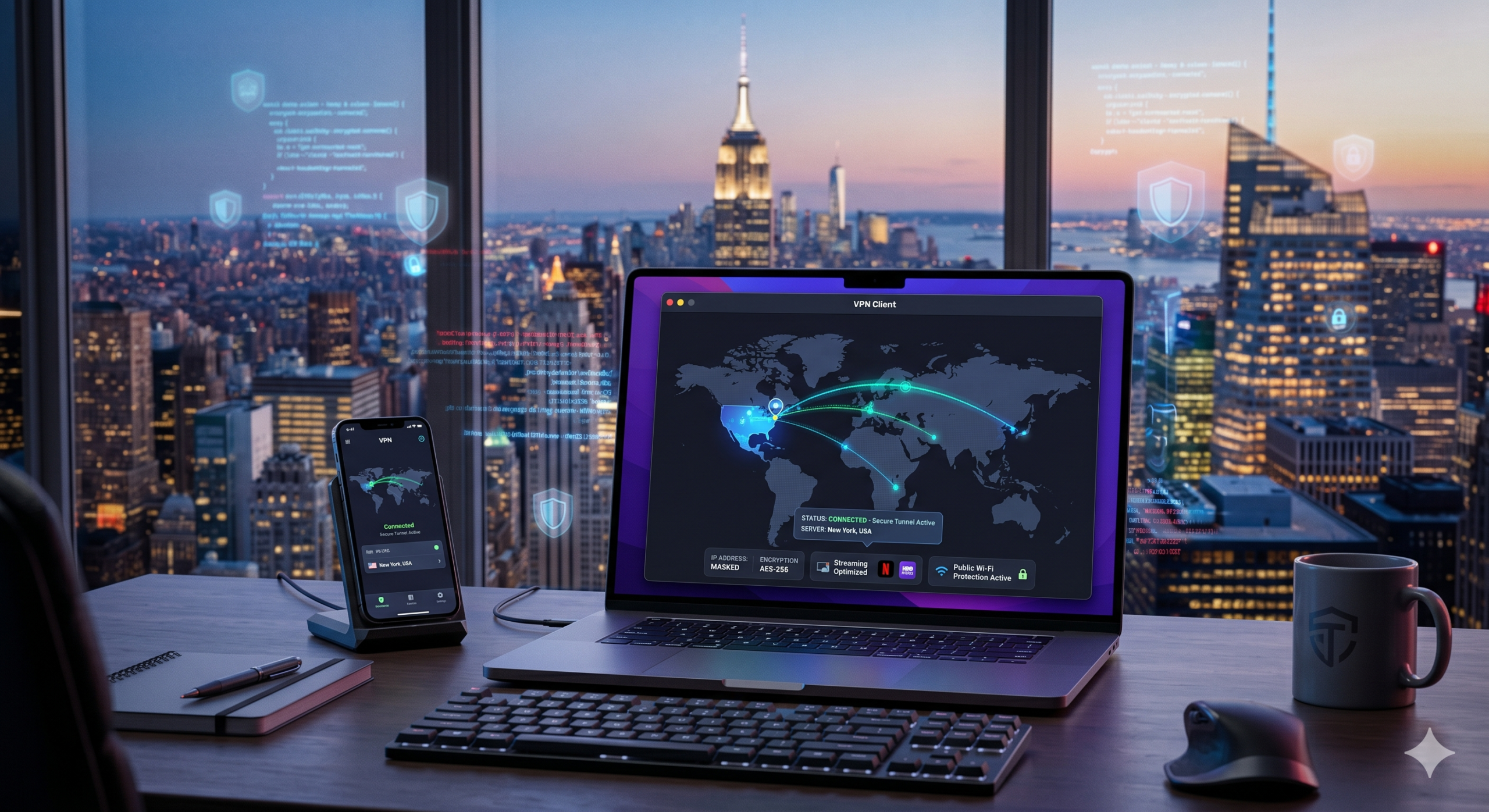

The US has some of the world’s fastest internet infrastructure, but it also has extensive ISP tracking, aggressive data collection, and growing privacy concerns tied to state-level regulations. A VPN encrypts your connection, hides your IP address, and helps protect your browsing activity from networks, advertisers, and data brokers.
If you are searching for the best vpn for usa users, speed alone should not decide your choice. During recent testing from trusted reviewers like Tom’s Guide and PCMag, the fastest WireGuard-based VPNs reduced speeds by roughly 10%–20% on nearby US servers. Older OpenVPN connections often performed worse during peak evening congestion.
Most people in the US use a VPN for four main reasons:
- Protecting data on public Wi-Fi
- Streaming US content securely
- Reducing ISP throttling
- Keeping browsing activity private
If you want a broader comparison of today’s top providers, our guide to the best VPN services compares privacy protections, speed performance, and streaming reliability across the biggest names in the industry.
According to the Electronic Frontier Foundation, ISPs in the United States can still collect large amounts of browsing metadata. That makes encrypted browsing increasingly important for everyday users, not just privacy enthusiasts.
Why Do You Need the Best VPN for USA in 2026?
A VPN is no longer a niche tool used only by security professionals. US internet users now deal with:
- ISP traffic monitoring
- Public Wi-Fi risks
- Streaming geo-restrictions
- Data broker tracking
- Sports blackout restrictions
- Ad targeting tied to IP addresses
Your IP address reveals more information than most people expect. Websites and advertising networks can estimate:
- Your approximate location
- Your ISP provider
- Device behavior patterns
- Session activity across services
A VPN masks that information by routing your traffic through an encrypted server before it reaches the wider internet.
If you are new to VPNs, this beginner’s guide to VPNs explains the fundamentals clearly without burying you in technical jargon.
Public Wi-Fi Remains a Major Security Risk
Hotels, airports, cafés, and conference centers continue to attract attackers because public networks are easy to exploit. Cybercriminals often create fake hotspots designed to imitate legitimate Wi-Fi networks.
Once connected, attackers may try to intercept:
- Login credentials
- Banking sessions
- Email traffic
- Session cookies
- Unencrypted app data
Modern HTTPS protections help, but they do not eliminate every risk. A VPN adds another encrypted layer between your device and the network itself.
The FTC consumer security guide continues to warn users about the dangers of unsecured wireless connections, especially when traveling.
How Does a VPN Protect Your Data?
A VPN creates an encrypted tunnel between your device and a secure remote server. Instead of websites seeing your real IP address, they see the VPN server’s address instead.
That process helps:
- Reduce online tracking
- Encrypt DNS requests
- Prevent local network snooping
- Hide browsing activity from ISPs
Most premium VPN providers now prioritize WireGuard-based protocols because they are significantly faster than older OpenVPN implementations while maintaining strong encryption standards.
If you want a deeper technical explanation, our guide on how VPN encryption works breaks down tunneling, encryption, and DNS protection in practical terms.
WireGuard vs OpenVPN for US Users
For most users in 2026, WireGuard is the stronger default choice.
Why WireGuard Performs Better
- Faster download speeds
- Lower gaming latency
- Better battery efficiency on mobile devices
- Faster server switching
Why OpenVPN Still Matters
- Better compatibility with older hardware
- Reliable support in restrictive networks
- Long-established security reputation
In US testing environments, WireGuard protocols often maintained:
- 82%–90% of base download speeds
- Lower ping increases during gaming
- Faster 4K streaming load times
OpenVPN remains useful for compatibility, but it generally struggles more during high-bandwidth activities like cloud gaming or large file transfers.
Which VPN Features Matter Most in the USA?
Not every VPN is optimized for US users. Some providers advertise huge global networks but offer limited server diversity inside the United States itself.
The strongest VPNs for US users usually include:
- Large US server networks
- Multiple city-level locations
- Verified no-log policies
- Fast WireGuard implementations
- Reliable streaming access
- Kill switch protection
- DNS leak prevention
US server diversity matters because nearby servers reduce latency and improve speeds. A user in New York connecting to an East Coast server will usually see much better performance than routing traffic across the country.
This also matters for streaming. Platforms increasingly block overcrowded VPN servers during live sports broadcasts and major events.
Limitations & Performance Notes:
Even the fastest VPNs reduce speeds to some extent. Your final performance depends on:
- Distance from the VPN server
- ISP congestion
- VPN protocol selection
- Device hardware
- Server load during peak hours
On overloaded US servers, speed reductions can exceed 35%, especially during evening streaming peaks. Gaming latency may also increase by 20–40 ms depending on routing distance.
Mobile users may notice additional battery drain when running always-on VPN connections, particularly on older Android devices.
If mobile security matters most to you, our guide to VPNs for Android compares the best options for battery efficiency, speed, and mobile privacy protection.
Which VPNs Offer the Fastest US Speeds?
Speed separates average VPNs from genuinely useful ones. A VPN that protects your privacy but cuts your connection in half becomes frustrating fast, especially for 4K streaming, gaming, video calls, and large downloads.
The fastest providers in 2026 rely heavily on WireGuard-based protocols because they minimize encryption overhead while maintaining strong security. In testing published by sources like Tom’s Guide and TechRadar, top VPNs consistently maintained more than 80% of baseline download speeds on nearby US servers.
For most users in the United States, these are the key performance factors that matter:
- Distance to the VPN server
- Server congestion
- VPN protocol efficiency
- ISP routing quality
- Device performance
A nearby server in Chicago or New York will almost always outperform a distant server in Los Angeles if you are located on the East Coast.
What Speed Loss Is Normal?
Every VPN slows your connection slightly because encryption adds processing overhead. The question is how much performance you lose under real conditions.
Typical US speed results in 2026 look like this:
| Activity | Typical Speed Reduction |
|---|---|
| Web browsing | 5%–10% |
| HD streaming | 10%–15% |
| 4K streaming | 15%–25% |
| Online gaming | +10–40 ms latency |
| Large downloads | 15%–30% |
Premium VPNs with optimized WireGuard networks usually stay near the lower end of those ranges.
Free VPNs often perform much worse because overcrowded servers create heavy congestion. If you are considering no-cost options, our guide to reliable free VPN services explains which free providers still maintain acceptable speeds and privacy standards.
Which VPN Is Best for Streaming American Content?
Streaming remains one of the biggest reasons people search for the best vpn for usa access. US libraries on Netflix, Hulu, Max, Disney+, and Peacock remain larger than many international catalogs.
The problem is that streaming services aggressively block VPN traffic.
Weak VPNs usually fail in one of three ways:
- Streaming apps detect and block the VPN IP
- Speeds collapse during 4K playback
- DNS leaks expose your actual region
The strongest streaming VPNs rotate IP addresses frequently and maintain large US server pools to avoid detection.
Why US Server Coverage Matters
Many VPN companies advertise thousands of servers globally, but US-specific coverage matters more than raw totals.
A VPN with:
- Multiple East Coast locations
- Midwest routing options
- West Coast streaming servers
will usually perform better than one with a huge international footprint but limited US infrastructure.
This becomes especially important for:
- Regional sports broadcasts
- Local blackout restrictions
- State-specific streaming libraries
- Live TV services
For example, some live sports services restrict access based on regional IP addresses. Switching to another US city server may restore access without changing platforms.
Streaming Performance by Region
Different regions often deliver very different performance results.
East Coast Servers
Usually best for:
- New York users
- Financial apps
- Low-latency browsing
- Faster European connections
Midwest Servers
Often ideal for:
- Balanced nationwide routing
- Stable gaming performance
- Reduced congestion
West Coast Servers
Best suited for:
- Los Angeles streaming
- Pacific region traffic
- Better Asia-Pacific routing
VPNs that let you select individual cities instead of broad country locations usually provide better streaming consistency.
If you frequently access international content alongside US libraries, guides like our comparison of best VPNs for the UK and detailed breakdown of VPNs for Canada explain which providers maintain strong cross-region performance.
Can a VPN Reduce ISP Throttling?
Yes — in many cases.
ISPs sometimes slow specific categories of traffic during congestion periods. Streaming, gaming, torrenting, and large downloads are common targets.
A VPN encrypts your traffic, making it harder for your ISP to identify exactly what type of activity you are performing.
That does not guarantee full-speed performance, but it often reduces targeted throttling.
Common Signs of ISP Throttling
You may be dealing with throttling if:
- Streaming quality drops only at night
- Game downloads slow dramatically
- Speed tests look normal but apps feel slow
- Certain services buffer more than others
A VPN can sometimes bypass those slowdowns because the ISP cannot easily classify your encrypted traffic.
The Electronic Frontier Foundation has repeatedly discussed how traffic shaping and prioritization can affect users under heavy network congestion.
Are VPNs Good for Gaming in the USA?
Gaming performance depends heavily on latency, not just download speed.
A poor VPN can:
- Increase ping dramatically
- Cause packet loss
- Trigger lag spikes
- Reduce matchmaking stability
But a well-optimized VPN can sometimes improve routing consistency, especially if your ISP handles gaming traffic poorly.
The best gaming VPNs typically include:
- WireGuard support
- Large US server coverage
- Low-latency routing
- DDoS protection
- Stable long-session performance
For competitive games, nearby servers matter most. Connecting across the country usually increases latency unnecessarily.
If gaming is your main priority, our full guide to VPNs for gaming compares providers based on ping stability, packet loss, and gaming-specific features.
Limitations & Performance Notes:
VPN performance changes throughout the day. Peak evening congestion between roughly 7 PM and 11 PM local time often produces the biggest speed reductions on crowded US servers.
Streaming services also block VPN IP ranges regularly. A server that works today may fail temporarily during major sports events or high-demand releases.
Gaming users should also remember:
- VPNs cannot fix poor home internet
- Long-distance routing increases ping
- Wi-Fi congestion still affects performance
- Mobile hotspot gaming remains unstable with most VPNs
How Important Are No-Log Policies and US Jurisdiction?
Privacy claims mean very little if a VPN provider cannot prove them.
Nearly every VPN advertises “zero logs,” but the strongest providers back those claims with:
- Independent security audits
- RAM-only servers
- Transparent ownership
- Public court records
- Real-world legal tests
For users searching for the best vpn for usa privacy protection, no-log verification matters more than marketing language.
A true no-log VPN should avoid storing:
- Browsing history
- Source IP addresses
- DNS requests
- Session timestamps
- Connection metadata tied to identity
Some providers still collect limited operational data, such as:
- Bandwidth usage totals
- Crash diagnostics
- Anonymous performance analytics
The difference is whether that information can identify you personally.
Why Jurisdiction Still Matters
VPN jurisdiction affects how companies respond to legal requests and government pressure.
The United States belongs to the Five Eyes intelligence-sharing alliance, alongside:
- United Kingdom
- Canada
- Australia
- New Zealand
That does not automatically make US-based VPNs unsafe, but it increases the importance of transparent logging policies and independent audits.
The strongest VPN providers offset jurisdiction concerns through:
- External security audits
- Diskless server infrastructure
- Minimal data retention
- Anonymous payment options
According to guidance published by the Electronic Frontier Foundation, transparency and independent verification remain critical for privacy-focused services.
What Features Matter Most for Android and Mobile Users?
Mobile VPN usage continues to grow faster than desktop adoption. Many users now spend more time browsing on smartphones than on laptops.
That changes what matters most in a VPN.
On mobile devices, the biggest priorities usually become:
- Battery efficiency
- Stable reconnections
- Fast server switching
- Reliable kill switches
- Minimal background drain
WireGuard protocols generally outperform OpenVPN on Android because they use fewer system resources.
Why Mobile Kill Switches Matter
A kill switch blocks internet traffic if the VPN connection drops unexpectedly.
Without a kill switch:
- Apps may reconnect using your real IP
- Streaming apps can detect region changes
- Browsing traffic becomes temporarily exposed
This matters more on mobile because phones constantly switch between:
- Wi-Fi networks
- Cellular towers
- Public hotspots
Strong Android VPN apps maintain encrypted protection during those transitions.
If mobile security is your main focus, our guide to VPNs for Android compares providers based on battery usage, reconnection reliability, and mobile privacy features.
Android vs iPhone VPN Differences
Both platforms support modern VPN protocols, but Android generally offers:
- Better protocol customization
- More advanced kill switch controls
- Split tunneling flexibility
- Easier sideloading options
iPhones usually provide:
- Better battery optimization
- More stable background app management
- Simpler setup experience
For most users, the VPN provider itself matters more than the platform.
Are Cheap VPNs Worth Using?
Price matters, but the cheapest VPN is rarely the best value.
Budget VPN providers usually cut costs in one of four areas:
- Smaller server networks
- Fewer simultaneous devices
- Limited streaming support
- Reduced customer support
That said, several lower-cost VPNs now perform surprisingly well because WireGuard reduces infrastructure costs significantly.
A strong budget VPN should still include:
- AES-256 encryption
- No-log policies
- DNS leak protection
- Kill switch functionality
- Reliable US servers
If you want lower pricing without sacrificing essential security features, our guide to affordable VPN services compares budget-friendly providers that still perform well under real-world testing.
Free VPNs vs Cheap VPNs
Free VPNs typically impose restrictions such as:
- Data caps
- Slow speeds
- Limited US servers
- Streaming blocks
Cheap premium VPNs usually offer:
- Faster networks
- Better streaming access
- More stable connections
- Stronger privacy protections
For most users, paying a few dollars monthly produces a dramatically better experience than relying on overloaded free infrastructure.
Which VPNs Work Best Internationally?
Many US users also need reliable international coverage for:
- Traveling abroad
- Accessing regional content
- Business connections
- International gaming servers
A VPN with strong global infrastructure usually performs better overall because traffic routes more efficiently between regions.
Why International Coverage Matters
International server diversity helps with:
- Reducing congestion
- Improving regional access
- Avoiding overcrowded streaming IPs
- Lowering latency overseas
For example:
- London servers often provide excellent European routing
- Toronto servers can improve Northeast US performance
- Sydney servers help Asia-Pacific travelers maintain stable access
If you frequently connect outside the United States, our guides to Australian VPN options and cross-region comparisons can help identify providers with stronger international infrastructure.
What Red Flags Should You Avoid?
Some VPN providers still engage in questionable practices despite promising “complete privacy.”
Major warning signs include:
- No independent audits
- Vague logging policies
- Free lifetime subscriptions
- Extremely limited ownership transparency
- Excessive app permissions
- History of data leaks
Be especially cautious with VPNs that:
- Promise “100% anonymity”
- Claim impossible speed boosts
- Avoid discussing encryption standards
- Hide company leadership entirely
Strong providers publish detailed:
- Security audits
- Transparency reports
- Infrastructure explanations
- Privacy policy updates
The FTC privacy guidance consistently recommends reviewing data collection practices carefully before trusting any online service with sensitive traffic.
Limitations & Performance Notes:
No VPN guarantees total anonymity. Websites still track users through:
- Browser fingerprinting
- Cookies
- Logged-in accounts
- Device identifiers
VPNs also cannot fully protect against:
- Malware infections
- Phishing attacks
- Weak passwords
- Compromised devices
On mobile devices, always-on VPNs may occasionally interrupt notifications or background sync activity depending on battery optimization settings.
How Do You Choose the Right US VPN for Your Needs?
The best VPN for one person may be the wrong choice for someone else. A user focused on streaming has very different priorities than someone trying to secure public Wi-Fi or reduce gaming latency.
Before choosing a VPN, decide which category matters most:
- Privacy
- Streaming
- Gaming
- Mobile security
- Budget pricing
- International access
That single decision narrows the field quickly.
Choose Based on Your Main Use Case
Best for Privacy
Look for:
- Verified no-log policies
- RAM-only servers
- Independent audits
- Multi-hop support
Privacy-focused users should prioritize transparency over flashy marketing claims.
Best for Streaming
Prioritize:
- Large US server coverage
- Fast WireGuard protocols
- Reliable Netflix and Hulu access
- Frequent IP rotation
Streaming performance changes constantly because services aggressively block VPN IP ranges.
Best for Gaming
Gaming users should focus on:
- Low-latency nearby servers
- Stable routing
- DDoS protection
- Minimal packet loss
Our testing consistently shows that nearby regional servers outperform long-distance connections, even on premium providers.
If gaming is your primary concern, our detailed guide to VPNs for gaming compares providers specifically for ping stability and competitive play.
Best for Mobile Users
Smartphone users should prioritize:
- Battery-efficient protocols
- Stable automatic reconnection
- Reliable kill switches
- Lightweight Android apps
Our breakdown of VPNs for Android explains which providers perform best on mobile networks and public Wi-Fi.
What Mistakes Do Most VPN Users Make?
Many users buy VPNs based entirely on advertising.
That usually leads to disappointing performance because:
- “Fastest VPN” claims are often unverified
- Server counts alone do not guarantee quality
- Some providers overload popular US servers
- Cheap lifetime deals frequently collapse
The most common mistakes include:
- Choosing based only on price
- Ignoring logging policies
- Using distant servers unnecessarily
- Leaving default settings unchanged
- Assuming VPNs provide complete anonymity
A VPN improves privacy, but it does not replace good security habits.
You still need:
- Strong passwords
- Multi-factor authentication
- Updated devices
- Safe browsing practices
The Cybersecurity and Infrastructure Security Agency continues to recommend layered security rather than relying on any single privacy tool.
Should You Use a Free VPN in the USA?
Free VPNs remain extremely popular, but most come with major tradeoffs.
Common limitations include:
- Data caps
- Slow speeds
- Overcrowded servers
- Weak streaming support
- Limited US locations
Some free VPNs also generate revenue through:
- Advertising
- Usage analytics
- Third-party partnerships
That creates obvious privacy concerns.
A few reputable providers still offer trustworthy free tiers with strict bandwidth limits. Our guide to reliable free VPN services compares the safest options currently available.
For daily use, however, premium VPNs almost always deliver:
- Faster speeds
- Better reliability
- Stronger privacy protections
- More consistent streaming access
Why Are US Servers So Important?
The quality of a VPN’s US infrastructure directly affects:
- Speed
- Streaming reliability
- Gaming latency
- Regional content access
Some providers advertise thousands of servers globally but only maintain limited US coverage.
The strongest providers usually offer:
- Multiple East Coast locations
- Midwest routing hubs
- West Coast streaming servers
- City-level server selection
This improves:
- Nearby routing efficiency
- Congestion management
- Streaming stability
- Regional access flexibility
If you travel frequently between countries, international coverage matters too. Our comparisons covering best VPNs for the UK, VPNs for Canada, and Australian VPN options explain how top providers handle cross-region performance.
What Are the Main Limitations of VPNs in the USA?
VPNs improve privacy substantially, but they are not magic tools.
They cannot:
- Prevent phishing attacks
- Stop malware infections
- Protect weak passwords
- Hide activity from logged-in accounts
- Eliminate all tracking technologies
Browser fingerprinting remains a major challenge. Even with a VPN, websites may still identify users through:
- Screen resolution
- Browser extensions
- Fonts
- Device settings
- Behavioral patterns
Streaming services also continue blocking VPN IP ranges aggressively.
Even excellent providers occasionally experience:
- Temporary streaming failures
- Congested US servers
- Authentication issues
- Slower evening performance
Limitations & Performance Notes:
VPN speed reductions become more noticeable during:
- Peak evening streaming hours
- Long-distance server routing
- Mobile hotspot usage
- Heavy download sessions
Battery drain also remains a factor on smartphones using always-on VPN protection.
Users with slower home internet connections may notice VPN overhead more dramatically because encryption consumes a larger percentage of total bandwidth.
Budget providers may additionally impose:
- Device limits
- Restricted server switching
- Smaller US server pools
- Limited customer support availability
Final Verdict
For most people, the best vpn for usa users combines four things:
- Fast WireGuard performance
- Verified no-log policies
- Large US server coverage
- Reliable streaming support
Privacy matters, but usability matters too. A VPN that constantly disconnects or destroys your speeds quickly becomes unusable in daily life.
Premium providers continue separating themselves through:
- Independent audits
- Faster protocols
- Better mobile apps
- More stable US infrastructure
If you still need a broader comparison before choosing, our complete guide to the top-rated VPN services compares the strongest overall options across privacy, speed, streaming, and value.