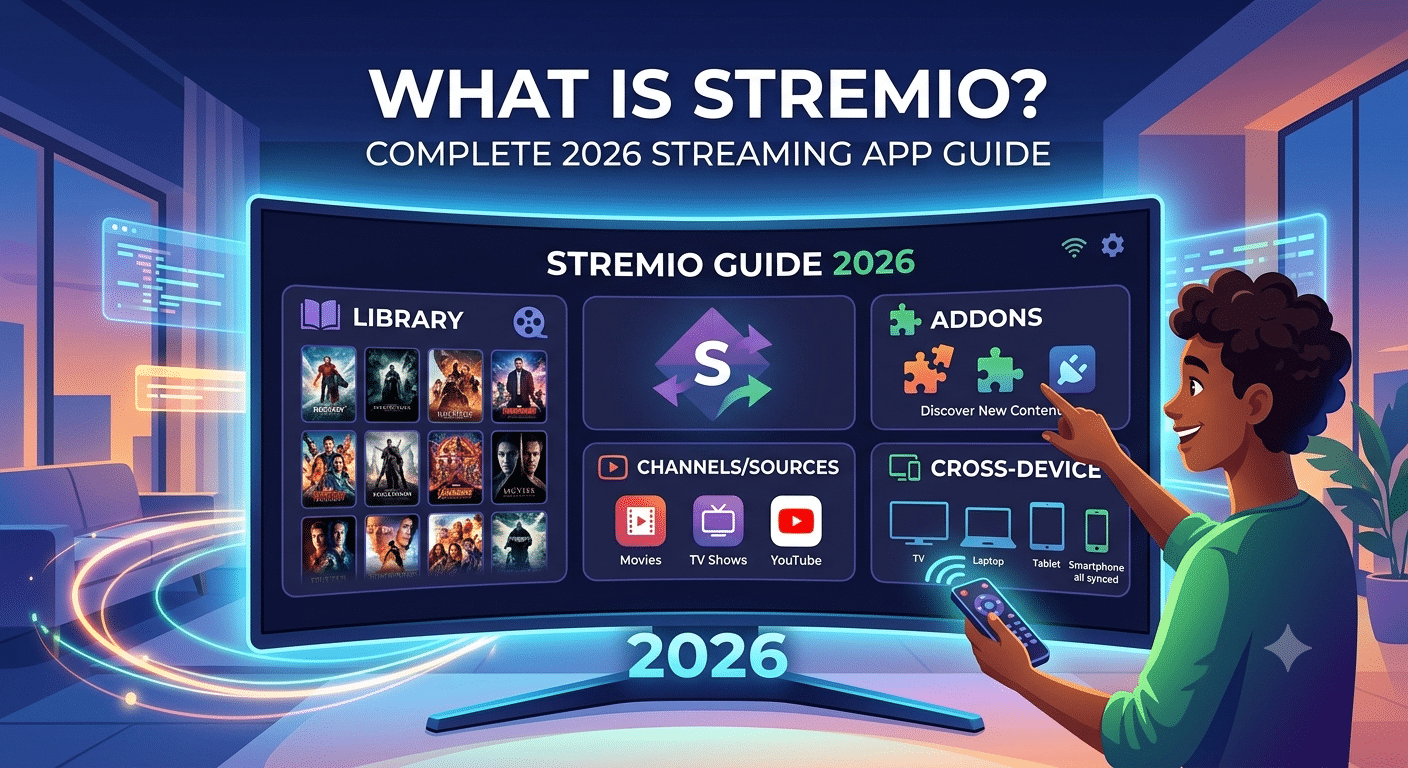

Stremio is a media aggregation app that pulls movies, series, live content, and online channels into one interface using add-ons. It doesn’t host content itself; instead, it organizes streams from different sources into a single library you control.
This model is why Stremio has become popular with users who want a centralized streaming experience without switching between multiple platforms. But that convenience also creates confusion about how it actually functions behind the scenes.
Before diving deeper, it helps to understand the security layer many users overlook when using streaming tools like this. A VPN basics explanation is important here because your internet traffic still passes through your ISP even when using streaming apps. That visibility is one reason many users eventually pair streaming platforms with privacy tools.
What is Stremio and how does it actually work?
At its core, Stremio is a content aggregator. It does three things:
- Organizes media metadata (titles, posters, descriptions)
- Connects to add-ons that provide streaming sources
- Plays content through built-in or external players
Unlike traditional streaming platforms such as Netflix or Amazon Prime Video, Stremio does not own or store video libraries. Instead, it acts like a “front-end dashboard” that connects you to multiple independent sources.
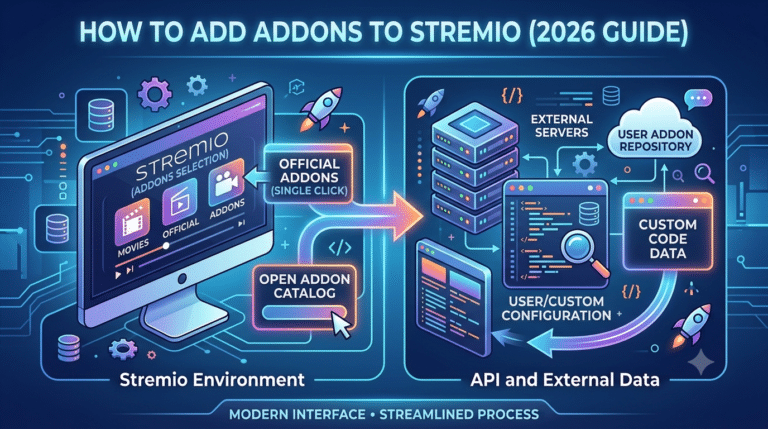
The system relies heavily on add-ons. These add-ons determine what content appears in your feed and where it streams from. Some add-ons are official and provide licensed content. Others are community-built and connect to third-party sources.
This architecture is what makes Stremio flexible, but also unpredictable. If an add-on goes offline or changes its source structure, the content may disappear instantly.
From a technical standpoint, Stremio is closer to a media indexing layer than a streaming service.
How does the Stremio add-on system function behind the scenes?
The add-on system is the backbone of Stremio. Without it, the app is just an empty interface.
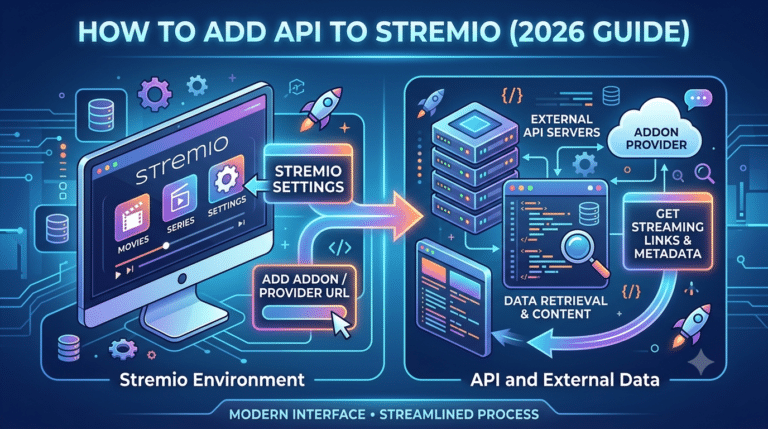
Add-ons connect Stremio to external content catalogs using APIs or scraping mechanisms. Once installed, they feed metadata and stream links directly into the app.
There are three main categories:
- Official add-ons: curated and maintained for stable sources
- Community add-ons: user-built integrations with variable reliability
- Hybrid add-ons: combine metadata aggregation with streaming links
When you search for a movie or series, Stremio queries all active add-ons simultaneously. It then compiles results into a unified list ranked by relevance and availability.
This distributed model explains why results can differ between users. Your add-on configuration effectively determines your entire content ecosystem.
However, this also introduces performance variability. Heavy add-on setups can slow response time, increase buffering, or return broken links if sources are unstable.
For users trying to improve streaming stability, understanding how data is tunneled becomes relevant, especially when traffic passes through multiple external endpoints.
What devices support Stremio in 2026?
Stremio is designed to work across multiple platforms, with consistent synchronization between devices.
Supported systems include:
- Windows and macOS desktops
- Android smartphones and tablets
- Android TV and smart TV devices
- Fire TV Stick (with manual installation)
- Linux systems
Each platform uses the same account-based system. Your library, watch history, and add-ons sync automatically once logged in.
However, performance varies depending on hardware. Desktop versions generally offer the most stable playback because they handle decoding more efficiently. Mobile and TV versions depend more on network conditions and add-on quality.
For Fire TV users, installation often requires sideloading rather than direct app store downloads. A detailed breakdown of this process is available in the Stremio Firestick installation guide, which walks through setup steps and compatibility limitations.
Is Stremio safe and legal to use today?
Safety depends entirely on how Stremio is configured. The core application is legal and widely used as a media organizer. However, the legality of content depends on the add-ons you choose.
Official add-ons that link to licensed content are safe from a legal standpoint. Community add-ons may access unlicensed sources, which can create legal ambiguity depending on your region.
From a cybersecurity perspective, the app itself does not encrypt traffic. That means your ISP can still see what domains you connect to unless additional privacy tools are used.
This is where many users introduce VPN protection. A properly configured VPN helps reduce traffic visibility and improves privacy when streaming across third-party sources. If you want to explore providers, see this overview of top-rated VPN services.
Free options also exist, but they usually come with bandwidth limits and slower speeds. A breakdown of safer entry-level tools is covered in reliable free VPN services.
Why does Stremio buffering or stop working sometimes?
Buffering in Stremio is rarely caused by the app itself. Instead, it usually comes from external dependencies.
Common causes include:
- Overloaded or slow add-on sources
- High server load on streaming endpoints
- Weak internet connection or ISP throttling
- Inconsistent metadata routing between add-ons
Since Stremio pulls streams dynamically, every request depends on third-party infrastructure. If one source fails, the app automatically tries alternatives, which can introduce delays.
Some users attempt to stabilize playback by optimizing buffer behavior. Advanced adjustments are discussed in the buffering optimization guide, which explains how playback caching impacts streaming smoothness.
In more complex cases, VPN routing can also influence performance. Poorly configured VPNs may introduce latency or cause connection drops, while optimized setups can sometimes improve routing consistency. Troubleshooting these issues is covered in Stremio VPN issues.
Stremio becomes significantly more powerful—or more unstable—depending on how its add-on ecosystem is configured. While the core app is lightweight, most of the “real experience” happens after you start layering external services that control discovery, stream quality, and playback reliability.
This is where users either optimize performance or overload the system with inconsistent sources.
How does the add-on ecosystem affect streaming quality?
Every stream inside Stremio is delivered through an add-on pipeline. That means performance is not controlled by Stremio itself, but by the quality of external integrations.
Add-ons influence three critical factors:
- Stream availability (how many sources appear per title)
- Playback stability (how often links fail or drop)
- Resolution quality (SD vs HD vs 4K sources)
When multiple add-ons are active, Stremio merges results in real time. This increases coverage but also introduces conflicts. Two add-ons may point to different versions of the same content, each with different bitrate and reliability levels.
The system prioritizes speed over verification, which explains why some streams appear broken or low-quality even when better sources exist elsewhere.
What is a Stremio debrid service and why does it matter?
A debrid service acts as a middle layer between streaming add-ons and file hosts. Instead of pulling content directly from unstable or slow sources, it resolves links through high-speed cached servers.
A Stremio debrid services explained breakdown shows how this model improves consistency by converting fragmented sources into faster, pre-verified streams.
In practical terms, debrid systems reduce:
- Buffering caused by overloaded file hosts
- Dead links that fail during playback
- Variability in stream quality across add-ons
They also improve access to higher-resolution files, since cached versions are typically stored on faster infrastructure.
However, this architecture introduces dependency. If the debrid layer experiences downtime, multiple add-ons can fail simultaneously because they rely on the same resolution system.
How Real Debrid integrates with Stremio
Among debrid services, Real Debrid is the most commonly used due to its large caching network and wide compatibility with streaming tools.
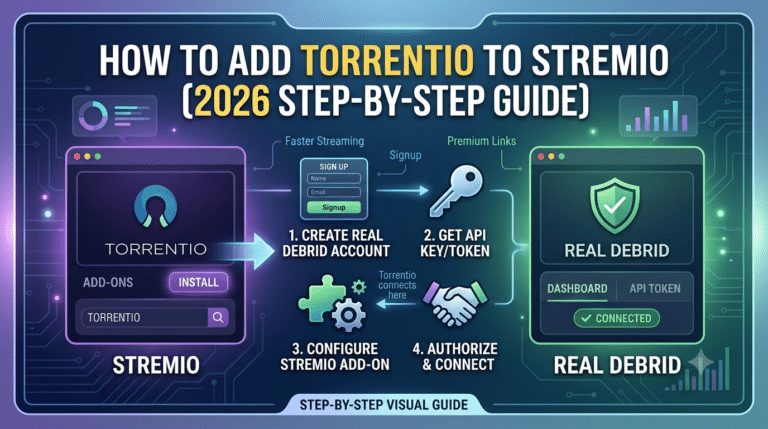
In Stremio, it works by converting torrent or hoster links into direct high-speed streams. Instead of connecting you to unstable peer sources, it retrieves already cached files from optimized servers.
A full walkthrough of setup and configuration is available in the Real Debrid integration guide, which explains how authentication tokens connect your Stremio environment to external caching infrastructure.
Once active, Real Debrid typically improves:
- Load times for large video files
- Playback consistency across add-ons
- Availability of 1080p and 4K sources
But it also shifts the system’s dependency model. Instead of relying on distributed peers, you are now relying on a centralized caching provider.
Metadata systems and how Stremio organizes content
One of Stremio’s most overlooked systems is its metadata engine. This is what powers search results, posters, descriptions, and episode tracking.
Without metadata, Stremio would function as a raw stream aggregator with no structure. Instead, it behaves like a curated library interface.
Metadata is usually pulled from public databases and then enhanced by add-ons. The result is a unified content catalog that feels similar to mainstream streaming platforms, even though the underlying sources are completely different.
Some advanced setups introduce AI-assisted metadata enhancement to improve tagging accuracy and content discovery.
A detailed breakdown of these systems is available in the AI metadata tools for Stremio guide, which explores how automated labeling can improve search relevance and reduce mismatched results.
This becomes especially useful when dealing with large libraries, where manual browsing is inefficient and inconsistent metadata leads to duplicate or missing entries.
Why add-ons, debrid, and metadata must work together
Stremio’s architecture is not modular in isolation—it is interdependent.
- Add-ons provide sources
- Debrid services stabilize delivery
- Metadata systems organize discovery
If one layer fails, the entire experience degrades.
For example:
- Strong add-ons without debrid = unstable streams
- Strong debrid without metadata = hard to find content
- Strong metadata without add-ons = empty results
This dependency chain is why advanced users carefully balance their setup instead of installing everything available.
Performance trade-offs in real-world use
Even optimized Stremio setups can show performance variation depending on server load and routing paths.
Key stress points include:
- Peak-time server congestion on add-ons
- Cache saturation in debrid services
- Metadata sync delays during high traffic
- Device limitations on lower-end hardware
Unlike traditional streaming platforms that control the full pipeline, Stremio distributes responsibility across independent systems. That flexibility improves coverage but reduces predictability.
Stremio performance is not determined by a single system. It depends on how add-ons, debrid layers, device hardware, and network routing interact in real time. That’s why the same setup can feel smooth on one device and unstable on another.
Most “Stremio issues” are not app bugs—they are pipeline bottlenecks.
Why does buffering happen in Stremio?
Buffering in Stremio usually comes from external stream delivery rather than the player itself. Since the app pulls content from multiple sources, each playback session depends on real-time availability.
The most common causes are:
- Slow or overloaded add-on sources
- Weak or inconsistent internet routing
- High-resolution streams exceeding available bandwidth
- Temporary cache delays from debrid services
When a stream is selected, Stremio does not preload a fully controlled file like traditional platforms. Instead, it negotiates a live connection to a remote source, which can vary in stability.
A deeper explanation of playback caching behavior is covered in the buffering optimization guide, which breaks down how buffer size affects playback stability and responsiveness.
Server load effects, device compatibility limits, account/plan restrictions, speed throttling scenarios, etc.
Stremio’s performance bottlenecks can be grouped into four technical categories:
1. Server load effects
Add-on servers and debrid caches experience fluctuating demand. During peak hours, response times increase, causing delayed stream initiation or mid-playback buffering.
2. Device compatibility limits
Low-end Android TV boxes or older Fire TV devices struggle with high-bitrate decoding. Even if the stream is available, hardware limitations create frame drops and playback lag.
3. Account or service plan restrictions
Some debrid or premium add-on layers limit concurrent streams or bandwidth. When limits are reached, fallback sources are used, often with lower quality.
4. Speed throttling scenarios
ISPs may throttle video traffic patterns, especially on high-resolution or sustained streaming sessions. This leads to sudden drops in bitrate or repeated buffering cycles.
These factors stack together, which is why troubleshooting Stremio requires isolating each layer rather than assuming a single failure point.
Does VPN usage affect Stremio performance?
A VPN can either improve or degrade Stremio performance depending on configuration.
At a network level, a VPN reroutes traffic through an encrypted tunnel. That process can change latency, routing efficiency, and perceived speed.
For a technical breakdown of how tunneling works, see how data is tunneled, which explains how encrypted traffic paths are established between your device and external servers.
When a VPN improves performance:
- Your ISP throttles streaming traffic
- Routing to add-on servers is inefficient
- Regional blocking affects content access
When a VPN hurts performance:
- You connect to distant VPN servers
- The VPN has overloaded nodes
- Encryption overhead adds latency
A properly configured VPN setup is often about optimization, not just privacy.
For users choosing providers, curated options are available in leading VPN providers, which focus on speed and streaming stability rather than just anonymity.
Stremio VPN conflicts and connection failures
One of the most common technical complaints is Stremio failing to load streams when a VPN is active.
This usually happens because:
- Add-on endpoints block known VPN IP ranges
- DNS resolution conflicts occur during routing
- Geo-restricted sources reject masked locations
In these cases, disabling or switching servers often restores functionality.
A detailed troubleshooting breakdown is available in Stremio VPN issues, which covers configuration conflicts and routing fixes.
Some users attempt to solve this by switching providers. Free alternatives exist, but they often lack stable streaming optimization. A comparison of entry-level options is covered in reliable free VPN services.
Why Stremio performance varies so much
Unlike centralized streaming platforms, Stremio has no single delivery infrastructure. Every request is dynamically assembled from:
- Multiple add-ons
- Optional debrid layers
- External hosting services
- Network routing paths
This means performance is probabilistic, not fixed.
Two users watching the same title may receive completely different streams depending on:
- Their selected add-ons
- Their geographic routing
- Their ISP behavior
- Their device decoding capability
That variability is the core trade-off of Stremio’s architecture: flexibility over consistency.
By now, you understand that Stremio is not a traditional streaming platform. It’s a modular media system that depends entirely on external add-ons, metadata layers, and optional caching services. That flexibility is powerful, but it also introduces legal and security questions that most guides only gloss over.
Before using any streaming aggregation tool, it’s worth understanding the broader privacy landscape of online media consumption. Organizations like the Electronic Frontier Foundation explain how internet traffic visibility and data exposure work in practice: EFF online privacy resources.
That context matters because Stremio itself does not control the security of external sources—it only organizes them.
Is Stremio legal or illegal to use?
Stremio as software is legal. It is simply a media player with add-on support. The legal complexity comes from how it is configured.
There are two layers to consider:
- The application layer (Stremio itself): fully legal
- The content layer (add-ons and streams): varies by source
Official add-ons that provide licensed content fall within standard distribution rules. However, community add-ons may link to third-party sources that are not always authorized for redistribution.
This separation is critical. Legality is not determined by the app—it is determined by the source of the stream.
Because of this, users are responsible for understanding what each add-on connects to before enabling it.
How safe is Stremio from a cybersecurity perspective?
Stremio does not encrypt traffic by default. That means your ISP can potentially observe connection metadata, including domains and usage patterns, even if it cannot see encrypted content streams directly.
This is where privacy tools often enter the setup. A VPN adds an encrypted layer between your device and the internet, reducing visibility from local networks and ISPs. However, it does not make illegal content legal or unsafe sources safe.
A properly configured VPN simply changes how your traffic is routed and protected.
For users who want to understand this deeper, privacy organizations such as the FTC also outline how data exposure works in consumer apps: FTC consumer privacy guidance.
Why Stremio sometimes breaks unexpectedly
Even stable setups can fail due to the distributed nature of the system. When users search what is stremio, they often underestimate how many external dependencies are involved.
Common failure points include:
- Add-on endpoints going offline
- Metadata mismatches between sources
- Temporary debrid service outages
- ISP-level routing disruptions
- VPN misconfiguration or blocked IP ranges
Unlike centralized platforms, there is no single backend to restart or repair. Every component is independent.
A troubleshooting flow usually works best when you isolate layers:
- Check add-on availability
- Verify stream sources
- Test without VPN (or switch servers)
- Confirm debrid service status
- Restart metadata sync
This layered approach prevents misdiagnosing network issues as app failures.
When VPNs help—and when they don’t
VPNs can improve stability in specific scenarios, but they are not a universal fix.
They help when:
- ISP throttling affects streaming traffic
- Regional routing creates high latency paths
- Access to certain add-ons is restricted
They hurt performance when:
- The VPN server is overloaded
- Encryption overhead adds latency
- Geo-routing increases distance to sources
This trade-off explains why streaming performance can change dramatically with or without a VPN enabled.
The key is not just using a VPN, but selecting one optimized for consistent routing rather than maximum anonymity.
Practical safety checklist for Stremio users
Before relying on any configuration long-term, consider these operational checks:
- Only enable add-ons you understand
- Monitor stream sources for reliability
- Avoid overloading the system with redundant add-ons
- Test performance changes when switching networks
- Keep device firmware updated for decoding stability
These steps reduce most common instability issues without requiring deep technical changes.
Final breakdown: what Stremio actually is in practice
So, what is stremio in real-world terms?
It is not a streaming service. It is a content orchestration layer that sits on top of fragmented media sources and organizes them into a unified interface.
Its strengths are flexibility and extensibility. Its weaknesses are dependency and variability.
If Netflix is a closed ecosystem, Stremio is an open network of moving parts. That openness is what makes it powerful—and unpredictable.
For users who prioritize control and customization, it delivers a unique streaming experience. For users expecting plug-and-play stability, it often requires adjustment and maintenance.