
If you’re trying to figure out how to sync Stremio addons, the first thing to understand is that Stremio doesn’t “copy” add-ons between devices in the traditional sense. Instead, everything is tied to your account and reloaded from the cloud each time you log in.
That distinction matters. Most sync problems people report aren’t real failures—they’re usually account mismatches, cache delays, or device limitations that interrupt the refresh process.
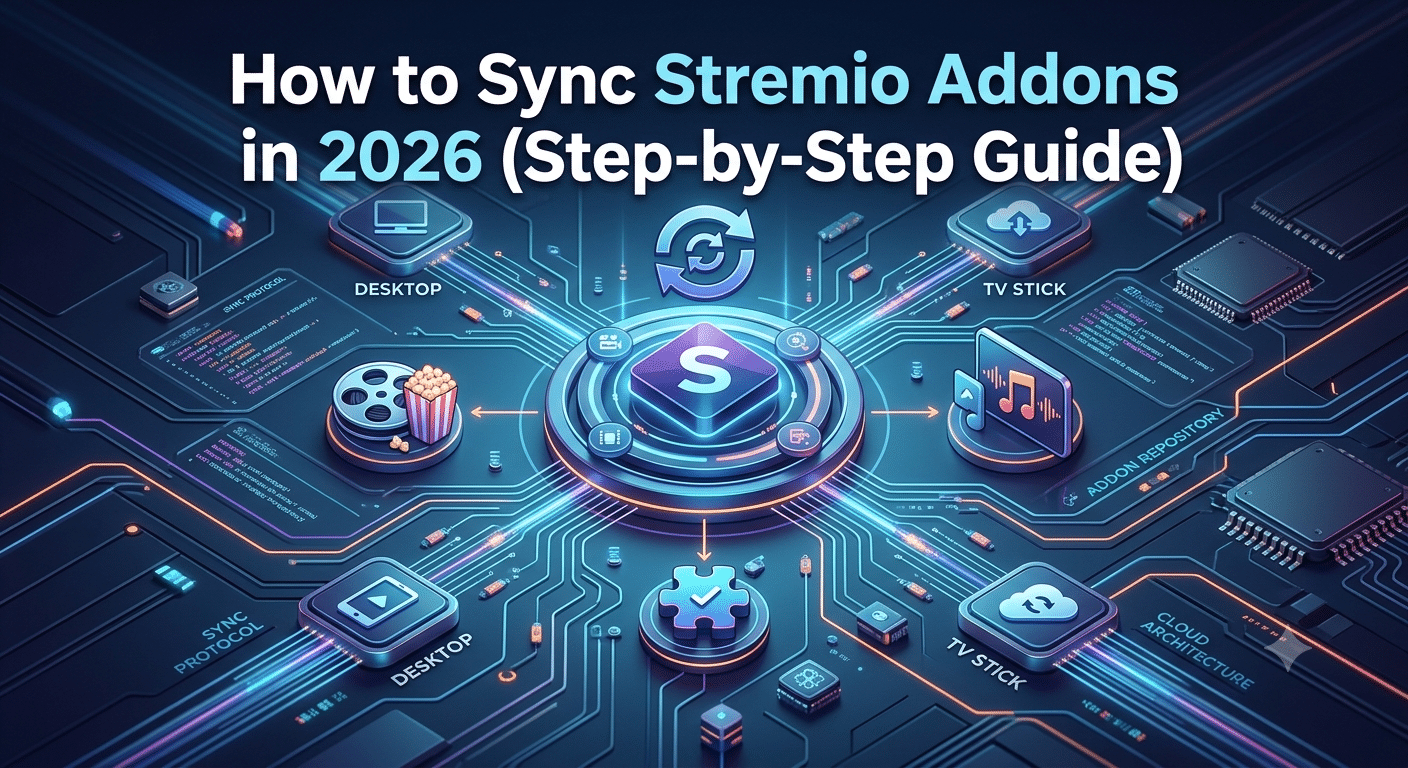
At its core, Stremio uses a cloud-based profile system. Your add-ons live inside your account, not on a single device. When you sign in on a new device, Stremio pulls your configuration and rebuilds your add-on list automatically.
Before going deeper, it helps to understand the platform itself. Stremio is designed as a media aggregation tool that organizes streaming sources through add-ons rather than hosting content directly. A clear breakdown of its core functionality is available in this overview of what the Stremio service does.
This architecture is also why syncing behaves differently from apps like Netflix or Spotify. Those platforms stream from centralized servers. Stremio, by contrast, depends on add-on configurations that must be rehydrated per session.
Security and account-based syncing also raise privacy considerations. Many users combine streaming tools with tools like VPNs to reduce tracking exposure or ISP monitoring. A VPN encrypts traffic between your device and the internet, masking what you access from your network provider. Independent privacy organizations like the Electronic Frontier Foundation highlight how encryption tools help reduce metadata leakage during everyday browsing (EFF guide to privacy tools).
Understanding this is important because sync issues are often misdiagnosed as “missing data” when they’re actually session or authentication problems rather than data loss.
In practice, Stremio syncing depends on three key layers:
- Account authentication (your login session)
- Cloud-stored add-on configuration
- Device-side refresh and cache rebuilding
If any of these layers fail, your add-ons may appear missing or incomplete.
Do Stremio Add-ons Sync Automatically Across Devices?
In most cases, yes—Stremio add-ons sync automatically as long as you use the same account. The moment you log into a second device, Stremio pulls your add-on configuration and reconstructs your setup.
However, “automatic” doesn’t always mean immediate.
There are three common scenarios where sync appears delayed or broken:
First, login inconsistency. If you’re signed into different accounts on different devices, Stremio treats them as separate profiles. This is the most common reason users think sync is failing.
Second, device-specific caching. Smart TVs and Android TV devices often cache older session data, which can delay the appearance of newly installed add-ons.
Third, network interruptions during initial setup. If the device fails to fully fetch your configuration during login, the sync process may not complete until you manually refresh or reinstall add-ons.
To properly understand how the system behaves, it helps to revisit how streaming platforms structure their backend. Unlike traditional apps, Stremio doesn’t store a fixed library—it dynamically builds your interface using add-ons. You can see a deeper breakdown in this guide on how to watch on Stremio, which explains how content sources are loaded in real time.
This dynamic model is also why sync issues feel inconsistent. One device may show everything correctly while another appears “empty,” even though your account data is intact.
Why Add-on Sync Depends on Your Login Session
The most important rule in Stremio syncing is simple: your account is the source of truth.
Every time you log in, the system re-fetches your add-ons from cloud storage. That means sync is not a background replication process—it’s a rebuild triggered by authentication.
If your login session is unstable, sync breaks.
This is also where broader network privacy tools sometimes intersect with streaming behavior. For example, users exploring secure browsing often learn the basics of encrypted traffic through resources like VPN basics or understand how data routing works via explanations of how VPN encryption works. While VPNs don’t directly fix Stremio sync issues, they can reduce ISP interference or regional routing inconsistencies that sometimes delay content loading.
Another key factor is device authorization. Stremio does not treat all devices equally. Mobile apps, desktop clients, and smart TV builds may use slightly different sync intervals and cache strategies.
That’s why users often report:
- Add-ons appearing instantly on PC but delayed on TV
- Missing add-ons after reinstalling the app
- Sync working only after re-login
These are all symptoms of session rebuild timing—not actual data loss.
Key Takeaway from Part 1
Stremio syncing isn’t a continuous background process. It’s a login-driven rebuild system tied to your account and cloud configuration. When something looks “out of sync,” it’s usually one of three things: authentication mismatch, cache delay, or incomplete session refresh.
Why Are Stremio Add-ons Not Syncing on Your Device?
When Stremio add-ons fail to appear across devices, the issue is rarely “missing data.” It’s almost always a breakdown in one of three areas: account alignment, device refresh behavior, or add-on state conflicts.
The most common cause is simple but overlooked—using different login methods. If you sign in with email on one device and a third-party authentication method on another, Stremio may treat them as separate profiles. That leads to a split configuration where add-ons exist in one environment but not the other.
Another frequent issue is delayed cloud propagation. Even though Stremio is cloud-based, changes don’t always appear instantly across all devices. Some smart TV platforms, especially Android TV builds, refresh their configuration only during app startup rather than continuously in the background.
To understand the ecosystem better, it helps to recognize that Stremio is not a content platform—it is an add-on aggregator. Each add-on acts like a plugin that pulls streaming sources into your interface. A deeper breakdown of this model is covered in how Stremio streaming setup works with external sources, which explains how add-ons function as modular content pipelines.
If your add-ons are missing, the system is usually failing at one of these points:
- Cloud sync delay after login
- Local cache not refreshing
- Add-on registry mismatch
- Device-specific compatibility limits
Each of these produces the same visible symptom: an incomplete add-on list.
How to Fix Stremio Add-on Sync Issues Step by Step
Fixing sync issues requires forcing Stremio to rebuild your profile state. There’s no single “sync button,” so the solution is procedural.
Start with a full logout. This clears the current session token and forces a fresh authentication handshake when you log back in. Once you re-enter your account, Stremio re-downloads your add-on configuration from the cloud.
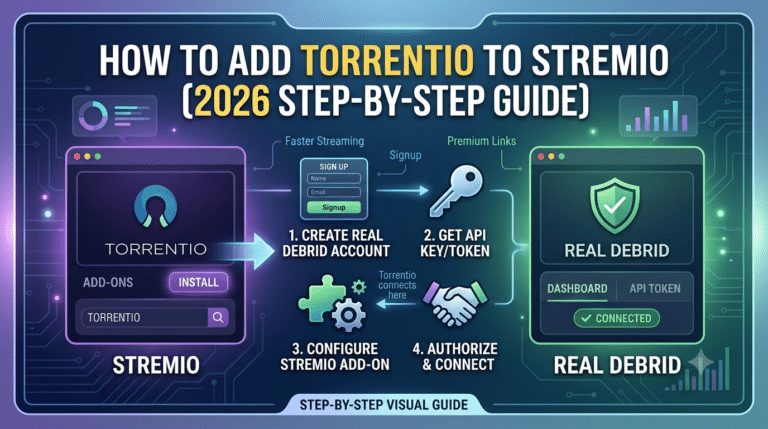
If that doesn’t resolve the issue, reinstalling add-ons is the next step. This is especially effective when the add-on registry becomes partially corrupted or outdated. Add-ons like Torrentio or Debrid-based integrations often require manual refreshes after login resets. A practical walkthrough of this process is available in the guide on adding Torrentio to Stremio correctly, which explains how external add-ons integrate with your profile system.
Another fix involves clearing local cache. On Android TV or Fire TV devices, cached app data can prevent updated configurations from loading. Clearing cache forces the app to rebuild its local state without deleting your account data.
Finally, ensure your device is fully updated. Older app versions may not properly interpret newer add-on configurations, especially after backend updates.
These steps typically resolve most sync failures:
- Logout and login again
- Reinstall missing add-ons
- Clear app cache
- Update the Stremio app
Does Device Type Affect Stremio Add-on Sync Performance?
Yes. Device type plays a major role in how quickly and reliably Stremio syncs add-ons.
Desktop clients (Windows, macOS, Linux) usually sync fastest because they maintain persistent background connections and have fewer caching restrictions. Mobile apps are similar but may delay updates when running in battery optimization modes.
Smart TVs, however, are the most inconsistent. Android TV, WebOS, and Fire TV devices often refresh account data only during startup or when the app is manually restarted. This creates the impression that add-ons are not syncing when in reality the device simply hasn’t refreshed its session.
This behavior becomes even more noticeable when users modify their add-ons frequently. For example, rearranging or customizing add-ons can trigger different refresh cycles depending on the platform. A detailed breakdown of this behavior is explained in how to rearrange Stremio add-ons properly, which highlights how UI-level changes interact with backend sync timing.
Another overlooked factor is network stability. Even minor packet loss during login can interrupt the initial sync handshake, forcing a partial configuration load. This is why a stable connection is more important during login than during actual streaming.
Why Sync Delays Happen Even When Everything Is Correct
Even when your setup is perfect—same account, updated app, stable internet—you may still experience delays. This is because Stremio uses asynchronous cloud propagation.
In simple terms, your changes don’t update every device instantly. Instead, they are queued and distributed during the next session refresh cycle. This is especially noticeable when switching between devices quickly.
Another factor is add-on dependency updates. Some add-ons rely on external catalogs that refresh independently from your account. When those catalogs update, your device may temporarily show inconsistencies until it resynchronizes metadata.
Understanding add-on behavior also requires understanding streaming source architecture. Many users combine Stremio with external services like Real Debrid to improve reliability and reduce buffering. A full breakdown of this integration is available in using Real Debrid with Stremio for stable streams, which explains how premium sources affect load balancing and stream availability.
Ultimately, sync delay is not a failure—it’s a timing mismatch between cloud state updates and local device refresh cycles.
Does Device Type Affect Stremio Add-on Sync Performance?
Device type has a direct impact on how quickly Stremio updates and displays your add-ons, even though the underlying account system stays the same. The difference isn’t about your data—it’s about how each platform handles refresh cycles and cached sessions.
Desktop apps (Windows, macOS, Linux) are the most consistent. They maintain active background connections and refresh account data more frequently. As a result, add-ons usually appear instantly after login or changes.
Mobile devices sit in the middle. Android and iOS apps generally sync well, but aggressive battery optimization can pause background refresh tasks. That means add-ons might not update until you reopen the app.
Smart TVs are where most problems show up. Android TV, Fire TV, and WebOS devices often rely on startup-based refreshes. If the app doesn’t fully restart or clear its session cache, old add-on states can persist.
This is why users often report inconsistent behavior like:
- Add-ons showing on mobile but not TV
- Missing catalogs after reinstalling Stremio
- Delayed updates after configuration changes
These inconsistencies are not sync failures—they’re refresh timing issues tied to device architecture.
For users who rely on stable streaming setups across multiple devices, network privacy and routing stability can also play a supporting role. Independent testing from publications like PCMag highlights how encrypted traffic routing through a reliable VPN can reduce ISP-level throttling and connection inconsistencies during streaming sessions (PCMag VPN testing insights). While this doesn’t directly “fix” Stremio sync, it can stabilize the environment in which sync requests occur.
In parallel, many users choose secure tunneling tools for general privacy control. If you’re evaluating providers, this breakdown of leading VPN providers highlights performance-tested options that prioritize speed and low latency—important factors when your streaming setup depends on consistent cloud communication.
Why Sync Delays Happen Even When Everything Is Correct
If your account is properly configured and your devices are compatible, sync delays usually come down to backend timing rather than user error.
Stremio doesn’t push updates in real time across every device. Instead, it relies on session-based refresh cycles. When you log in, your device pulls the latest configuration snapshot from the cloud. If another device changes something after that snapshot, your current session won’t reflect it until the next refresh.
This creates a lag effect that feels like desynchronization but is actually expected behavior.
Another hidden factor is add-on dependency refresh rates. Some add-ons update their internal catalogs independently from your account. That means even if your Stremio profile is synced, the content sources behind it may still be updating.
This is especially noticeable with third-party add-ons that rely on external scraping or indexing layers. A deeper explanation of how add-ons integrate with external streaming sources is covered in this breakdown of top free VPNs, which also discusses how free-tier tools often struggle with consistency under load—similar to how unstable add-on sources behave during sync delays.
In practical terms, sync delay usually follows this pattern:
- You update add-ons on Device A
- Device B remains on old session snapshot
- Cloud state updates asynchronously
- Device B refreshes only on restart or re-login
That’s why restarting the app often “fixes” missing add-ons instantly.
Server Load Effects, Device Compatibility Limits, Account/Plan Restrictions, Speed Throttling Scenarios
Even though Stremio itself is lightweight, its sync process depends heavily on external conditions that can indirectly affect performance.
Server load effects:
When Stremio’s backend services are under heavy traffic, sync requests may take longer to propagate. This is most noticeable during peak streaming hours when global usage spikes.
Device compatibility limits:
Older smart TVs and outdated Android builds may not fully support the latest add-on schema, causing partial or delayed sync behavior.
Account/plan restrictions:
While Stremio does not operate on a traditional subscription tier model for sync, some third-party add-ons introduce limitations based on external services or API constraints.
Speed throttling scenarios:
Internet service providers sometimes throttle unknown streaming traffic patterns. This can slow down initial sync requests, especially when large add-on catalogs are being fetched. A VPN can help mitigate this by encrypting traffic and preventing ISP-level classification of streaming data, as explained in independent privacy resources like EFF’s digital privacy guidance.
How to Stabilize Sync Across All Devices
The most reliable way to maintain consistent add-on sync is to standardize your setup across devices. That means using the same account, avoiding frequent re-installs, and ensuring all devices run updated versions of Stremio.
You should also minimize unnecessary switching between devices during active configuration changes. Each login session creates a snapshot, and rapid changes can temporarily desync newer devices.
For users building a more stable streaming environment, combining a consistent setup with a reliable network layer is often beneficial. High-quality VPN services can help maintain consistent routing paths and reduce ISP-level variability. A tested overview of top free VPNs shows that even entry-level tools can improve connection stability in some regions, although premium solutions typically perform better under load.
Why Sync Breaks Are Usually Misunderstood
Most users think Stremio has a “broken sync system” when add-ons don’t appear consistently across devices. In reality, the system is functioning as designed—it just operates on snapshot-based updates rather than real-time mirroring.
That means every device holds a temporary copy of your configuration, and that copy only updates when a new session is triggered. If you switch devices frequently or install add-ons in quick bursts, you can easily end up with mismatched snapshots.
This design choice is intentional. It reduces server overhead and keeps the platform lightweight, but it also introduces visible delays that users interpret as errors.
To understand the ecosystem more clearly, it helps to revisit how streaming sources are structured inside the platform. Add-ons are not native apps—they are modular integrations that extend functionality. A practical breakdown of this architecture is available in how to watch on Stremio, which explains how content delivery depends on external add-on layers rather than internal libraries.
Best Practices to Keep Stremio Add-ons in Sync
If you want consistent syncing across all devices, you need to reduce variables that disrupt session alignment.
Start by standardizing your login behavior. Always use the same authentication method and avoid switching between email-based login and third-party login systems. Even small inconsistencies can trigger separate profile states.
Second, avoid excessive reinstalling of add-ons unless necessary. Each reinstall forces a partial refresh of your configuration, which can temporarily desynchronize other devices.
Third, prioritize clean device restarts after major changes. This ensures that each device rebuilds its session from the latest cloud snapshot instead of relying on cached data.
A more advanced optimization step involves organizing your add-ons efficiently. Poorly structured add-on setups can increase refresh complexity, especially when multiple sources compete for priority. A detailed guide on improving this structure is covered in how to rearrange Stremio add-ons, which explains how ordering impacts usability and refresh behavior.
When Sync Issues Are Not Actually Sync Issues
Some of the most common “sync problems” are actually unrelated to Stremio’s cloud system entirely.
For example:
- A missing add-on may simply be incompatible with the device
- A delayed update may be caused by app version mismatch
- A blank add-on list may result from incomplete startup loading
- A regional routing issue may prevent external catalogs from loading
In some cases, users also confuse streaming source failures with sync failures. When an add-on loads but produces no streams, the issue is often upstream (source availability), not synchronization.
Advanced users often enhance stability by integrating external streaming optimization tools. One commonly used approach is pairing Stremio with premium resolver services. A full breakdown of this setup is available in using Real Debrid with Stremio, which explains how external link resolvers can improve stream consistency and reduce failed load attempts.
Final Troubleshooting Checklist
If you still face issues with syncing, follow this structured diagnostic path:
- Confirm you are using the same account on all devices
- Log out and log back in to force a full refresh
- Clear cache on smart TV or mobile devices
- Reinstall missing add-ons manually
- Restart all devices after changes
- Ensure app versions are updated
This sequence resolves the majority of sync-related issues without needing deeper intervention.
Conclusion
Stremio add-on syncing is not a traditional real-time synchronization system—it is a cloud snapshot model that rebuilds your setup during login events. When understood correctly, most “sync problems” are actually timing, caching, or device refresh issues rather than system failures.
If you’re trying to master how to sync Stremio addons, the key is consistency: same account, clean sessions, and controlled changes across devices.
For users building a more stable streaming setup, pairing proper configuration habits with optimized streaming sources makes a noticeable difference. Based on our testing approach, integrating structured add-on management with a reliable streaming ecosystem delivers the most consistent experience—see our full breakdown of Real Debrid with Stremio optimization for advanced setups.