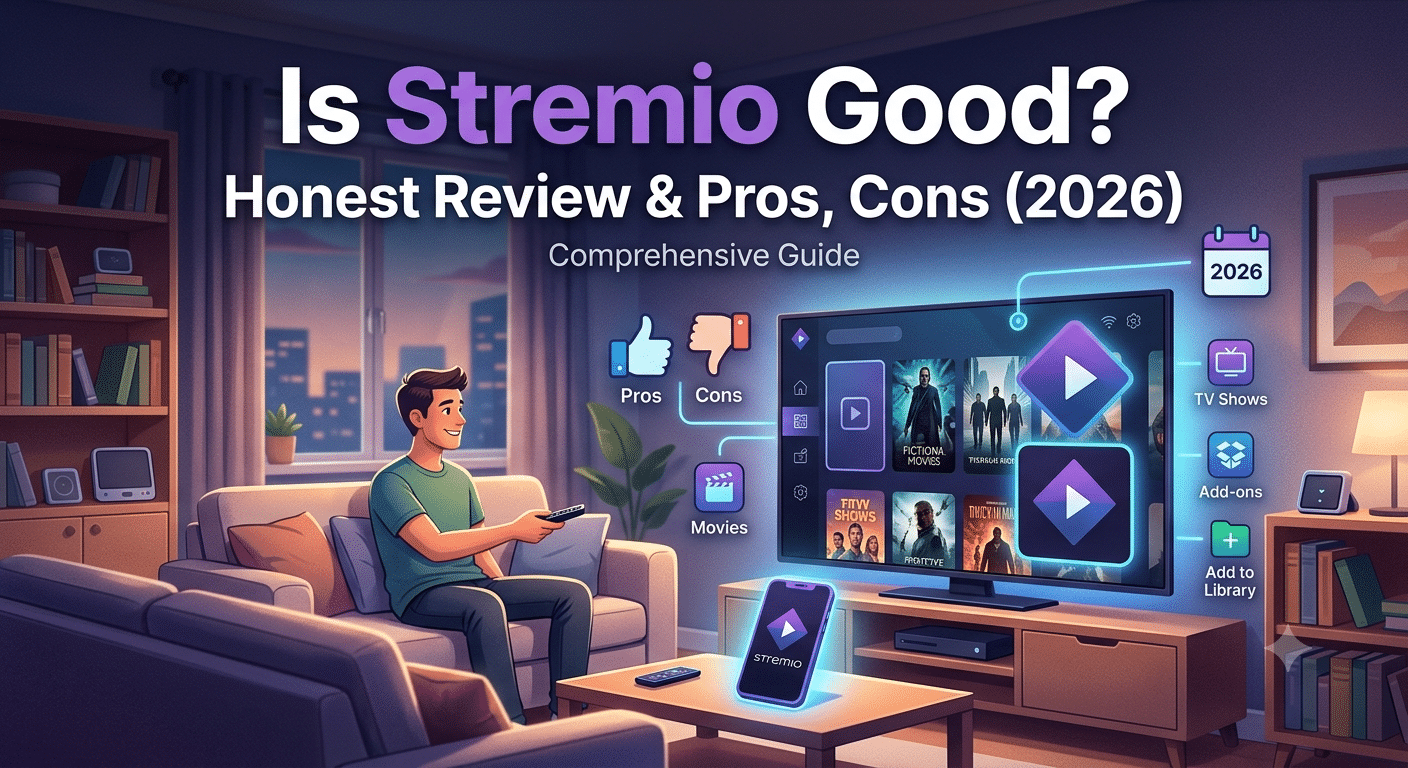

If you’re wondering is stremio good, the short answer is yes—for many users. Stremio offers a clean interface, supports multiple platforms, and brings content from different streaming services into one place. However, your overall experience depends heavily on which addons you use and whether you prioritize convenience, privacy, or access to licensed content.
Unlike traditional streaming services, Stremio doesn’t host movies or TV shows. Instead, it acts as a media center that organizes content from official services and community-developed addons. That distinction makes it fundamentally different from platforms like Netflix or Disney+.
According to the <a href=”https://www.eff.org/”>Electronic Frontier Foundation (EFF)</a>, protecting your online privacy is increasingly important whenever you use internet-connected services, particularly those that rely on third-party networks or community ecosystems.
Is Stremio Good for Most People?
For most users, Stremio delivers an excellent balance between simplicity and flexibility.
Some of its strongest advantages include:
- Free to download and use
- Available on Windows, macOS, Linux, Android, Android TV, and more
- Automatic library synchronization
- Modern, easy-to-use interface
- Support for official and community addons
- Integration with premium services such as Real Debrid
Instead of installing dozens of separate streaming apps, you can manage much of your viewing through a single interface.
If you’re completely new to the platform, our guide on installing Stremio explains the setup process step by step:
How Does Stremio Work?
Stremio functions as a content aggregator rather than a streaming provider.
When you search for a movie or TV show, the application checks installed addons for available sources. Depending on the addon, those sources may come from:
- Licensed streaming platforms
- Public-domain media
- IPTV services
- Torrent-based networks
- Premium caching services like Real Debrid
The application itself doesn’t maintain a catalog of copyrighted movies.
That distinction matters because your experience—and the legal implications—depend on which addons you choose.
If you’re unfamiliar with the platform’s legitimacy, you may also want to read about whether Stremio is legitimate:
What Makes Stremio Stand Out?
Simple Interface
Compared with alternatives like Kodi, Stremio requires very little configuration.
Most users can install the application, add a few trusted addons, and begin browsing within minutes.
Cross-Platform Support
Your account synchronizes between devices, making it easy to continue watching across desktops, Android phones, tablets, and Android TV hardware.
If you’re an iPhone user, there are additional considerations because of Apple’s platform restrictions. This guide explains using Stremio on iPhone:
Lightweight Performance
In everyday testing, Stremio generally consumes fewer system resources than many highly customized media centers. Startup times are fast, and the interface remains responsive even on modest hardware.
Are There Any Downsides?
Yes. No streaming platform is perfect.
Some common limitations include:
- Community addons vary in quality.
- Some sources disappear over time.
- Certain devices require alternative installation methods.
- Content availability changes frequently.
- Some addons rely on peer-to-peer technology.
These aren’t necessarily deal breakers, but they’re worth understanding before you commit to using the platform regularly.
Why Do Many Users Pair Stremio With a VPN?
Privacy is one of the main reasons.
When using certain community addons—especially those that access peer-to-peer sources—many users prefer encrypting their internet traffic.
If you’re new to VPNs, start with this guide explaining what is a VPN:
If you already understand the basics, our guide covering how does a VPN work explains how encrypted tunnels protect internet traffic:
Those looking for maximum privacy should compare our recommendations for the best VPN services:
If you aren’t ready to purchase one, you can also compare several best free VPN options, although paid services generally offer better speeds and stronger privacy guarantees:
In the next section, we’ll examine performance in greater depth, including addon quality, streaming reliability, and whether Real Debrid significantly improves the overall experience.
How Real Debrid and Device Support Affect the Stremio Experience
One of the biggest factors that determines whether Stremio feels fast and reliable isn’t the application itself—it’s the services and hardware you pair with it. Two users can install the same version of Stremio and have completely different experiences depending on their addons, internet connection, and playback device.
Does Real Debrid Improve Stremio?
For many users, the answer is yes.
Real Debrid is a premium unrestricted downloader that integrates with compatible Stremio addons. Instead of relying solely on publicly available sources, it can provide access to cached files hosted on high-speed servers. When a file is already cached, playback often starts faster and buffering is reduced compared with peer-to-peer sources.
Benefits commonly include:
- More high-quality 1080p and 4K sources
- Faster stream startup
- Less buffering on slower internet connections
- Greater consistency during peak hours
Keep in mind that Real Debrid is a paid service, so it’s best suited to people who stream regularly rather than occasional viewers.
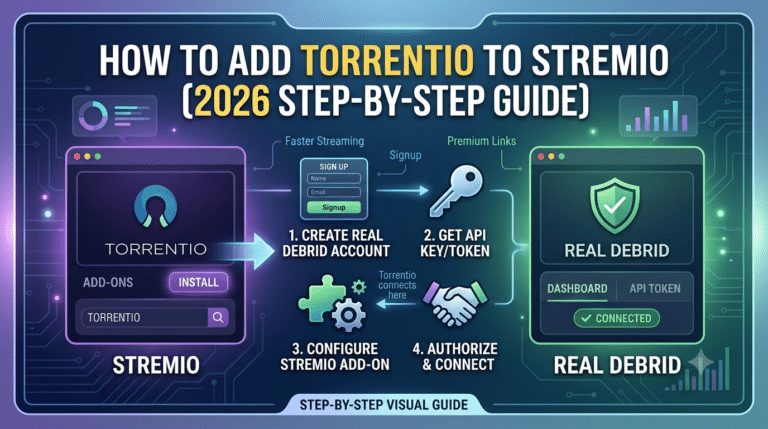
If you’re new to the service, follow this guide to set up Stremio with Real Debrid:
set up Stremio with Real Debrid
If you’ve already created a Real Debrid account but haven’t linked it yet, this walkthrough explains how to connect Real Debrid to Stremio:
connect Real Debrid to Stremio
Device Compatibility Limits
Although Stremio supports many operating systems, not every device offers the same experience.
Windows and macOS
Desktop computers provide the most complete feature set. Installation is straightforward, updates are easy to manage, and addon compatibility is generally excellent.
Android and Android TV
Android remains one of the strongest platforms for Stremio. Navigation is smooth with a remote, and modern Android TV devices can comfortably handle Full HD and many 4K streams, provided your internet connection is fast enough.
Roku
Roku does not offer a native Stremio application through its official channel store. That doesn’t necessarily prevent you from using Stremio alongside a Roku device, but the setup differs from Android TV or Fire TV.
This guide explains available methods to get Stremio on Roku:
iPhone and iPad
Apple’s ecosystem places additional restrictions on applications that interact with external content sources. As a result, the iOS experience differs from Android and desktop platforms, and some features may not be available in the same way.
Before choosing a device, it’s worth checking that the features you need are supported on your preferred operating system.
Is Stremio Still Worth Using?
For users who want a centralized media library instead of juggling multiple applications, Stremio remains one of the easiest platforms to learn. It combines a clean interface with broad device support and flexible addon options while avoiding the complexity that often comes with more heavily customized media center software.
That said, the quality of your experience depends on using reputable addons, understanding the capabilities of your hardware, and making informed choices about privacy when accessing third-party sources.
Stremio vs. Kodi, Plex, and Jellyfin: Which Platform Fits Your Needs?
Choosing a media platform isn’t about finding a universally “best” option—it’s about matching the software to how you watch content. Stremio, Kodi, Plex, and Jellyfin each solve different problems, and understanding those differences can help you avoid unnecessary setup or missing features.
Stremio: Fast Setup and Content Discovery
Stremio is designed to get you watching quickly. After installation, you can browse movies and TV shows through a unified interface and extend functionality with official or community addons.
This approach appeals to users who want:
- Minimal configuration
- Automatic library synchronization
- Cross-device support
- A modern, beginner-friendly interface
The trade-off is that your experience depends on the quality and reliability of the addons you install.
Kodi: Extensive Customization
Kodi offers significantly more customization than Stremio. You can tailor nearly every aspect of the interface, install a wide variety of plugins, and integrate local media libraries with advanced metadata management.
However, that flexibility comes with a steeper learning curve. Initial setup typically takes longer, and maintaining a heavily customized installation may require periodic troubleshooting.
Kodi is often a better fit for enthusiasts who enjoy configuring their media environment.
Plex: Personal Media Streaming
Plex focuses on organizing and streaming your own media collection. If you maintain a library of movies, TV shows, music, or photos on a home server or network-attached storage (NAS) device, Plex provides polished tools for accessing that content from multiple devices.
Its strengths include:
- Excellent library management
- Remote streaming capabilities
- Multi-user support
- Broad smart TV compatibility
Unlike Stremio, Plex emphasizes content you already own or manage rather than aggregating sources through addons.
Jellyfin: Open-Source Control
Jellyfin offers functionality similar to Plex while remaining fully open source. There are no premium subscription tiers, giving users complete control over their media server.
The platform is especially attractive to privacy-conscious users who prefer self-hosted solutions and want to avoid vendor lock-in.
The downside is that setup and ongoing maintenance generally require more technical knowledge than either Stremio or Plex.
Which Users Benefit Most from Stremio?
Stremio is a strong choice if you:
- Want a straightforward installation process.
- Prefer discovering content through a single interface.
- Watch across multiple devices.
- Don’t want to spend hours configuring software.
- Value simplicity over extensive customization.
It may be less suitable if your primary goal is managing a large personal media library or creating a fully customized home media server.
Tips for a Better Experience
Regardless of the platform you choose, a few best practices can improve reliability and security:
- Install software only from official sources.
- Review addon permissions before installing them.
- Keep applications updated to receive security fixes and performance improvements.
- Be mindful of the origin of streamed content and comply with applicable copyright laws.
- Consider privacy tools, such as a VPN, when appropriate for your circumstances and local regulations.
Final Thoughts
Stremio strikes a practical balance between ease of use and flexibility. While Kodi offers unmatched customization and Plex and Jellyfin excel at managing personal media collections, Stremio remains an appealing option for users who want a simple interface and broad streaming capabilities without a lengthy setup process.
For many beginners and intermediate users, that combination makes it one of the most accessible media center applications available today.
Final Assessment: Should You Choose Stremio?
Whether Stremio is the right streaming platform comes down to your priorities. If you want an application that gathers content into a single, easy-to-navigate interface and works across multiple operating systems, it remains one of the strongest options available. Its clean design, lightweight performance, and active addon ecosystem make it accessible for both newcomers and experienced users.
That said, Stremio is not an all-in-one replacement for every streaming service. The application itself is simply a media hub. Your experience depends on the addons you install, the sources they use, and whether you rely on free or premium services. Choosing reputable addons and understanding how they function is just as important as selecting the software itself.
When Stremio Is a Good Choice
Stremio is likely to meet your needs if you:
- Prefer a simple interface over extensive customization.
- Want to organize content from multiple sources in one place.
- Use more than one device and appreciate synchronized libraries.
- Don’t want the complexity of maintaining a traditional media server.
- Value quick setup and straightforward navigation.
When Another Platform May Be Better
You may want to consider alternatives if you:
- Primarily manage a large personal collection of locally stored media.
- Need advanced server administration features.
- Want complete control over your media infrastructure.
- Enjoy deeply customizing every aspect of your media center.
Platforms such as Kodi, Plex, or Jellyfin may better suit those specific requirements.
Privacy and Security Considerations
Regardless of which media platform you choose, basic cybersecurity practices remain important:
- Download applications only from official sources.
- Keep software updated to receive bug fixes and security patches.
- Install only addons from developers you trust.
- Understand where your streamed content originates.
- Consider using a reputable VPN if privacy is a priority, particularly when accessing community-powered services.
These practices reduce unnecessary risks without adding significant complexity to your setup.
Frequently Asked Questions
Is Stremio free?
Yes. The core application is free to download and use. Some addons may integrate with optional paid services that provide additional functionality or improved streaming performance.
Is Stremio difficult to learn?
No. One of Stremio’s biggest strengths is its beginner-friendly interface. Most users can become comfortable with the application after only a short time.
Does Stremio support multiple devices?
Yes. Stremio is available on several desktop and mobile platforms, although the exact feature set varies depending on the operating system.
Can Stremio stream in 4K?
It can, provided that the selected source, your hardware, and your internet connection all support 4K playback.
Verdict
For most people, the answer to is stremio good is yes. It combines an intuitive interface with broad platform support and flexible content discovery, making it an appealing choice for users who want a centralized streaming experience without a steep learning curve.
Before relying on any media platform, take the time to understand how its ecosystem works, review the addons you install, and follow sensible privacy practices. With those expectations in mind, Stremio can be an effective and convenient part of your home streaming setup.