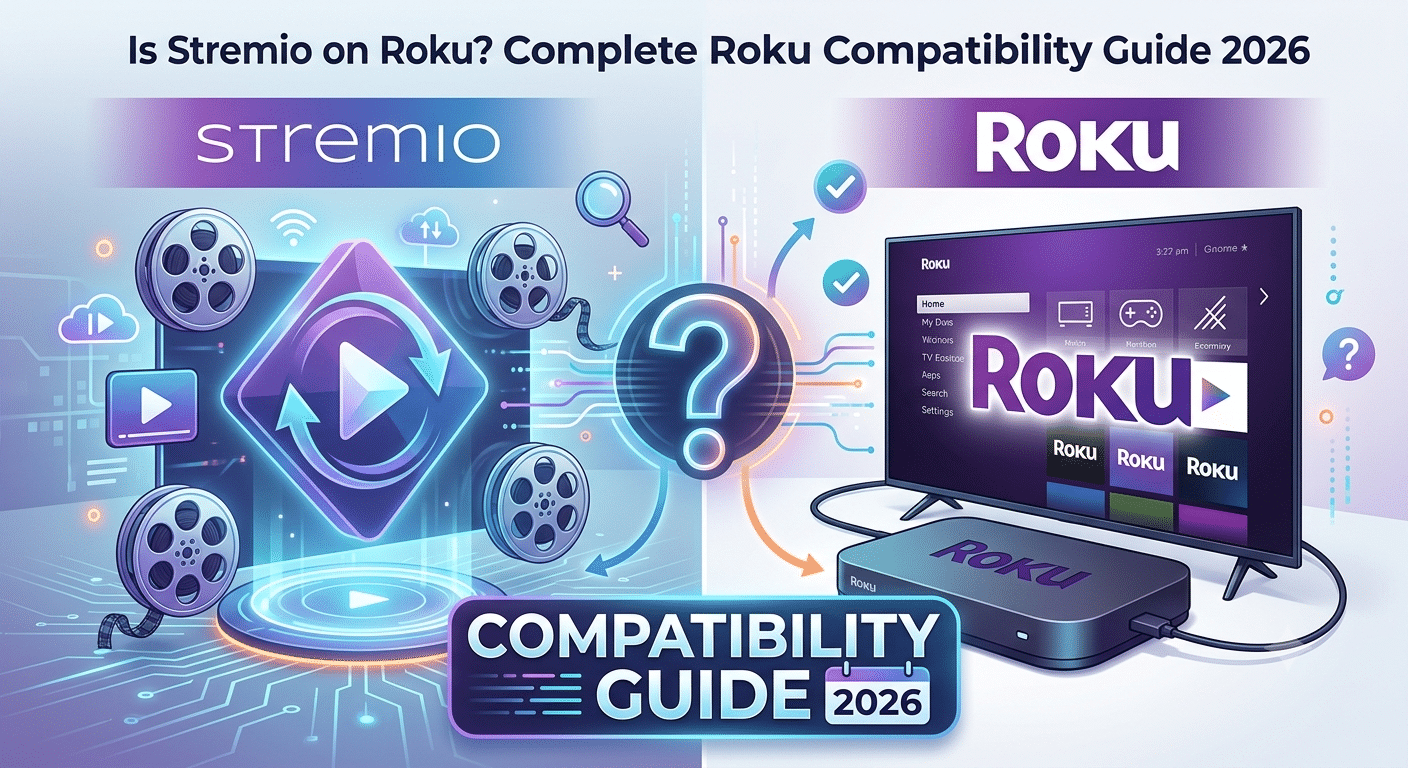

If you’re searching for is stremio on roku, the answer is straightforward: No, Roku does not offer an official Stremio app.
Unlike Android TV, Google TV, Fire TV, Windows, macOS, Linux, and mobile platforms, Roku’s operating system does not support a native Stremio installation. You won’t find Stremio in the Roku Channel Store, and there is currently no official announcement suggesting native support is coming soon.
That doesn’t mean you’re completely out of options. Many users still watch Stremio content on Roku devices through screen mirroring and casting methods. These workarounds function reasonably well, but they come with limitations that most guides fail to explain.
This guide breaks down exactly what works, what doesn’t, and whether Roku is actually a good choice for Stremio users in 2026.
For readers new to privacy tools, understanding VPN basics can be useful before exploring streaming setups and device compatibility.
Is Stremio Available in the Roku Channel Store?
No.
As of 2026, Roku does not host an official Stremio application in its marketplace.
When you search the Roku Channel Store, you won’t find a verified Stremio app published by the official Stremio development team. This is one of the most common sources of confusion among new users because many streaming platforms eventually receive Roku support.
Stremio has expanded across multiple operating systems, but Roku remains an exception.
The lack of support isn’t caused by a technical bug or regional restriction. Instead, it comes down to platform compatibility and Roku’s application ecosystem.
Why Doesn’t Roku Support Stremio?
The main reason is that Roku operates within a tightly controlled software environment.
Unlike Android TV or Fire TV, which allow developers to distribute apps more freely, Roku requires applications to follow specific development frameworks and platform policies.
Stremio was originally built around a different ecosystem. Its architecture, add-on framework, and streaming model align much more naturally with Android-based devices.
As a result, Stremio developers have focused on platforms where they can deliver the full feature set without significant compromises.
This creates a gap between what Roku supports and what Stremio requires.
What Makes Stremio Different From Traditional Streaming Apps?
Most streaming apps work as closed ecosystems.
Netflix, Disney+, Hulu, and similar services host their own content and control every part of the viewing experience.
Stremio works differently.
The platform acts as a media center that organizes content sources through an add-on system. Instead of maintaining a traditional streaming library, it connects users with various content catalogs and integrations.
Because of this architecture, Stremio’s development priorities differ from mainstream streaming services.
If you’re evaluating whether the platform fits your needs, our detailed guide covering whether Stremio is a good streaming platform explains the strengths, weaknesses, and ideal use cases.
Can You Still Use Stremio With Roku?
Yes—but not through direct installation.
Most Roku users rely on screen mirroring.
The process typically works like this:
- Install Stremio on a supported device.
- Connect both devices to the same Wi-Fi network.
- Enable screen mirroring on Roku.
- Mirror your phone, tablet, or computer display.
- Launch Stremio from the source device.
The Roku effectively becomes a wireless display rather than running Stremio itself.
Many users searching for Roku compatibility ultimately discover that the actual setup process is easier than expected once they understand the limitation.
For a complete walkthrough, see this guide on getting Stremio working on Roku devices.
Which Devices Can Mirror Stremio to Roku?
Several devices support screen mirroring successfully.
Android Phones
Android offers the smoothest experience.
Most Android devices support built-in casting or screen mirroring features, allowing Stremio playback to appear on Roku with minimal configuration.
Windows PCs
Windows supports wireless display functionality and can mirror Stremio to compatible Roku devices.
This option is popular among users who prefer a larger content library management interface.
Mac Computers
Mac users can also mirror content, although setup steps vary depending on Roku model compatibility and available casting methods.
iPhones and iPads
Apple users can mirror Stremio through AirPlay-compatible Roku devices.
If you’re setting up the platform within Apple’s ecosystem, this guide explains how to use Stremio on iPhone and iPad in detail.
Does Screen Mirroring Deliver the Same Experience as a Native App?
Not quite.
A native app typically provides:
- Better remote control integration
- Faster navigation
- Lower battery consumption
- Improved playback stability
- Fewer connectivity interruptions
Screen mirroring introduces an extra layer between the content source and the television.
While modern Wi-Fi networks handle this reasonably well, users may occasionally experience:
- Slight latency
- Connection drops
- Reduced battery life on mobile devices
- Lower image quality during network congestion
For casual viewing, these issues are often minor.
For daily use, however, many Stremio users eventually migrate toward Android TV, Google TV, or Fire TV devices.
Why Many Stremio Users Prefer Android-Based Streaming Devices
Android-based platforms support Stremio natively.
That means:
- Direct installation
- Better performance
- Add-on compatibility
- Simpler updates
- Full interface support
The difference becomes especially noticeable for users who frequently customize their Stremio setup.
If you’re still installing the platform for the first time, this complete guide on how to install Stremio on supported devices covers every major operating system.
Should You Use a VPN With Stremio?
Many privacy-conscious users choose to do so.
A VPN encrypts internet traffic and helps prevent third parties from monitoring browsing activity on public or private networks.
If you’re unfamiliar with the technology, understanding how VPN encryption works provides useful context.
Users looking for premium options can compare today’s top-rated VPN services, while budget-conscious readers may prefer reviewing the current best free VPN options before deciding.
Why Doesn’t Roku Support Stremio Natively?
The biggest question after learning that Stremio isn’t available on Roku is usually, “Why not?”
The answer comes down to platform design.
Roku’s operating system is far more restrictive than Android TV, Fire TV, and Google TV. Developers must build applications specifically for Roku’s environment, and many advanced features available on Android-based systems are either limited or unavailable.
Stremio was designed around flexibility. Its add-on ecosystem, media aggregation tools, and account synchronization features fit naturally within Android, desktop, and web environments. Supporting Roku would require significant development resources while still potentially delivering a reduced feature set.
As a result, Stremio has prioritized platforms where users can access the complete experience.
How Does Roku’s Ecosystem Differ From Android TV?
Android TV functions much like a smartphone operating system.
Developers can distribute applications through the Google Play Store, update features frequently, and integrate advanced functionality with fewer restrictions.
Roku takes a different approach.
The platform emphasizes simplicity, security, and controlled app distribution. While this benefits many mainstream streaming services, it can make support for specialized applications more challenging.
For Stremio users, this means:
- No direct installation
- No native add-on management
- No built-in Stremio updates
- No direct access to Stremio’s full interface
The result is a reliance on casting and mirroring rather than local app execution.
Is There an Official Timeline for a Roku Version?
Currently, no.
Neither Roku nor the Stremio development team has announced a release date for an official Roku application.
This situation has remained largely unchanged for years.
While community discussions frequently request Roku support, there is no evidence that a native version is actively being developed.
Because of that, anyone purchasing a Roku specifically for Stremio should assume they will continue relying on workarounds.
What Is the Best Way to Use Stremio on Roku Today?
For most users, screen mirroring remains the most reliable option.
The exact process varies depending on your source device.
Android to Roku
Android generally offers the best experience because both platforms support common wireless display standards.
Typical setup involves:
- Opening Roku settings.
- Enabling screen mirroring.
- Activating Cast or Smart View on Android.
- Selecting the Roku device.
- Launching Stremio.
Once connected, nearly everything displayed on the Android device appears on the television.
Windows to Roku
Windows users can mirror through the built-in wireless display feature.
This approach works particularly well if you prefer browsing Stremio from a desktop interface.
The larger screen and easier keyboard navigation often make content discovery more convenient.
Apple Devices to Roku
Modern Roku devices support AirPlay.
This allows iPhone and iPad users to mirror Stremio playback directly to compatible Roku hardware.
Performance depends heavily on network quality, but most users achieve acceptable results with a stable Wi-Fi connection.
What Problems Can Occur During Screen Mirroring?
Screen mirroring works, but it isn’t perfect.
Several common issues appear regularly.
Audio Delay
Audio may lag slightly behind video.
This is usually caused by network latency rather than Stremio itself.
Reduced Video Quality
When wireless bandwidth becomes limited, image quality may decrease.
High-bitrate streams place greater demands on the network.
Device Battery Drain
Phones and tablets consume significantly more battery power during continuous screen mirroring.
Long viewing sessions often require charging.
Network Congestion
Multiple connected devices can affect streaming stability.
Busy home networks may introduce interruptions or buffering.
These limitations explain why many frequent Stremio users eventually transition to Android TV hardware.
Are There Better Alternatives to Roku for Stremio?
For users whose primary goal is running Stremio, the answer is usually yes.
The most commonly recommended options include:
Google TV Devices
Google TV supports native Stremio installation.
This eliminates the need for casting and provides full access to the platform’s features.
Android TV Boxes
Android TV boxes offer flexibility and broad application support.
Many users choose them specifically for media-center applications.
Fire TV Devices
Fire TV products remain popular among Stremio users because installation is relatively straightforward and performance is generally strong.
Unlike Roku, these platforms can run Stremio directly.
What About Stremio Web?
Stremio Web has expanded significantly in recent years.
Instead of installing software locally, users access parts of the platform through a browser.
However, Roku’s browser limitations prevent this from becoming a complete replacement for native support.
While web-based access can assist in some situations, it does not fully solve the Roku compatibility problem.
For most users, screen mirroring remains the practical workaround.
How Do Real-Debrid Integrations Affect Roku Users?
Real-Debrid itself doesn’t change Roku compatibility.
A common misconception is that adding Real-Debrid somehow enables native Roku support.
It does not.
Roku still lacks a Stremio application.
However, users who access Stremio through supported devices often integrate Real-Debrid to enhance their overall streaming experience.
If you’re exploring that setup, this guide explains how to set up Stremio with Real-Debrid for improved playback and configuration options.
Likewise, users who already have a Real-Debrid account can follow this walkthrough covering connecting Real-Debrid directly to Stremio.
It’s important to understand that these integrations affect content delivery and playback performance—not Roku compatibility itself.
Can Roku Users Benefit From These Integrations?
Indirectly, yes.
If you’re mirroring Stremio from an Android phone, Windows PC, or another supported device, any improvements made on that source device will also appear on the Roku display.
The Roku simply shows whatever the source device is already playing.
That means any playback enhancements occur before the content reaches the television.
For most users, the biggest risk isn’t the lack of a Roku app—it’s accidentally installing something that claims to be Stremio when it isn’t.
Because many people search for is stremio on roku, unofficial websites sometimes exploit the confusion. Users may encounter advertisements, third-party downloads, or guides suggesting that a hidden Roku channel provides full Stremio functionality.
You should approach these claims carefully.
As of 2026, there is no official Stremio application available through the Roku Channel Store. Any service claiming to offer a native Roku version deserves additional scrutiny before you install anything or enter account credentials.
How Can You Identify Official Stremio Software?
The safest approach is simple:
- Download Stremio only from official sources.
- Verify the publisher before installing software.
- Avoid unofficial APK repositories unless you understand the risks.
- Be cautious with websites promising exclusive Roku versions.
- Never enter account information into unknown applications.
Cybersecurity researchers consistently find that fake streaming apps are commonly used to distribute malware, adware, credential stealers, or unwanted software.
While Roku’s controlled ecosystem reduces some risks compared to open platforms, users can still encounter misleading information online.
Why Do Fake Streaming Apps Exist?
Streaming applications attract large audiences.
Whenever a platform becomes popular, opportunistic developers often create lookalike apps designed to capitalize on search traffic.
Common goals include:
- Collecting login credentials
- Displaying aggressive advertising
- Redirecting users to unrelated services
- Generating affiliate revenue
- Installing unwanted software
Most fake apps don’t provide the functionality users expect.
Instead, they take advantage of brand recognition and user confusion.
This is particularly common when users search for unsupported platforms such as Roku.
Does Roku’s Closed Ecosystem Improve Security?
In many cases, yes.
Roku’s restrictions can be frustrating for power users, but they provide some security benefits.
Because Roku carefully controls software distribution, malicious applications face additional barriers compared to platforms that allow unrestricted installation.
This doesn’t eliminate all risk.
However, it reduces the likelihood of encountering harmful software directly through the official channel store.
The greater risk usually occurs before installation, when users follow misleading tutorials or download files from unofficial websites.
Is Screen Mirroring Safer Than Unofficial Apps?
Generally, yes.
Screen mirroring uses supported functionality built into both devices.
Instead of installing unknown software on Roku, you’re simply displaying content from a trusted source device.
This approach provides several advantages:
- No unofficial Roku software required
- No third-party channel installation
- No additional Roku permissions
- Easier troubleshooting
- Lower malware exposure
For privacy-conscious users, these benefits make screen mirroring the preferred workaround.
How Does Streaming Privacy Factor Into Roku Usage?
Privacy concerns vary depending on how you use Stremio.
When you stream content, multiple parties may potentially observe aspects of your activity, including:
- Internet service providers
- Public Wi-Fi operators
- Network administrators
- Advertising platforms
- Analytics providers
Many users choose VPN services to reduce exposure and encrypt traffic between their device and the VPN server.
The Electronic Frontier Foundation has published extensive resources explaining digital privacy and online tracking practices, making it a valuable resource for readers interested in understanding broader privacy risks.
The key point is that privacy considerations remain relevant regardless of whether you’re using Roku, Android TV, Fire TV, or a computer.
Mandatory Technical Considerations
Device Compatibility Limits
Device compatibility remains one of the most important factors affecting Roku users.
Not every Roku model supports the same wireless technologies.
Potential limitations include:
- AirPlay availability varies by model.
- Older Roku devices may lack certain mirroring features.
- Firmware versions affect compatibility.
- Wireless performance differs between hardware generations.
Before attempting a Stremio setup, verify that your specific Roku model supports the casting method you intend to use.
Account and Plan Restrictions
Roku itself does not impose a Stremio-specific subscription requirement.
However, certain services integrated into your streaming workflow may have their own account limitations.
Examples can include:
- Streaming platform subscriptions
- Cloud-based integrations
- Third-party enhancement services
- Regional availability restrictions
These limitations are independent of Roku compatibility.
Speed Throttling Scenarios
Network performance directly affects mirroring quality.
Potential bottlenecks include:
- Congested Wi-Fi networks
- ISP slowdowns during peak hours
- Older routers
- Weak signal strength
- Multiple simultaneous streaming devices
Many users blame Roku when the actual problem originates elsewhere in the network.
Running a speed test and verifying router performance often resolves playback issues more effectively than replacing hardware.
What Troubleshooting Steps Solve Most Roku-Stremio Problems?
Most issues fall into a few predictable categories.
Verify Network Connectivity
Ensure both devices connect to the same Wi-Fi network.
Different networks often prevent successful discovery.
Update Software
Keep both Roku firmware and the source device updated.
Compatibility improvements frequently arrive through software updates.
Restart Both Devices
A simple reboot resolves many casting and mirroring issues.
This remains one of the most effective troubleshooting steps.
Check Mirroring Settings
Roku’s screen mirroring settings should be configured correctly before attempting a connection.
Many failed connections occur because mirroring remains disabled.
Reduce Network Congestion
Temporarily disconnect unused devices from the network.
This can improve streaming stability during testing.
Is Roku Still a Good Streaming Platform Without Native Stremio Support?
For mainstream streaming, absolutely.
Roku continues to offer:
- Simple navigation
- Reliable performance
- Broad support for major streaming services
- Affordable hardware options
- Strong user adoption in the United States
The problem isn’t Roku itself.
The issue is that users who rely heavily on Stremio often expect capabilities that Roku wasn’t designed to provide.
For Netflix, Disney+, Hulu, YouTube, and similar services, Roku remains highly competitive.
For dedicated Stremio usage, Android-based alternatives generally provide a better experience.
What Are the Best Alternatives to Roku for Stremio?
If Stremio is one of your primary streaming applications, choosing the right hardware matters.
While Roku remains an excellent platform for mainstream streaming services, native Stremio support is available elsewhere.
For many users, switching devices delivers a bigger improvement than any screen-mirroring workaround.
Google TV
Google TV is often considered the easiest transition from Roku.
Advantages include:
- Native Stremio installation
- Direct application updates
- Full add-on compatibility
- Familiar streaming interface
- Broad app ecosystem
Because Google TV is built on Android TV technology, Stremio functions much closer to its intended design.
There is no need to keep a separate phone or computer connected for playback.
Android TV Boxes
Android TV boxes provide the most flexibility.
Power users often prefer them because they support:
- Direct APK installation
- Extensive customization
- Broad hardware options
- Media-server integrations
- Advanced playback features
The experience varies by manufacturer, but quality Android TV devices generally outperform Roku for Stremio-specific usage.
Amazon Fire TV
Fire TV remains one of the most popular choices among Stremio users.
Reasons include:
- Affordable hardware
- Strong performance
- Wide availability
- Large user community
- Straightforward installation process
For users focused primarily on Stremio, Fire TV often represents the simplest upgrade path from Roku.
Which Alternative Offers the Best Overall Experience?
For most users, the ranking looks like this:
- Google TV
- Fire TV
- Android TV Boxes
- Roku (with screen mirroring)
That doesn’t mean Roku is a poor device.
It simply means native support provides a smoother experience than any workaround.
If Stremio is your primary platform, native compatibility usually wins.
Should You Replace Roku Solely for Stremio?
Not necessarily.
The answer depends on how often you use the platform.
Keep Roku If:
- You primarily watch Netflix, Hulu, Disney+, or YouTube.
- You only use Stremio occasionally.
- Screen mirroring already works reliably.
- You prefer Roku’s interface.
Consider Switching If:
- Stremio is your main streaming platform.
- You use Stremio daily.
- Mirroring interruptions become frustrating.
- You want the full feature set.
- You frequently manage add-ons.
Heavy Stremio users typically benefit most from Android-based hardware.
Occasional users may find that Roku remains perfectly adequate.
Frequently Asked Questions About Stremio and Roku
Can You Install Stremio Directly on Roku?
No.
There is currently no official Roku application available for Stremio.
Users must rely on screen mirroring or casting from supported devices.
Can You Add Stremio Through a Private Roku Channel?
No verified private channel provides official Stremio functionality.
You should be cautious of websites claiming otherwise.
Does Roku Plan to Add Stremio Support?
No public roadmap currently exists.
Neither Roku nor the Stremio team has announced official support.
Does Screen Mirroring Affect Video Quality?
Potentially.
Performance depends on:
- Wi-Fi quality
- Router capability
- Device hardware
- Network congestion
A strong wireless network often minimizes quality loss.
Does Stremio Work Better on Fire TV Than Roku?
Generally, yes.
Fire TV supports direct installation, eliminating many limitations associated with screen mirroring.
Final Verdict: Is Stremio on Roku?
The answer remains simple: No, Roku does not offer a native Stremio app in 2026.
However, that doesn’t prevent you from using the platform. Screen mirroring from Android, Windows, macOS, or iOS devices allows Stremio playback on compatible Roku hardware. For occasional viewing, this workaround is usually sufficient.
If Stremio plays a central role in your streaming setup, Android TV, Google TV, and Fire TV devices provide a noticeably better experience through native support, direct updates, and full feature compatibility.
For most users, the decision comes down to usage frequency. Casual viewers can continue using Roku successfully through mirroring. Heavy users will likely be happier with a platform designed to run Stremio directly.
Based on current compatibility, performance, and ease of use, Android-based streaming devices remain the strongest choice for dedicated Stremio users researching is stremio on roku.